


.svg)

End-to-end testing verifies that your entire product behaves exactly as a real user expects, from the first click to the final confirmation email. The strongest E2E tools cover browsers, devices, APIs, and data layers, and integrate smoothly with your CI/CD pipelines.
Each end-to-end testing tool excels in different contexts, so weigh your team’s skill level, tech stack, and what you’re actually testing. Choose a platform that matches your workflow, shortens feedback loops, and gives your team confidence on every release.
In this article, we will review:
- Top 5 end-to-end testing tools with out-of-the-box features to help teams get started and scale immediately
- Top 5 end-to-end testing frameworks for teams who have dedicated QA engineers to build a test framework
Top 5 End-to-end Testing Tools For QA Teams
1. Katalon: All-in-one E2E testing

Katalon is an automation testing platform that simplifies end-to-end testing. Katalon allows QA teams to test web, API, and mobile applications from one single workspace, unifying every stage of the testing lifecycle — from planning and authoring through execution, management, and reporting.
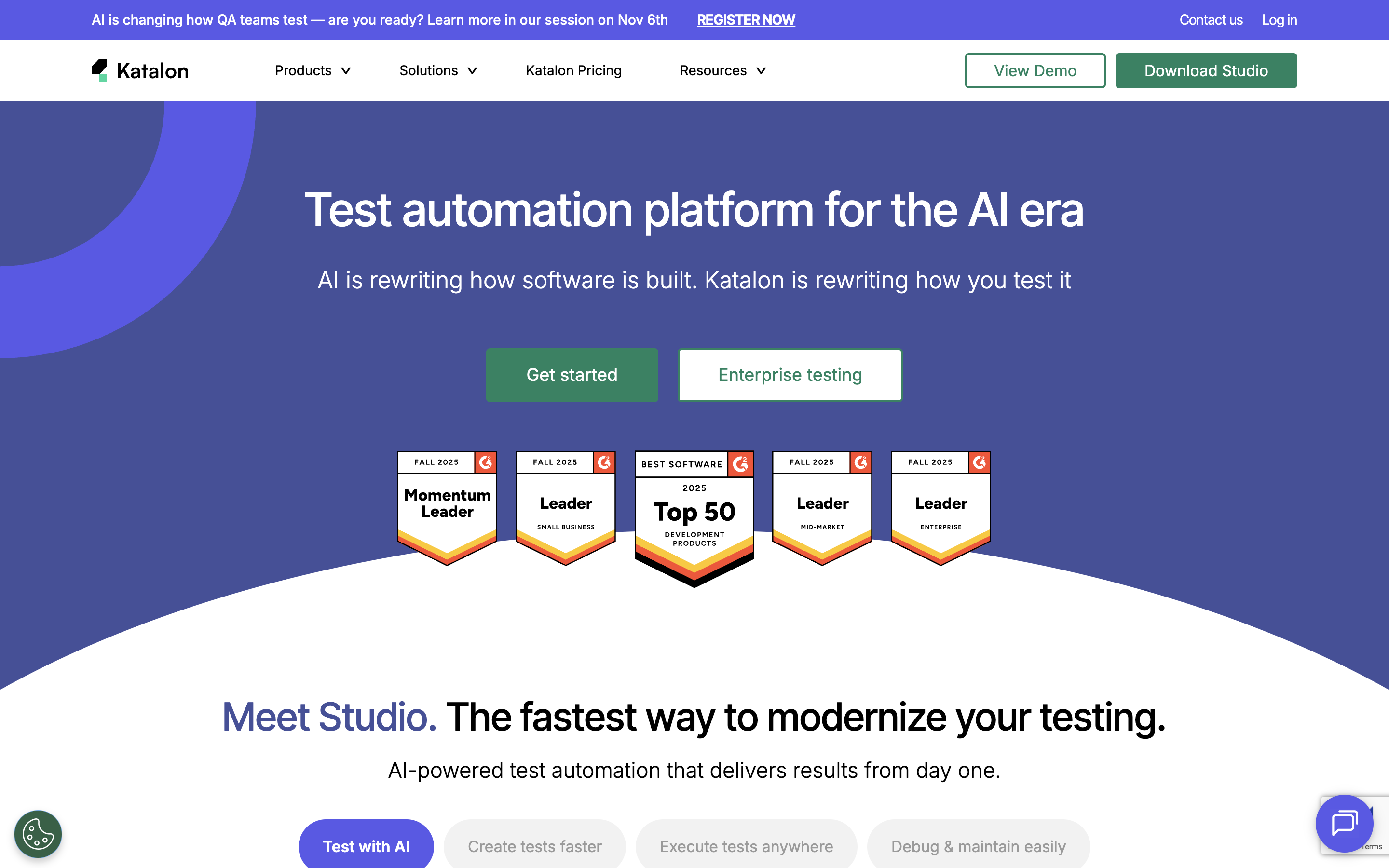
Why Katalon stands apart: Unlike the other tools on this list — each of which solves one part of the testing problem — Katalon covers the full stack in one platform: web, mobile, API, and desktop; no-code, low-code, and scripted; local and cloud execution; built-in test management and requirements traceability. It runs on Windows, macOS, and Linux, making it the only tool here that scales with a team from their first test case to enterprise-wide automation without requiring additional tooling.
Feature highlights:
- Compatibility testing: Run API, E2E, and regression suites across local or cloud browsers, devices, and operating systems
- Easy maintenance: Built-in object repository for UI elements and locators
- Requirements traceability: Native integrations with Jira, qTest, and Xray
- API testing: Supports REST, GraphQL, SOAP; import from Swagger, Postman, and WSDL
Visit Katalon Website | Pricing | G2 Reviews
2. Autify: No-code AI-powered End-to-End Testing Tool

Autify is a no-code automation platform for web and mobile apps. Record interactions using its Chrome extension and run tests across major OS and browser combinations.
- Smart Test Automation: AI adjusts tests based on UI changes
- Visual Test Editor: Build tests using drag-and-drop
- Integrations: Jenkins, CircleCI, GitLab, and more
- Test Result Analysis: Screenshots, videos, and detailed reporting
Visit Autify Website | G2 Reviews
3. TestMu AI (formerly LambdaTest)
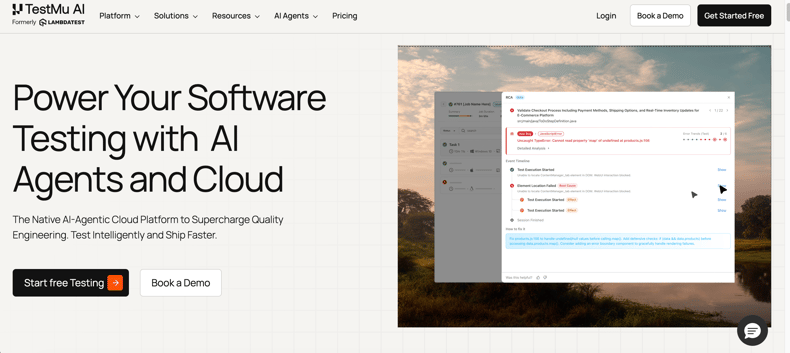
TestMu AI rebranded from LambdaTest in January 2026, evolving from a cross-browser testing platform into a full-stack Agentic Quality Engineering platform.
Feature highlights:
- KaneAI: Author and evolve E2E tests from plain English or PRDs; exports runnable code in major frameworks
- HyperExecute: Intelligent test execution up to 78% faster than traditional runners
- Real device & browser cloud: 3,000+ browser/OS combinations; iOS and Android device cloud
- Visual regression: SmartUI for AI-assisted visual test results
- Framework agnostic: Supports Selenium, Cypress, Playwright, Appium, and 120+ integrations
Visit TestMu AI Website
Price: From $15/month; AI agents add-on from $199/month.
4. TestComplete: Automated UI testing tool

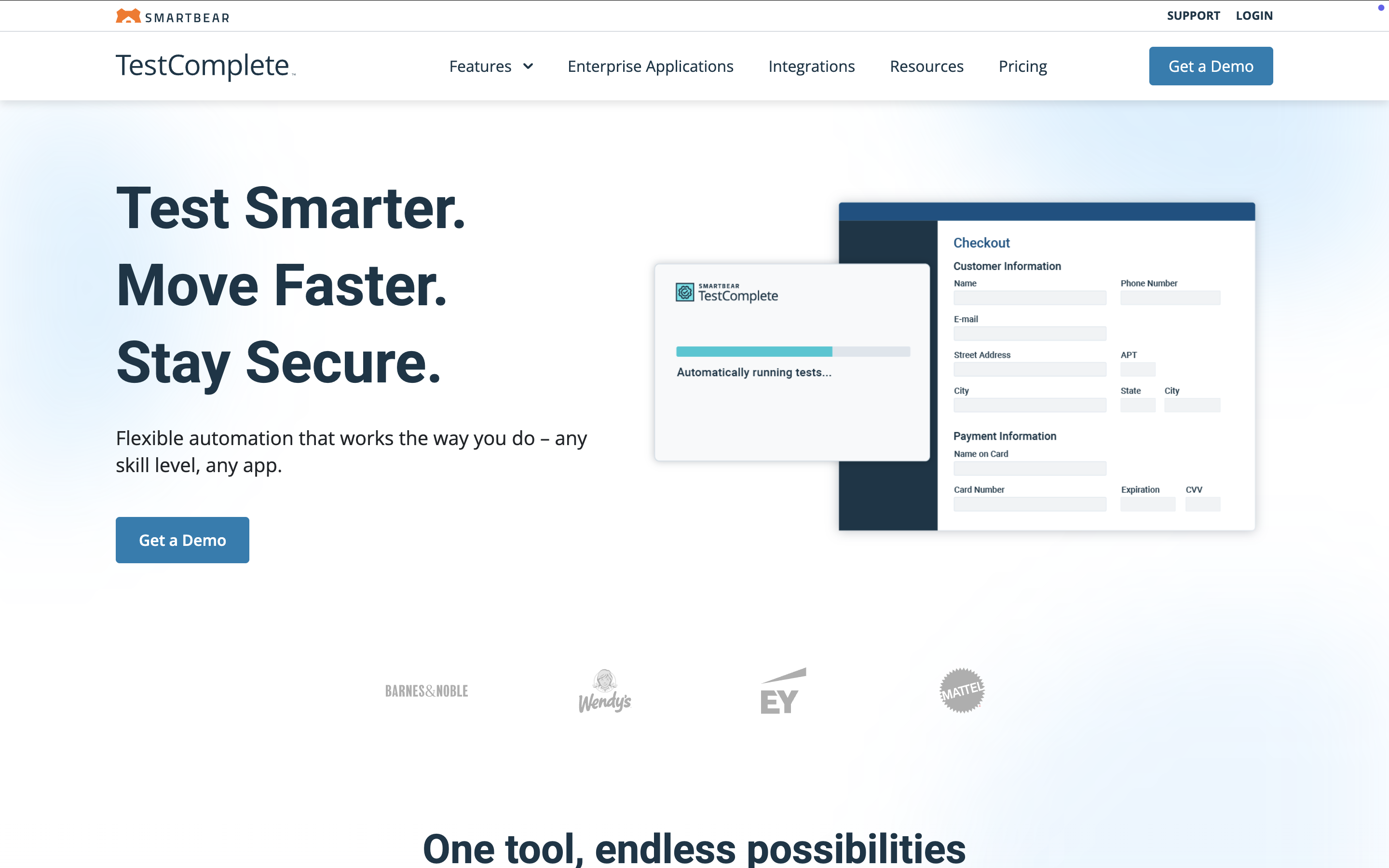
TestComplete by SmartBear is a functional UI automation tool for desktop and web apps. Tests can be recorded, scripted (JavaScript, Python, VBScript), or built with keyword-driven and BDD (Gherkin) approaches. It integrates with Jenkins, Azure DevOps, Jira, Bamboo, Zephyr Enterprise, ReadyAPI, and more.
Note: TestComplete runs on Windows only (Windows 7 SP1 through Windows 11). It requires more setup and scripting expertise than other tools in this category — teams without dedicated QA engineers may find Katalon or Autify a more accessible starting point.
Feature highlights:
- Intelligent Fix: AI self-healing that auto-repairs broken object references at runtime
- VisualTest integration: AI-powered visual regression to catch UI changes missed by functional tests
- Headless support: Chrome, Firefox, and Edge headless execution for CI/CD pipelines
- Mobile testing: Android & iOS via BitBar cloud device integration
- Parallel execution: Run tests simultaneously across machines using TestExecute
Visit TestComplete Website | G2 Reviews
Pricing tiers: TestComplete Base, TestComplete Pro, Custom Pricing
5. testRigor

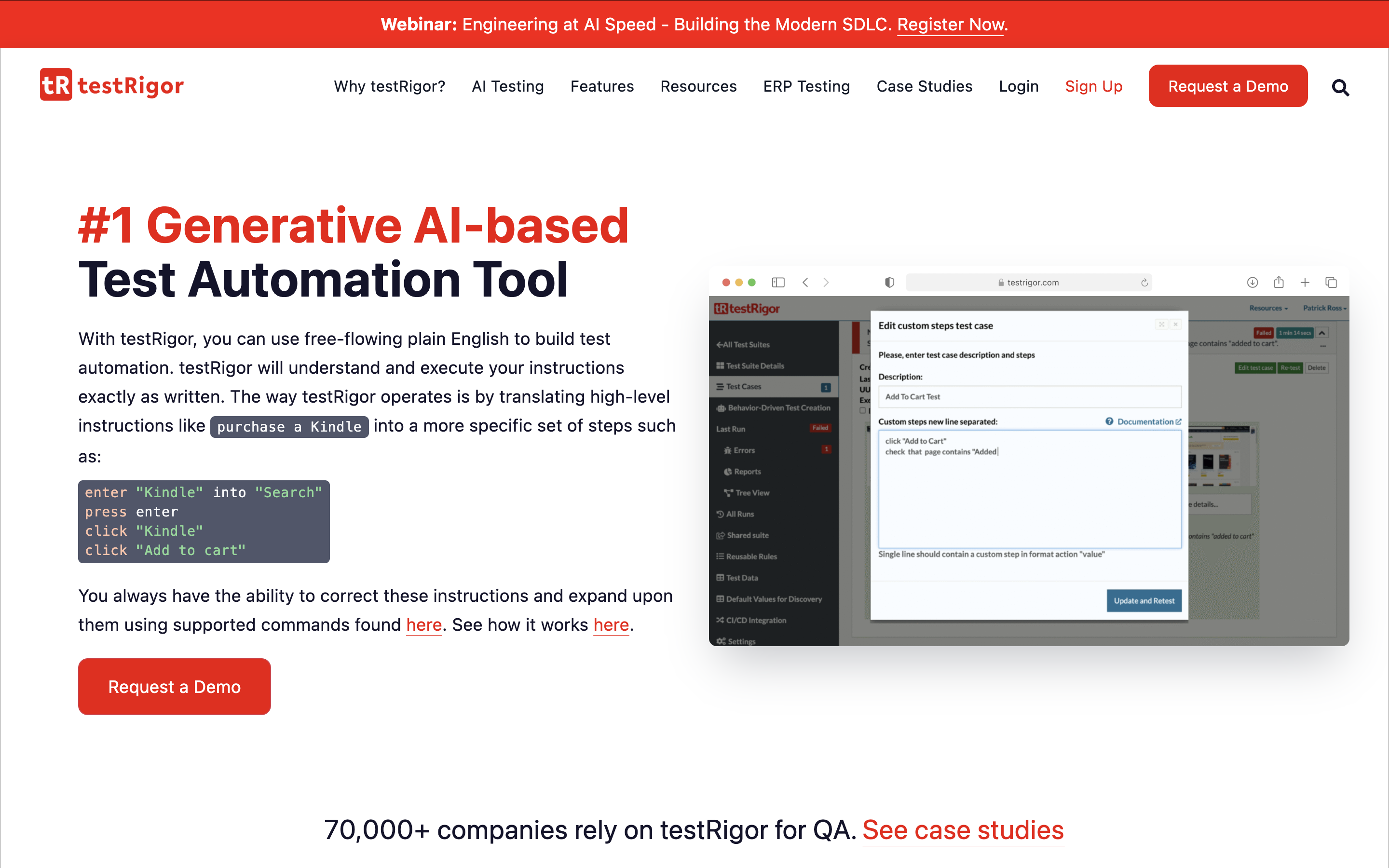
testRigor enables automated testing through plain-language commands, ideal for QA testers with limited programming experience. Its AI-powered automation expands coverage with minimal effort, and users can create custom tests for complex scenarios.
Feature highlights:
- Generates tests that simulate real user interactions
- Codeless cross-platform tests for web, native, and hybrid mobile apps
- Integrates with major test case management systems
Visit testRigor Website | G2 Reviews
Top 5 end-to-end testing frameworks
1. Selenium: Best Framework for End-to-End Web Testing

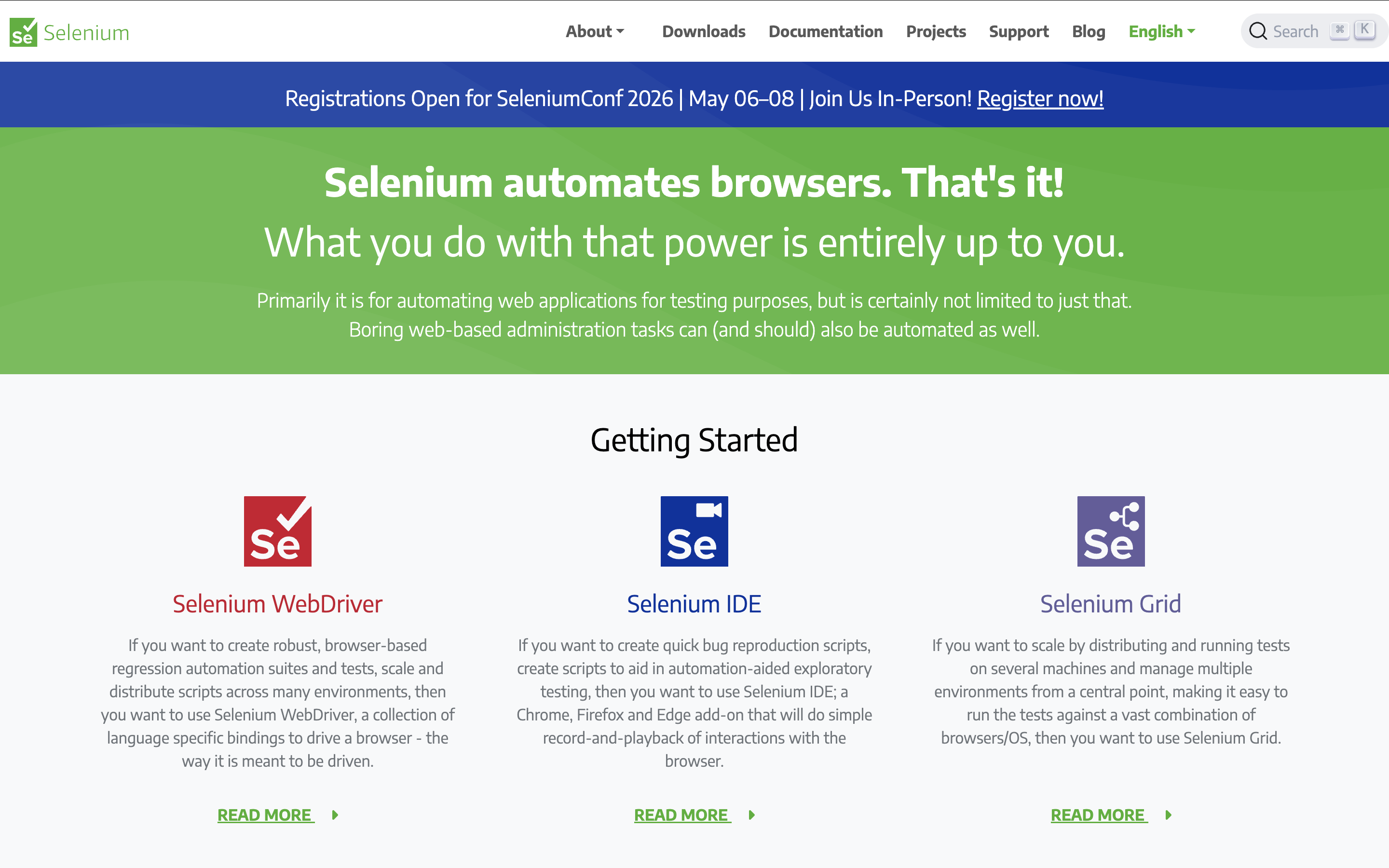
Selenium is a suite of libraries and extensions used to build automation frameworks for web browsers. It interacts with HTML elements easily and offers great flexibility for custom automation.
Feature highlights:
- Relative locators: find elements using above, below, near, etc.
- CDP access: use Chrome DevTools APIs to mock requests and debug
- Smart object detection: multiple locator strategies (ID, XPath, CSS, etc.)
- Multi-window handlers: manage multiple browser tabs
Visit Selenium Website | G2 Reviews
2. Cypress: Front-end automation testing tool

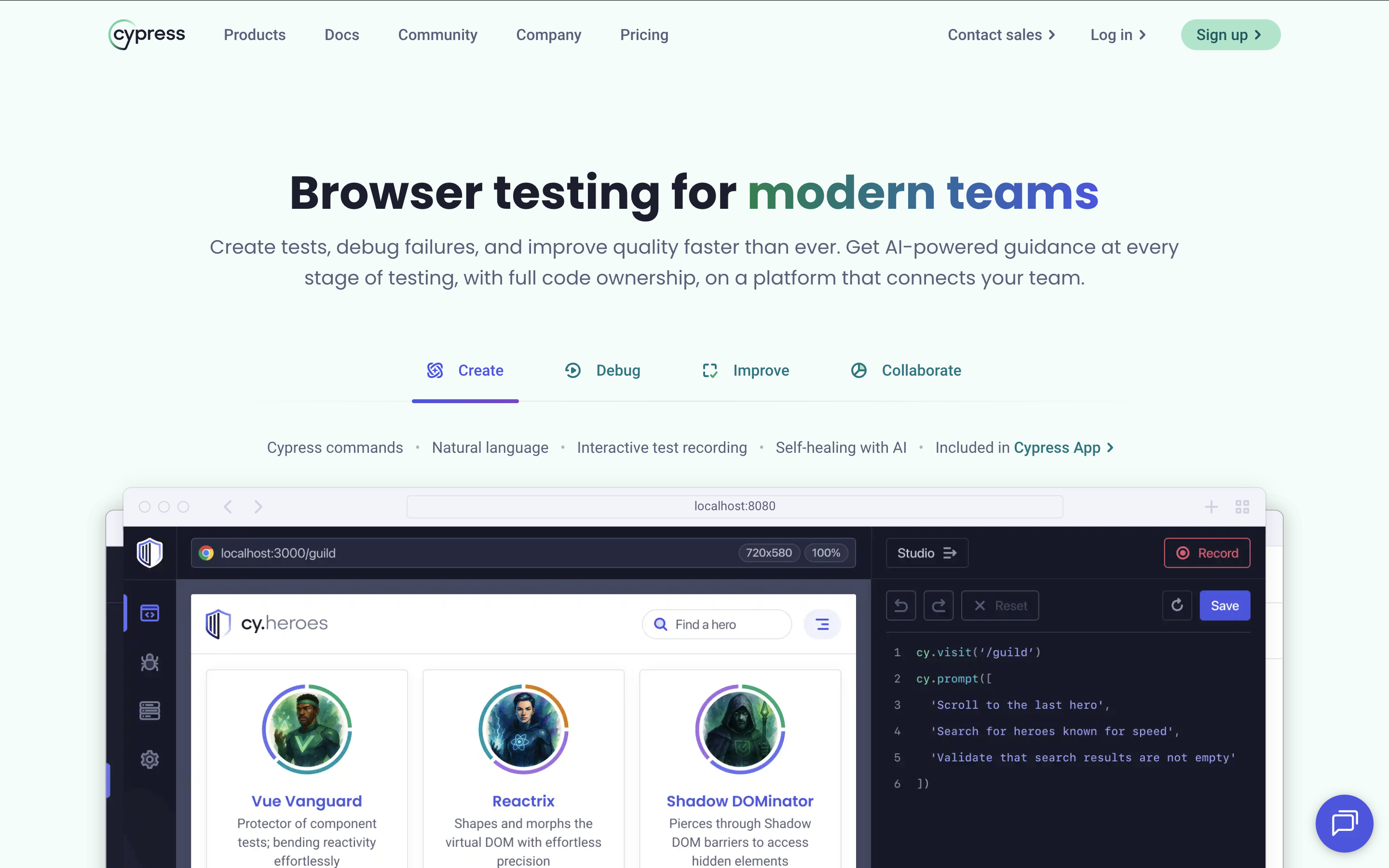
Cypress is a front-end automation tool focused on fixing wait-time issues in Selenium workflows. It offers built-in debugging, automatic waits, retries, and a clean developer experience.
Feature highlights:
- Automatic waits: No async/await needed
- Component Testing: Test React, Angular, Vue, and Svelte components in isolation in a real browser
Cross-browser support: Chrome, Firefox, Edge, Electron - UI Coverage & Accessibility: Visual test gap mapping and automated accessibility checks via Cypress Cloud add-ons
- AI self-healing (experimental): cy.prompt() adapts tests to UI changes with full change logging
- CI/CD: GitHub Actions, GitLab CI, CircleCI, Bitbucket, AWS CodeBuild
Visit Cypress Website | G2 Reviews
Read More: Katalon vs Cypress: A Detailed Comparison
3. Nightwatch.js
Nightwatch.js is an open-source browser automation framework built on Node.js, offering clean syntax and support for major WebDrivers.
Features highlights:
- Parallel testing: run tests across environments simultaneously
- Built-in runner: execute tests and generate reports quickly
- Page Object Model: clean, maintainable test structures
- Integrations: Selenium, Sauce Labs, BrowserStack
4. Puppeteer
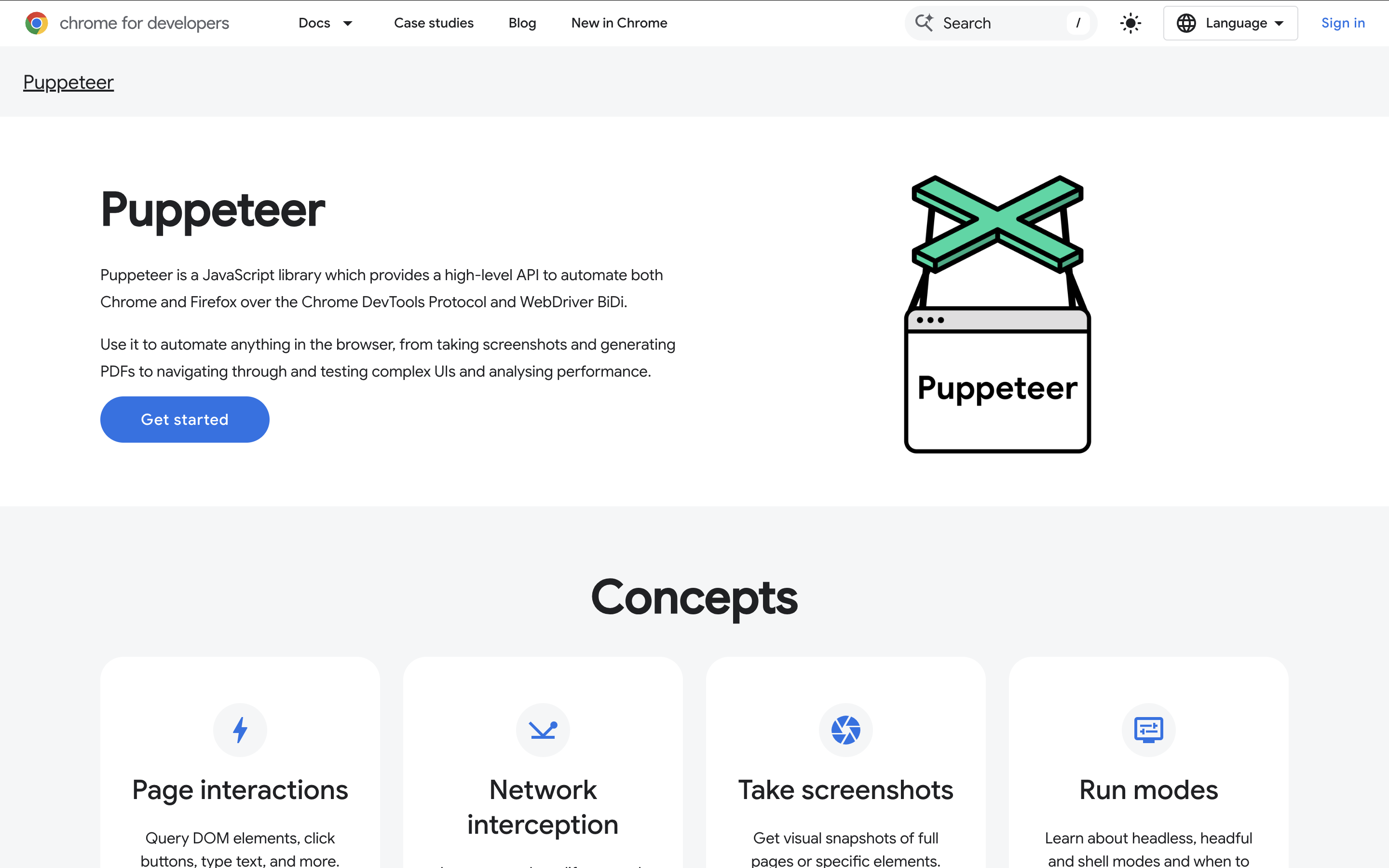
Puppeteer enables headless Chrome testing via Node.js, offering deep control over network, DOM, and browser behavior.
- Screenshots & PDFs: generate assets for debugging and reporting
- Network interception: mock or modify network requests
- Element manipulation: automate advanced interactions
- Modern web tech support: ES6, CSS Grid, Web Components
5. QA Wolf

QA Wolf is a cloud-based, AI-native E2E platform that has evolved into a fully managed testing service. Tests are built in Playwright (web) and Appium (mobile), code you own outright with no vendor lock-in.
- Unlimited parallel runs with a zero-flake guarantee
- 24/7 triage, maintenance, and Slack-integrated bug reporting
- Pull request testing, visual diff, accessibility, and performance testing
- Salesforce and Electron app testing support
Visit QA Wolf Website | G2 Reviews


|
