


.svg)

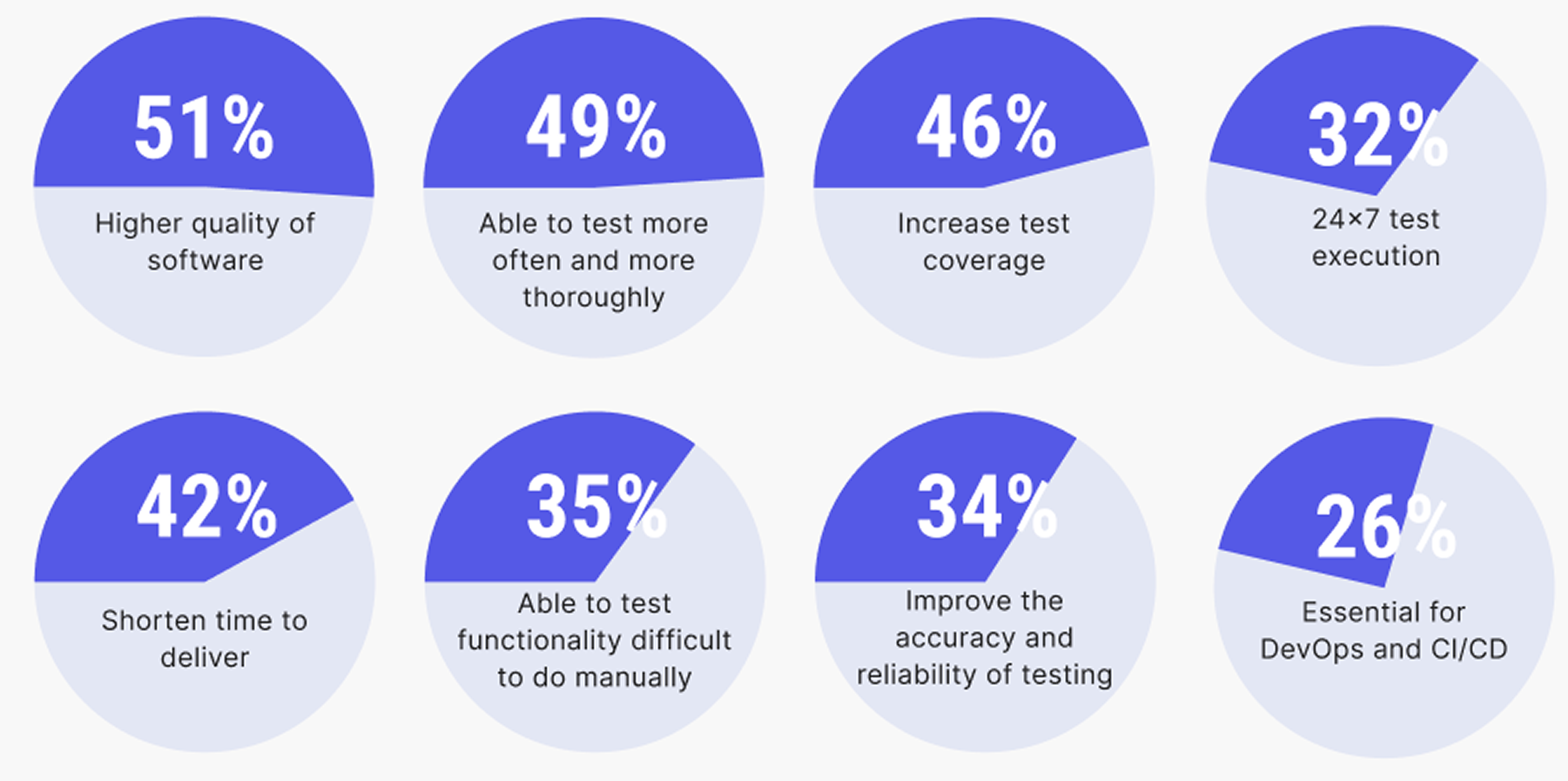
Automation testing tools are now the baseline for any engineering team that ships regularly. According to the State of Software Quality Report, 51% of QA practitioners and leaders observed higher software quality after adopting automation, while 49% were able to test more frequently and thoroughly.
But with the number of tools on the market expanding every year, choosing the right one has become its own challenge.
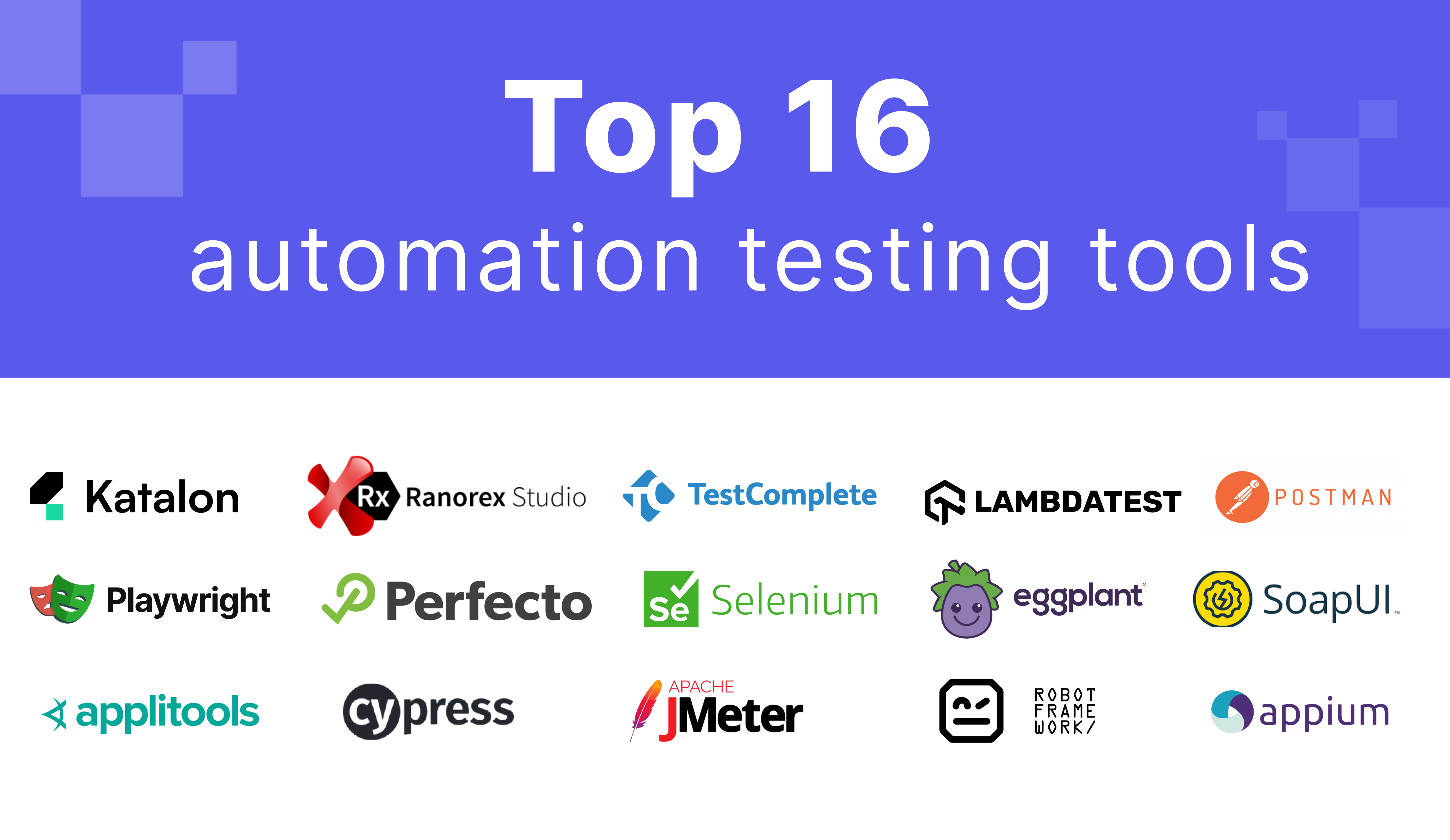
This guide reviews the top 16 automation testing tools for 2026, from foundational open-source frameworks to AI-native quality platforms. For each tool, we cover what it does, which teams it's built for, and what it costs.
THE SHORT ANSWER
The best automation testing tool depends on what you test and who writes the tests. Code-first web teams usually pick Playwright, Cypress, or Selenium. Appium covers mobile, Postman and SoapUI cover APIs, and JMeter covers load. Mixed-skill QA teams testing web, mobile, and API in one place should look at Katalon Studio.
Key takeaways
- There is no single best tool. Match the tool to what you test (web, mobile, API, desktop) and who writes the tests.
- Open-source frameworks such as Selenium, Playwright, Cypress, and Appium are free to use but need coding skills, plus add-ons for reporting, parallel runs, and test management.
- Specialist tools do one job well: Postman and SoapUI for APIs, Apache JMeter for load, Applitools for visual checks.
- All-in-one tools such as Katalon Studio suit mixed-skill teams that test several app types in one place.
- Budget for maintenance as well as licenses. The biggest cost is often the people who keep the tests running.
Automation testing tools compared
| Tool | Type | Best for | Platforms | Pricing |
|---|---|---|---|---|
| Katalon Studio | Commercial, no-code to full-code IDE | Mixed-skill QA teams | Web, mobile, API, desktop | Free, Professional, and Enterprise plans |
| Selenium | Open-source framework | Code-first web UI testing | Web | Free, open source |
| Appium | Open-source framework | Native, hybrid, and mobile web apps | iOS, Android | Free, open source |
| BugBug | Commercial, no-code | Simple web app checks without code | Web | Free, or from $99/month |
| TestComplete | Commercial | Desktop-heavy UI testing | Desktop, mobile, web | Base, Pro, and custom pricing |
| Cypress | Open-source framework | JavaScript teams testing web apps | Web | Free, open source |
| Ranorex Studio | Commercial | .NET teams doing GUI testing | Web, mobile, desktop | See vendor website |
| Perfecto | Commercial cloud | Web and mobile execution at scale | Web, mobile | See vendor website |
| LambdaTest | Commercial cloud | Cross-browser execution grid | Web, mobile devices | See vendor website |
| Postman | Commercial, free tier | API testing | API | Free, or from $12/user/month |
| SoapUI | Open source (ReadyAPI is paid) | REST and SOAP APIs | API | Free, or from $749/year for ReadyAPI |
| Keysight Eggplant | Commercial, image-based | Cross-technology GUI testing | Desktop, mobile, web | Contact sales |
| Playwright | Open-source framework | Developer-led web testing | Web (Chromium, Firefox, WebKit), API | Free, open source (MIT) |
| Apache JMeter | Open source | Load and performance testing | Web, API, many protocols | Free, open source |
| Robot Framework | Open source | Keyword-driven acceptance testing | Web, API, desktop through libraries | Free, open source |
| Applitools | Commercial | Visual regression testing | Web, mobile | Starter, Eyes, and Ultrafast Test Cloud tiers |
How to choose an automation testing tool
When selecting an automation tool, consider the following criteria:
- Application type support: Does the tool support testing for web, mobile, desktop, or APIs?
- Language compatibility: Does it work with the programming languages your team uses?
- Ease of use: Is it beginner-friendly, or does it require advanced technical skills?
- Cross-browser and cross-platform testing: Can it run tests on multiple browsers, devices, and operating systems?
- Integration: Does it integrate with CI/CD pipelines, version control systems, and test management tools?
- Reporting: Does it provide clear, detailed, and actionable test reports?
- Community and support: Is there good documentation, community support, or vendor assistance?
- Scalability: Can it handle large test suites, parallel testing, or distributed execution?
- Cost: Is it open-source or commercial? Does the pricing fit your budget?
- Test maintenance: The latest generation of testing platforms goes further than self-healing selectors. Agentic QA platforms use goal-directed AI agents that can generate tests from requirements, adapt when the application changes, and triage failures autonomously, shifting the automation bottleneck from script creation to strategic oversight.
Coty Rosenblath, former Director of Data Systems at Mailchimp, shares his view on the trade-offs between open-source tools and a commercial solution:
In this guide, we review sixteen of the top automation testing tools, so you can compare each tool's capabilities against the ten key considerations we’ve outlined above.
Automation testing tools or open-source testing frameworks?
If you’re a developer or QA engineer who knows an open-source testing framework and one of its supported languages, you can automate a wide range of test cases (including pretty complex ones).
Code gives you a ton of flexibility, which makes code-based scripting powerful. And since these frameworks are open, you’ll find plenty of plugins from third-party developers to extend what they can do.
Tools like Selenium and Cypress aren’t limited to end-to-end testing either. You can use them for unit tests as well.
However, it is undeniable that there are some challenges to using automation testing frameworks:
1. Technical barriers
All open-source frameworks require coding skills and familiarity with the framework itself. Only people who can read and write test code (usually QA engineers or front-end developers) can build or maintain the test suite.
If you don’t have (or can’t spare) that kind of talent, these tools quickly become a bottleneck rather than a solution. That gap is what low-code test automation tools are built to close.
2. Limited cost-effectiveness
Open source is “free” only until you need everything that makes testing practical.
Selenium, for example, only automates browsers. For reporting, test management, visual regression testing, or other essentials, you’ll need plugins, many of which cost money. Want parallel execution? You’ll need to spin up your own machines or pay for a hosted grid like BrowserStack or SauceLabs.
And the biggest cost isn’t the tooling, it’s the people required to operate it.
3. Expensive, specialized headcount
QA engineers and developers are pricey. And even if you rely on existing developers instead of a dedicated QA team, you’re trading off their time: hours spent maintaining tests instead of shipping products.
4. Bottlenecks and product-quality risks
Code-based test scripts are powerful but slow to update. Any change to your app, intentional or not, can break tests. Someone has to dive into the code, find the failing selectors or logic, update everything, and understand the expected app behavior. That’s assuming someone with the right skill set is even available.
Top automation testing tools for 2026
1. Katalon Studio

Type: Commercial automation IDE, no-code to full-code
Best for: Mixed-skill QA teams that test more than one kind of app
Platforms: Web, mobile, API, and desktop
Languages: No-code and low-code authoring, plus full scripting in Groovy and Java
Pricing: Free, Professional, and Enterprise plans
Katalon Studio is one IDE for every skill level: record-and-playback, low-code, full scripting in Groovy and Java, and AI-assisted authoring, in the same tool. Teams that test web, mobile, API, and desktop apps keep everything in one product instead of maintaining a framework per app type.
Feature highlights:
- No-code, low-code, full-code, AI-assisted, and agentic authoring in one IDE
- Web, mobile, API, and desktop testing in a single product
- Runs locally, or hands off to Katalon Runtime Engine (KRE) in your CI and Katalon Test Cloud for browsers and real devices at scale
- Works alongside the Selenium and Playwright ecosystems
- Katalon AI Assistant (Kai) helps write, fix, and refactor scripts in plain language
- Connects to GitHub Actions, Jenkins, Bitbucket, Azure DevOps, and other pipelines. See all integrations
Teams that also need test management, manual testing, and an audit trail of what AI generated and what humans approved can connect Studio to Katalon True Platform, the system of record for quality.
Visit Katalon Studio | G2 Reviews | Try Katalon Studio free

2. Selenium
Type: Open-source automation testing framework
Best for: Code-first web UI testing
Platforms: Web (Chrome, Firefox, Microsoft Edge, Opera, Safari)
Languages: Java, C#, Python, JavaScript, Ruby, PHP
Pricing: Free, open source

Selenium is one of the most established open-source web automation frameworks, originally released in 2004. It remains a foundational tool in UI testing, supporting a wide range of browsers, platforms, and programming languages.
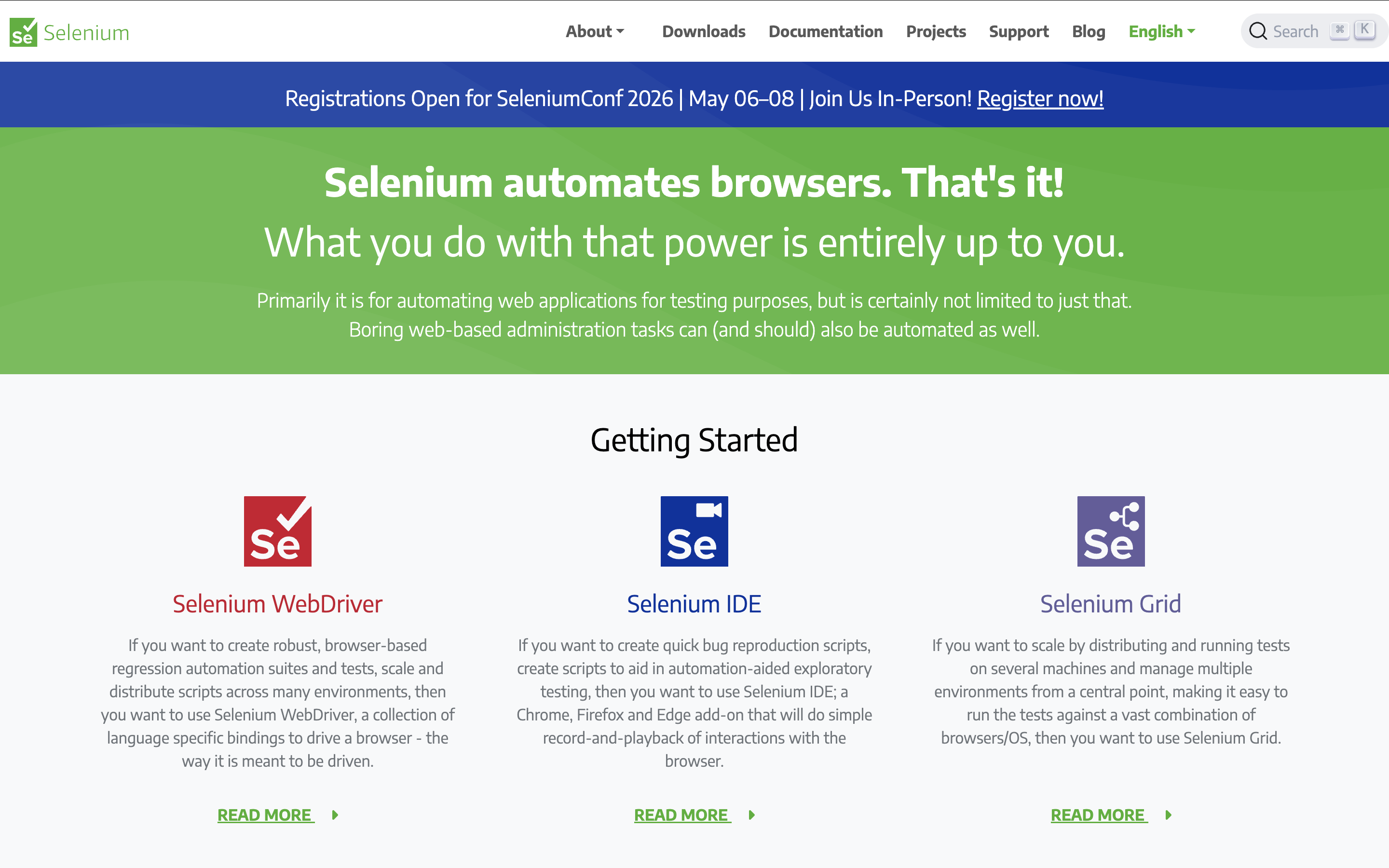
The Selenium suite includes three main components:
- Selenium WebDriver: the core scripting-based automation engine
- Selenium Grid: distributed parallel execution across browsers and machines
- Selenium IDE: record-and-playback extension for rapid prototyping
Selenium supports:
- Programming languages including Java, C#, Python, JavaScript, Ruby, PHP
- Browsers like Chrome, Firefox, Microsoft Edge, Opera, Safari
- Local or remote execution using the Selenium server
- Parallel and cross-browser tests to reduce execution time
- Integrations with frameworks like TestNG and CI/CD tools
Weighing Selenium against a full tool? See Katalon vs Selenium, or how to migrate from Selenium to Katalon.
Visit Selenium Website | G2 Reviews
3. Appium

Type: Open-source mobile automation testing framework
Best for: Native, hybrid, and mobile web apps
Platforms: iOS and Android (real devices, simulators, and emulators)
Languages: Java, C#, Python, JavaScript, Ruby, PHP, Perl
Pricing: Free, open source
Like Selenium, Appium is an open-source automation tool, designed specifically for mobile applications. It supports native, web, and hybrid apps across iOS and Android using the W3C WebDriver protocol.
Feature highlights:
- Supports Java, C#, Python, JavaScript, Ruby, PHP, and Perl
- Reusable test scripts across platforms with unified APIs
- Runs on real devices, simulators, and emulators
- Integrates with CI/CD pipelines and major testing frameworks
Comparing options for mobile? See our list of mobile testing tools.

4. BugBug

Type: Commercial low-code automation testing tool
Best for: Simple web app checks without code
Platforms: Web
Languages: No-code recorder
Pricing: Free, or from $99/month for the Cloud Testing Plan
BugBug is a no-code automation platform for testing web apps and websites. It’s built for both technical and non-technical users, offering an intuitive interface to create, edit, and run automated tests without requiring coding skills.
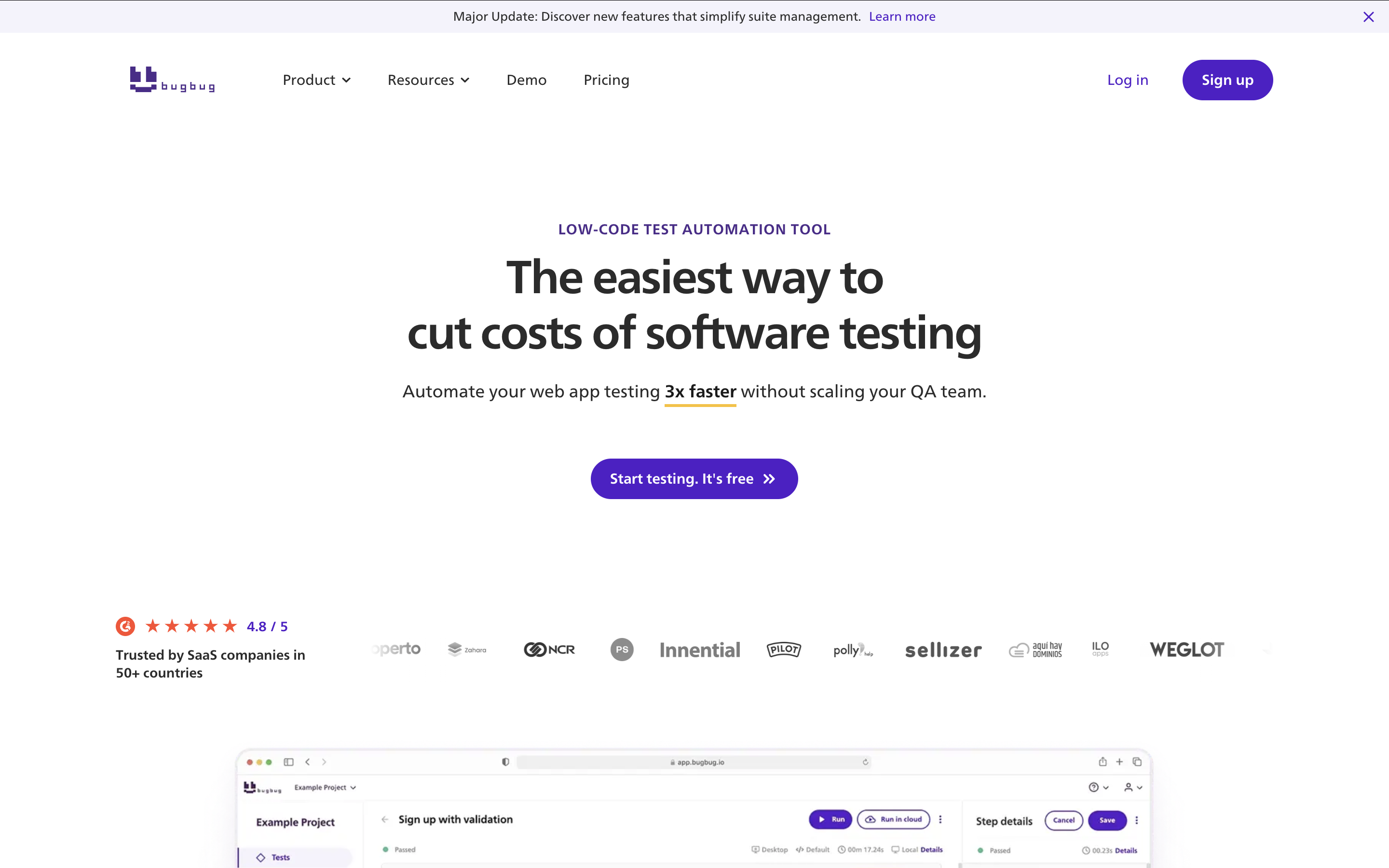
One of BugBug’s standout capabilities is its test recorder, which lets users automate test flows simply by interacting with the app.
Feature highlights:
- Intuitive record and playback: captures user interactions as test steps, enabling quick playback to spot issues and confirm functionality.
- Easy test maintenance: supports reusable components, custom variables, and quick re-recording of steps.
- Automatic selector validation: automatically checks selectors and allows simple corrections or re-recording when needed.
- Smart waiting: uses active waiting conditions to ensure elements are ready before executing the next step, cutting down flaky tests.
- Cloud and local execution: run tests locally or use BugBug’s cloud platform for parallel execution across environments.
- Collaboration and integrations: unlimited team members on the free plan, plus CI/CD integration for continuous testing.
Visit BugBug Website | G2 Reviews
5. TestComplete

Type: Commercial functional automation testing tool
Best for: Desktop-heavy UI testing
Platforms: Desktop, mobile, and web
Languages: JavaScript, Python, VBScript, JScript, Delphi, C++, C#
Pricing: TestComplete Base, TestComplete Pro, and custom pricing
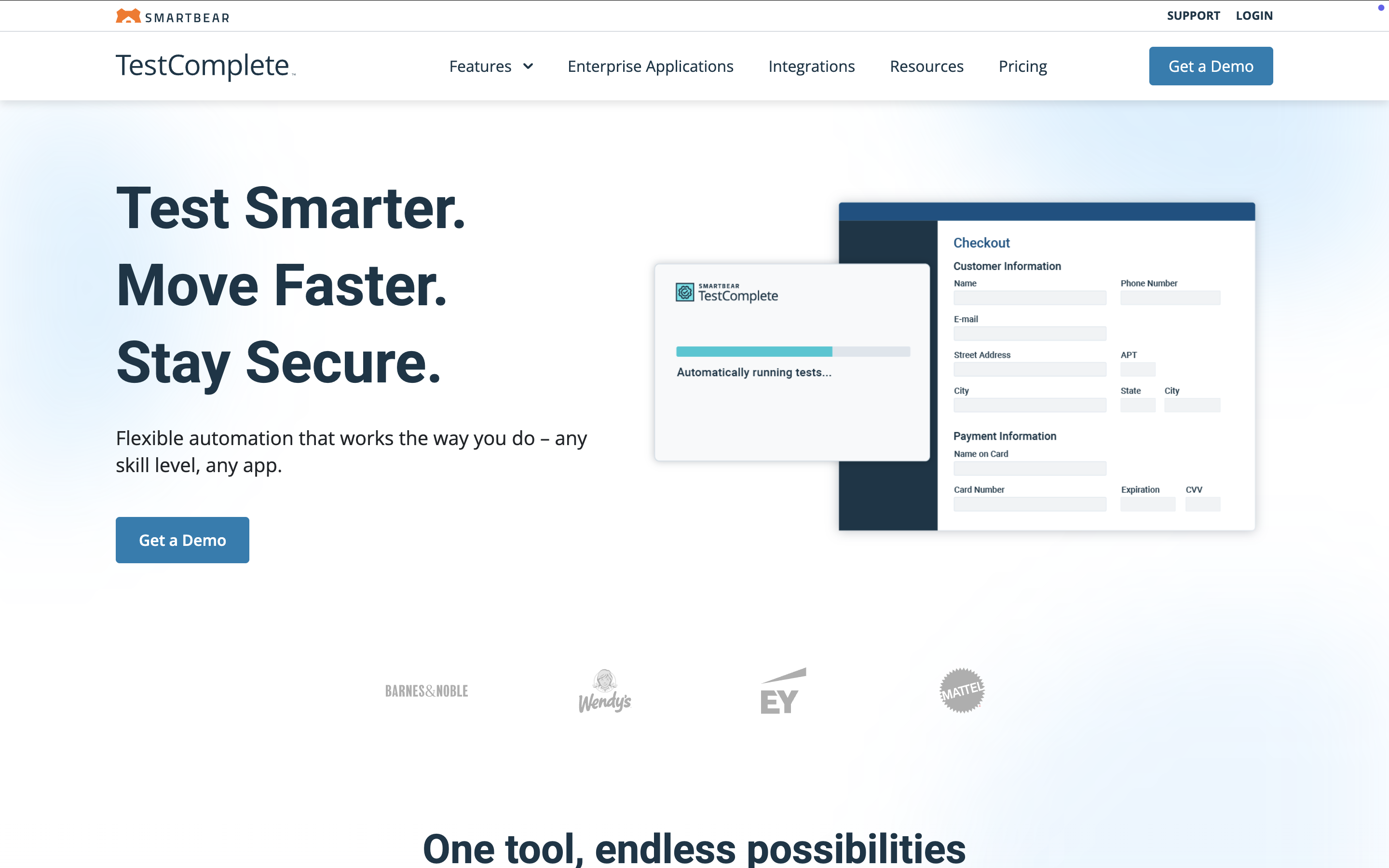
TestComplete automates functional UI testing for desktop, mobile, and web applications. It supports 500+ controls and third-party frameworks, making it capable of identifying dynamic UI elements across most technologies.
Feature highlights:
- Supports JavaScript, Python, VBScript, JScript, Delphi, C++, C#
- Flexible test design: record and playback, manual mode, scripting, and keyword-driven testing
- Object identification using property-based and AI visual recognition
- Parallel, cross-browser, and cross-device execution
- Integrates with CI/CD tools, testing frameworks, and the SmartBear ecosystem
Looking at other options? See our TestComplete alternatives.
Visit TestComplete Website | G2 Reviews
6. Cypress

Type: Modern open-source automation testing framework
Best for: JavaScript teams testing web apps
Platforms: Web
Languages: JavaScript
Pricing: Free, open source
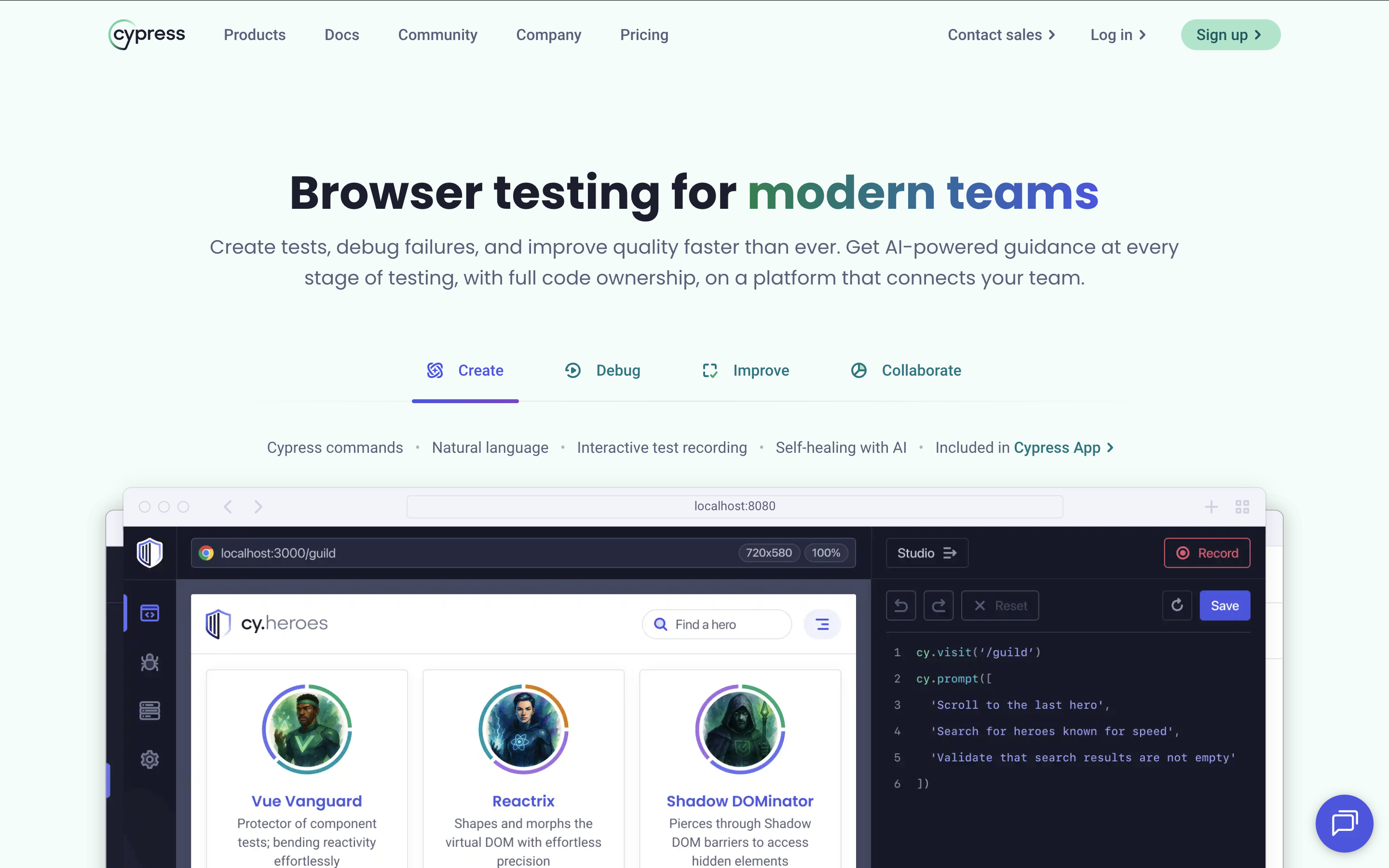
Built exclusively for JavaScript, Cypress is a developer-friendly end-to-end testing tool for web applications. Its architecture lets tests run in the same event loop as the application, enabling fast execution and native access to elements.
Feature highlights:
- Supported language: JavaScript
- Real-time reloading and automatic waits
- Built-in debugging tools
- Network traffic control and stubbing
- Rich dashboard service for parallelization and analytics
- Snapshots of test step execution and debugging using familiar developer tools
- Control over function behavior, server responses, timers, and network traffic
- Connection to Cypress Cloud for performance insights and optimization
- Integrations with popular CI/CD tools
Deciding between frameworks? Read Playwright vs Cypress, or browse Cypress alternatives.
Visit Cypress Website | G2 Reviews
7. Ranorex Studio

Type: GUI-based automation testing tool
Best for: .NET teams doing GUI testing
Platforms: Web, mobile, and desktop
Languages: VB.NET and C#
Pricing: See vendor website
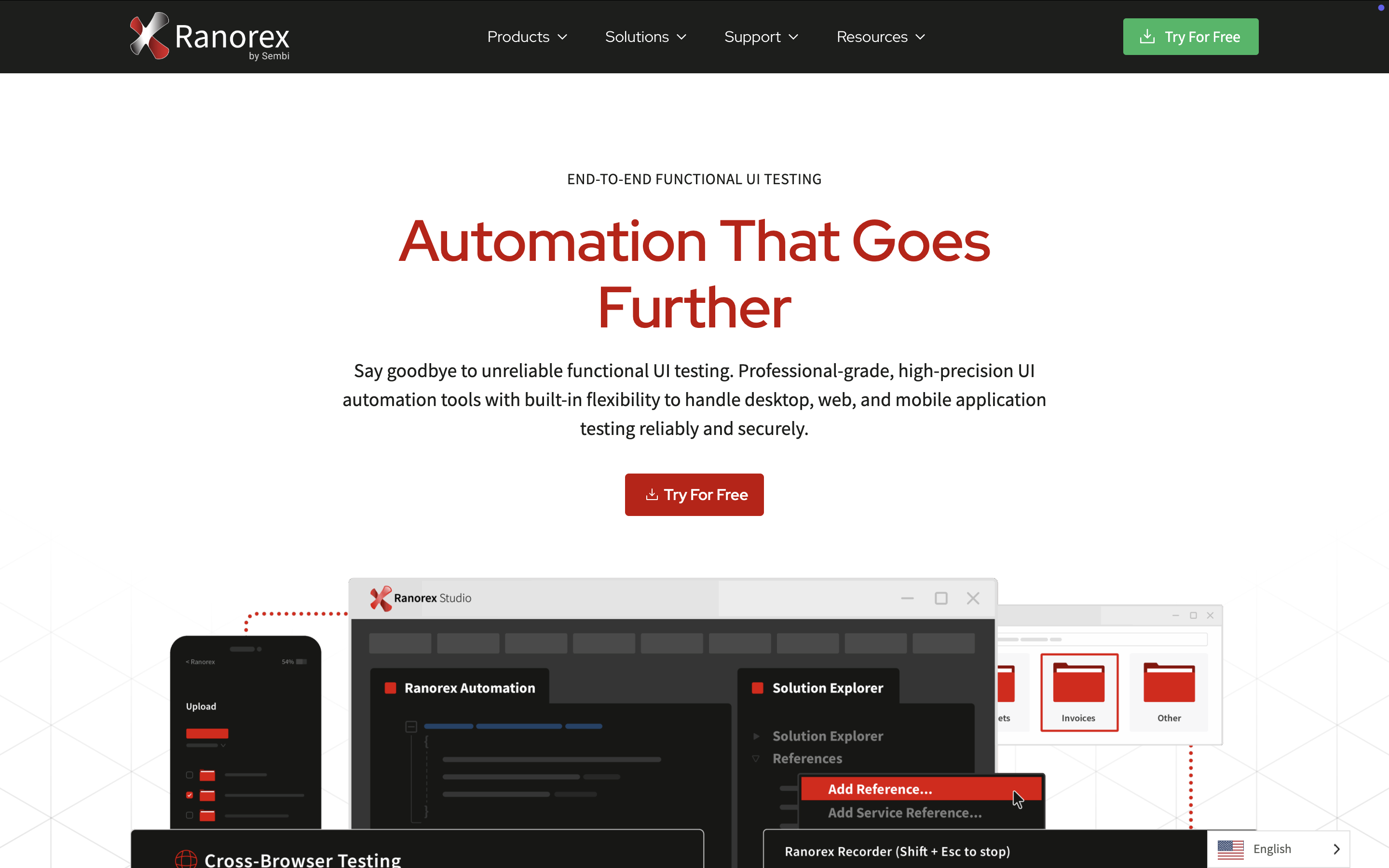
Ranorex Studio supports GUI automation for web, mobile, and desktop applications. With both low-code features and a full IDE, it’s approachable for beginners and powerful for experienced testers.
Feature highlights:
- Supports VB.NET and C#
- Automation for web, mobile, and desktop technologies
- Ranorex Spy and RanoreXPath for reliable element recognition
- Record and playback or full scripting modes
- Distributed or parallel execution via Selenium Grid
- Integrations with testing frameworks and CI/CD tools
Looking at other options? See our Ranorex Studio alternatives.
Visit Ranorex Studio Website | G2 Reviews
8. Perfecto

Type: Cloud-based automated testing platform
Best for: Web and mobile execution at scale
Platforms: Web and mobile
Languages: Scriptless authoring, or scripts from supported frameworks
Pricing: See vendor website
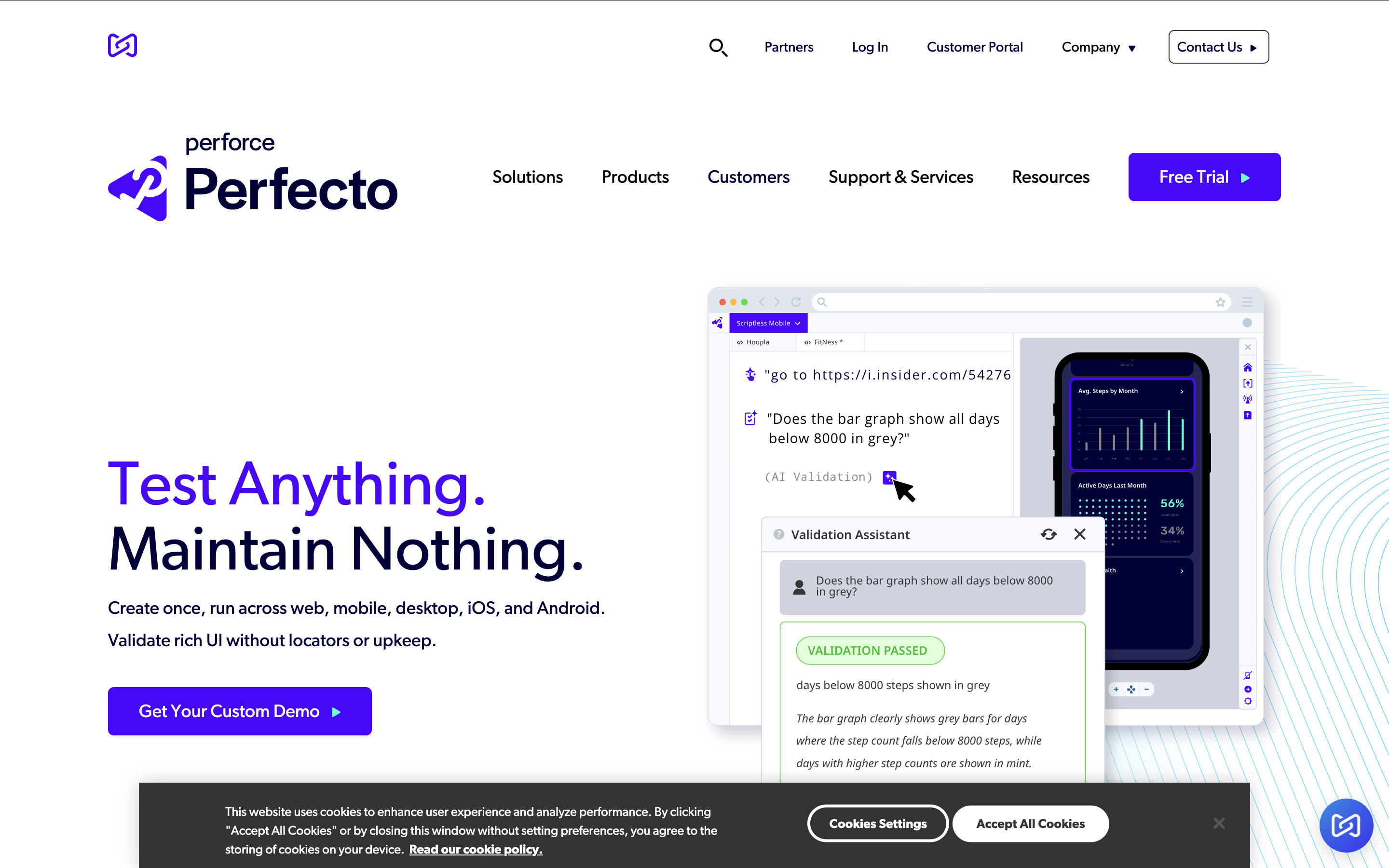
Perfecto is a cloud-based testing platform for web and mobile apps. It offers cross-environment execution, custom capabilities, detailed analytics, and extensive integrations, which makes it a fit for DevOps teams practicing continuous testing.
Feature highlights:
- Scriptless test creation for UI web applications
- Real-user simulation for mobile testing (network visualization and environment conditions)
- Parallel and cross-platform executions
- Advanced test analytics with a centralized dashboard and AI-based noise filtering
- Integrations with testing frameworks and CI/CD tools
Looking at other options? See our Perfecto alternatives.
9. LambdaTest

Type: Cloud-based automated test execution platform
Best for: Cross-browser execution grid
Platforms: Web and mobile devices
Languages: Runs Selenium and Cypress scripts
Pricing: See vendor website
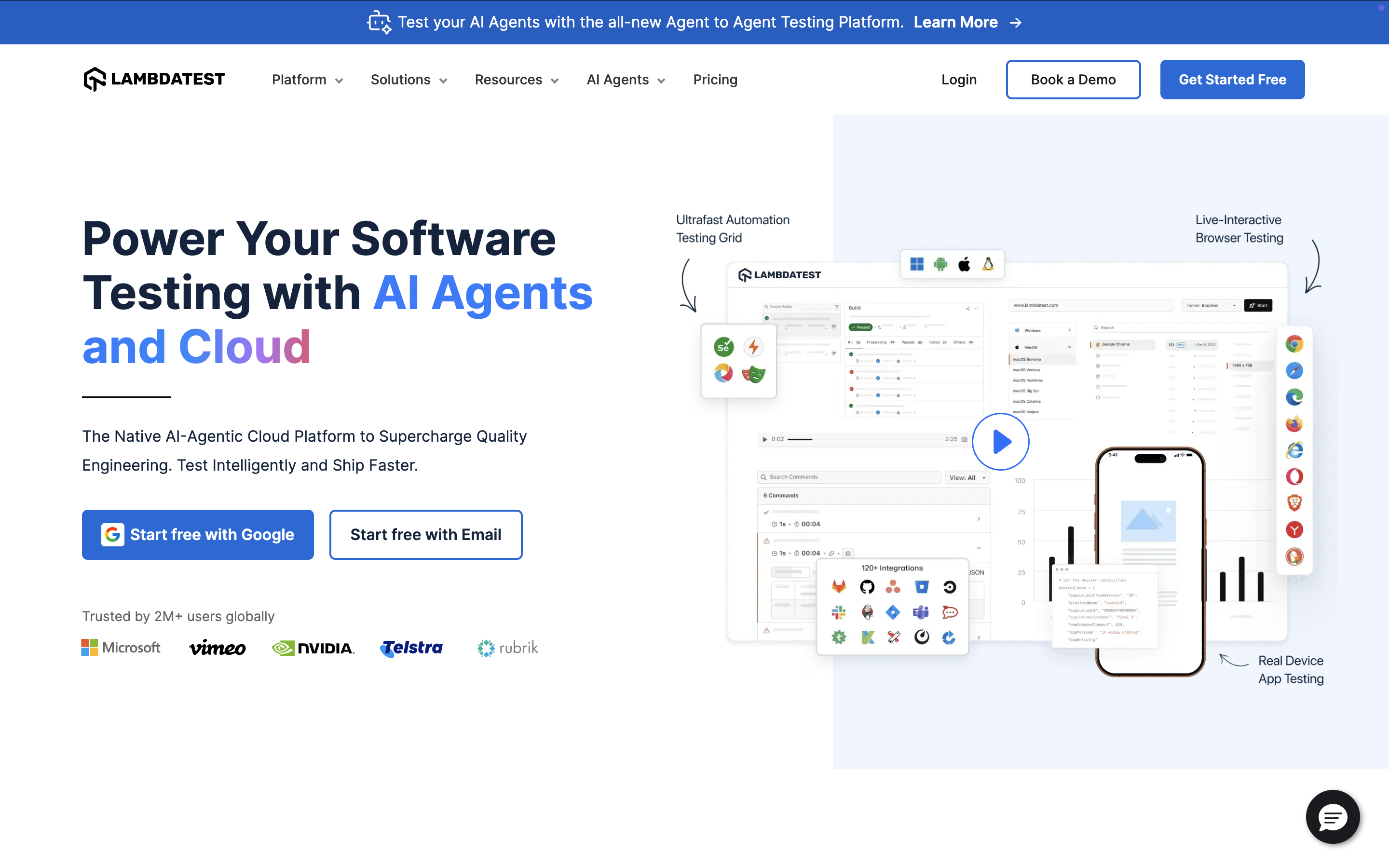
LambdaTest provides cloud-based automated testing, enabling teams to scale coverage with fast parallel, cross-browser, and cross-device executions.
Feature highlights:
- Online Selenium Grid with 2,000+ devices, browsers, and operating systems
- Support for Cypress test scripts with parallel and cross-browser execution
- Geolocation testing across 27+ countries
- Integrations with other testing frameworks and CI/CD tools
10. Postman

Type: All-in-one API test automation platform
Best for: API testing
Platforms: API
Languages: GUI, with code snippets
Pricing: Free, or from $12/user/month
Postman is one of the most widely used API testing tools. It supports functional, integration, and regression testing, and can run tests automatically in CI/CD pipelines via the command line.
Feature highlights:
- Friendly, easy-to-use interface with code snippets
- Support for multiple HTTP methods, Swagger, and RAML formats
- API schema support for generating collections and API elements
- Test suite creation, parameterized executions, and debugging
- Integrations with popular CI/CD tools
Comparing API tools? See Katalon vs Postman and our list of free API testing tools.
Visit Postman Website | G2 Reviews
11. SoapUI

Type: Open-source web services testing tool
Best for: REST and SOAP APIs
Platforms: API
Languages: Drag-and-drop authoring
Pricing: Free, or from $749/year for ReadyAPI
SoapUI is an open-source API testing tool built for REST and SOAP web services. It supports automated functional, regression, performance, and security testing.
Users can also upgrade to the commercial version, ReadyAPI (formerly SoapUI Pro), for expanded capabilities.
Feature highlights:
- Drag-and-drop test creation, even for complex scenarios
- Service simulation to avoid building full production systems
- Reusable test scripts for faster test development
- Additional protocol support and CI/CD integrations via ReadyAPI
Visit SoapUI Website | G2 Reviews
12. Keysight Eggplant

Type: Black-box GUI test automation tool
Best for: Cross-technology GUI testing
Platforms: Desktop, mobile, and web
Languages: SenseTalk
Pricing: Contact sales
Eggplant Functional is part of the Keysight Eggplant ecosystem: a GUI automation testing tool for desktop, mobile, and web applications. Using image-based automation, a single script can drive tests across different platforms and technologies.

Feature highlights:
- Flexible test design: recording, manual mode, and assisted scripting
- SenseTalk, a natural, English-like scripting language
- Deep integration with the Eggplant ecosystem for monitoring and analytics
- Support for popular CI/CD pipelines
Visit Keysight Eggplant Website | G2 Reviews
13. Playwright

Type: Open-source end-to-end testing framework
Best for: Developer-led web testing
Platforms: Web (Chromium, Firefox, WebKit) and API
Languages: TypeScript, JavaScript, Python, Java, C#
Pricing: Free, open source (MIT license)
Playwright is Microsoft's modern browser automation framework and a common choice for developer-led testing teams in 2026. It supports Chromium, Firefox, and WebKit from a single API, so one test suite covers all three major browser engines. Unlike Selenium, Playwright was built for the modern web: auto-wait handles element readiness natively, which removes a common source of flaky tests.
For enterprise teams, Playwright works best as the execution layer within a broader quality platform. Katalon True Platform natively ingests Playwright execution results, centralizing reporting and coverage data without requiring teams to rewrite any existing scripts. See our full Playwright vs. Selenium comparison and Katalon vs Playwright for a detailed breakdown of when each makes sense.
Feature highlights:
- Supports TypeScript, JavaScript, Python, Java, C#
- Chromium, Firefox, and WebKit coverage from one API
- Auto-wait reduces flaky tests without manual waits or sleeps
- Parallel test execution and full test isolation built in
- Trace viewer, video recording, and screenshot capture for debugging
- API testing support alongside UI automation in the same framework
- Native integrations with GitHub Actions, Jenkins, Azure DevOps, and other CI/CD tools
Visit Playwright Website | G2 Reviews
14. Apache JMeter

Type: Automated performance testing tool
Best for: Load and performance testing
Platforms: Web, API, and many other protocols
Languages: GUI and CLI test plans
Pricing: Free, open source
Apache JMeter is an open-source tool designed for automated performance testing, especially for web applications. It can simulate heavy user loads to analyze performance and stability, and it also supports functional API testing.
Feature highlights:
- User-friendly interface
- Recording feature for fast test plan creation
- Execution in both GUI and CLI modes
- Support for a wide range of servers, applications, and protocols
- Integrations with major CI/CD tools
15. Robot Framework

Type: Open-source framework for test automation
Best for: Keyword-driven acceptance testing
Platforms: Web, API, and desktop through libraries
Languages: Keyword-driven, tabular syntax
Pricing: Free, open source
Robot Framework is a general-purpose open-source automation framework widely used for acceptance testing and ATDD. Its keyword-driven approach makes it beginner-friendly, while its extensive library ecosystem makes it powerful and scalable.
Feature highlights:
- Easy test creation with tabular, readable syntax
- Supports keyword-driven and data-driven testing
- Environment-specific variables for flexible testing
- Rich ecosystem of external libraries and integrations
Looking at other options? See our Robot Framework alternatives.
16. Applitools

Type: Visual regression test automation tool
Best for: Visual regression testing
Platforms: Web and mobile
Pricing: Three tiers: Starter, Eyes, and Ultrafast Test Cloud
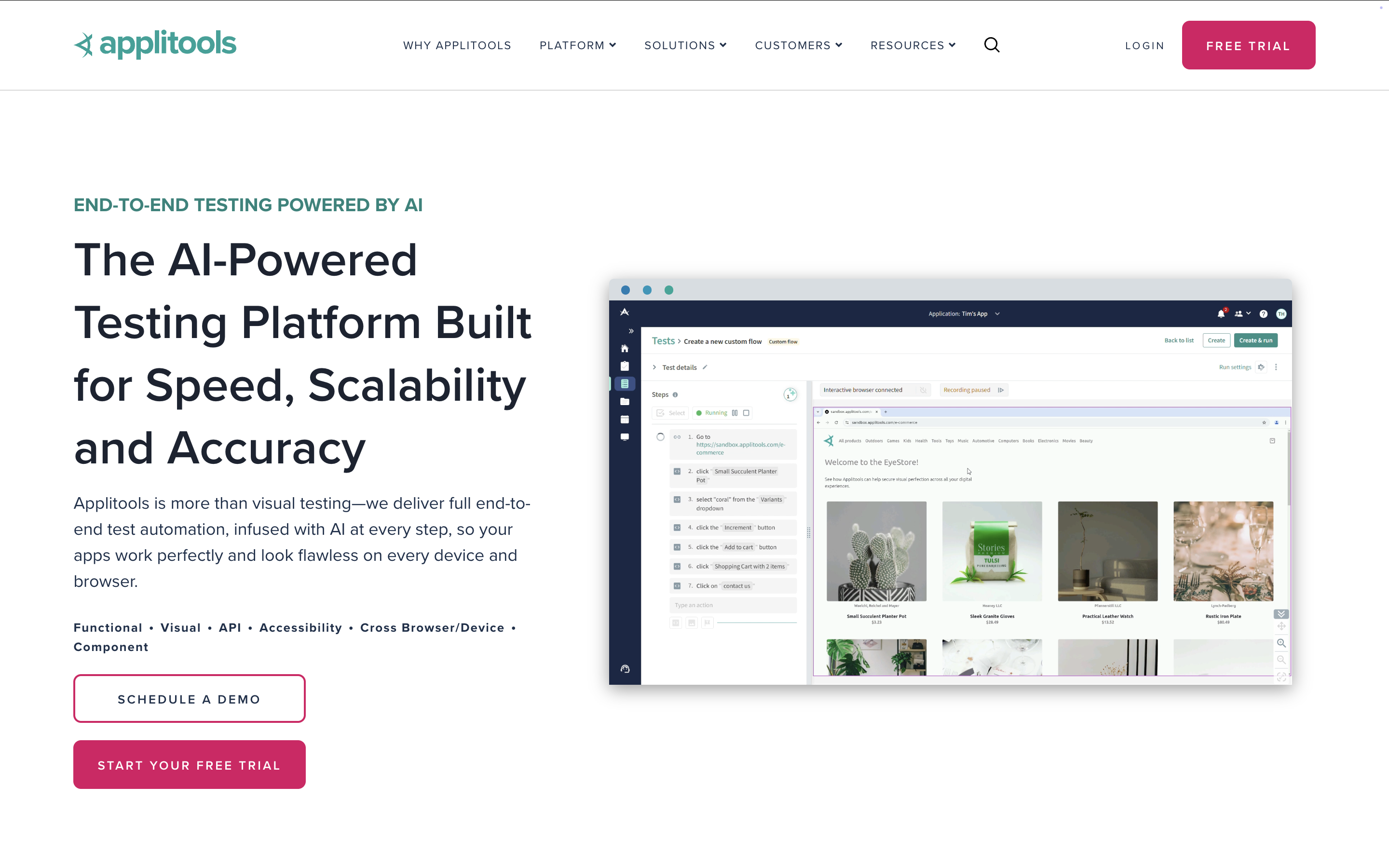
Applitools is an automated visual testing platform for web and mobile apps. It specializes in detecting UI regressions by comparing visual elements across browsers, devices, and environments with AI-driven precision.
Feature highlights:
- Smart bug detection: AI identifies precise visual differences and UI issues.
- Cross-platform visual testing: Validate consistent appearance across browsers and devices.
- Dynamic content handling: Reduces false positives with intelligent comparison logic.
- Visual analytics: In-depth reporting to track visual changes over time.
- Automated issue resolution: Detects root causes of visual differences automatically.
Looking at other options? See our Applitools alternatives.
|
