


.svg)

Most QA teams can recite the difference between smoke testing and sanity testing. Far fewer have a rule for which one to run when a specific ticket lands on the board. That is the part that actually costs time: a broad build check where a narrow one would have done, or a narrow check on a build that was never stable in the first place.
So this guide is built around the decision rather than the definitions. You get the distinction up front, then the part most comparisons skip: what triggers each check, what belongs in each suite, where they sit in a pipeline, and why one of them is worth automating completely while the other usually is not.
Smoke testing vs sanity testing, at a glance:
• Smoke testing asks whether the build is stable enough to test at all. Broad, shallow, runs on every build, fully automated.
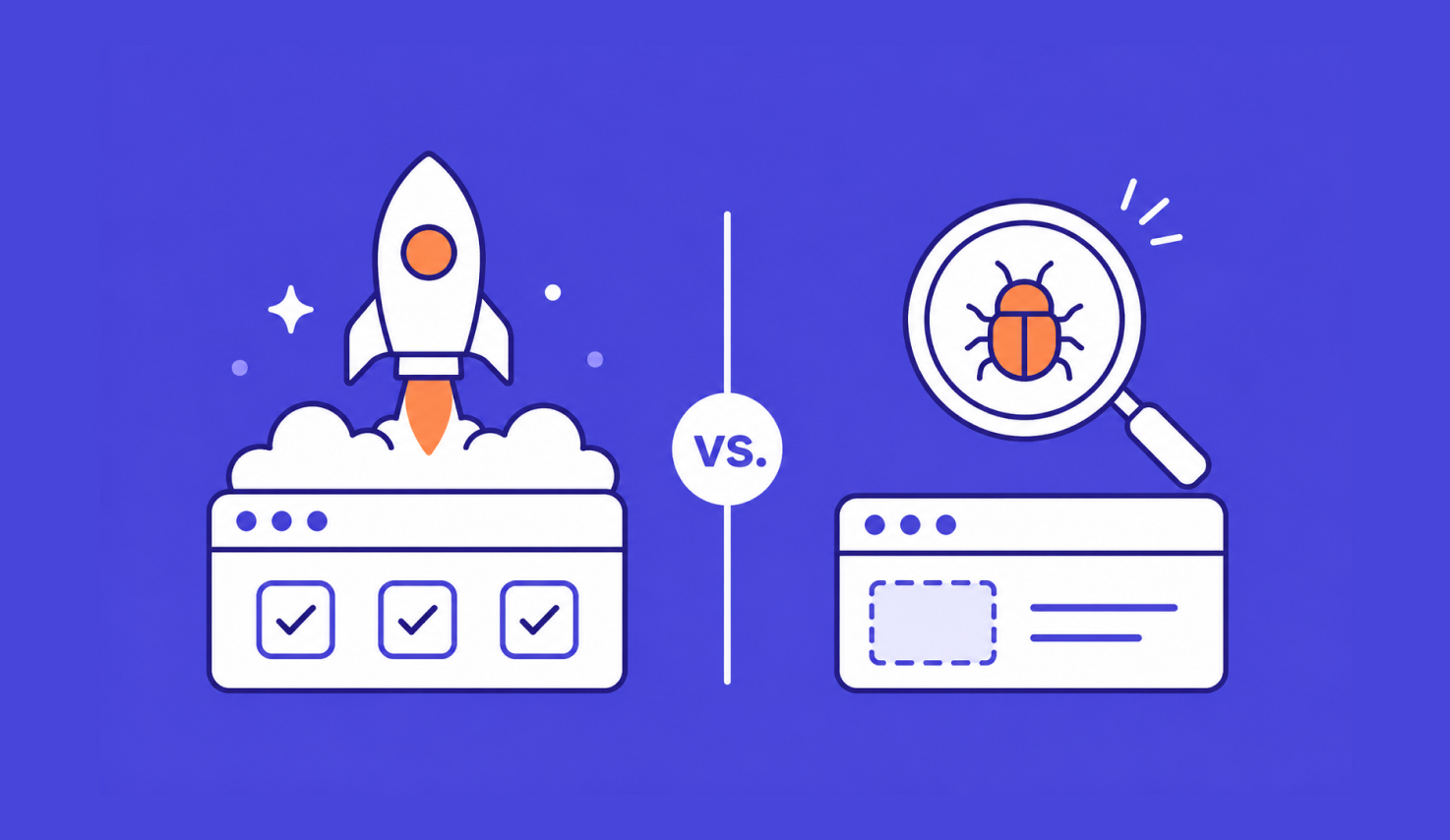
• Sanity testing asks whether one specific change worked and whether it broke anything next to it. Narrow, deeper, runs after a targeted fix, often manual.
• Order matters. Sanity testing only tells you something useful on a build that has already passed smoke.
• If you automate one, automate smoke. It runs on every commit and its scope barely changes, so the payback is far higher.
The rest of this article turns that into something you can act on: a trigger table for deciding which check a given change needs, worked examples of both suites on the same application, and how each one fits a CI pipeline.
Smoke testing vs sanity testing: the differences that matter
Both checks are fast, both run before the heavier testing starts, and both exist to stop you wasting effort on a build that is not worth testing. Everything else about them is different.

| Smoke testing Is this build worth testing? |
Sanity testing Did this change work? |
|
|---|---|---|
| Trigger | A new build arrives, whatever is in it. | A specific fix or small change has landed and you know what it touched. |
| Scope | Wide. One check per critical path, across the whole application. | Narrow. The changed area, plus its immediate neighbors. |
| Depth | Shallow. Does the path complete, yes or no. No edge cases. | Deeper, but only in one place. Correct values, not just a clean run. |
| Time budget | Minutes. If it takes longer, it has stopped being a smoke test. | Minutes to under an hour, set by how much the fix touched. |
| Who runs it | CI, on every build. Nobody presses a button. | A tester or the developer who made the change, usually by hand. |
| Scripted? | Yes. Same suite for months, so automation pays back quickly. | Often not. The scope is different every time, which is what makes it expensive to script. |
| If it fails | The build is rejected. No further testing happens on it. | The fix goes back to the developer. The build itself is usually fine. |
| Also called | Build verification testing, or BVT. | A narrow regression check, though that name causes its own confusion. |
What each check actually looks at
Two short definitions, because the comparison does not make sense without them. If you want either one in full, both have their own guide.
Smoke testing runs a thin slice through every critical path in the application to confirm the build holds together. Can the app start, can a user log in, does the main workflow complete, do the integrations respond. It is deliberately shallow: you are not checking whether the discount calculation is correct, you are checking whether the checkout page loads at all. For the full picture, including how to structure and automate a suite, see our guide to what smoke testing is and when to run it.
Sanity testing goes the other way. It takes one recent change, usually a bug fix or a small enhancement, and checks that the change did what the ticket said and did not disturb the functionality sitting next to it. Narrow scope, real depth inside that scope. Our guide to sanity testing covers the process in detail, along with how it differs from regression testing.
Which one to run, based on what just changed
This is the question that actually comes up, and the definitions do not answer it on their own. Start from the change, not from the check.

| What to run | Why | |
|---|---|---|
| A new build from CI, nothing specific in mind | Smoke | You do not know what to look at yet, so check that everything still stands up. |
| One bug fix in one module | Sanity | You know exactly what changed. A full build sweep tells you nothing new. Confirm the build already passed smoke first. |
| A hotfix going straight to the release branch | Both, smoke first | Hotfixes skip the usual path, so you verify the build is intact, then verify the fix itself. |
| A library or dependency upgrade | Smoke, then targeted sanity | The blast radius is wide and hard to predict, so start broad, then look closely at whatever calls that dependency. |
| A config or environment change | Smoke | Application logic did not change. What you are testing is the environment, and smoke is the right shape for that. |
| A refactor with no intended behavior change | Smoke, plus sanity on the refactored area | "No intended change" is a claim, not a fact. Verify the claim where the code moved. |
| A reopened bug after a failed fix | Sanity only | Scope it tightly to the reproduction path in the ticket, and to the steps that were reported as still failing. |
| A release candidate before full regression | Smoke, then regression | Smoke is the gate that protects the regression run. Sanity is not the right check at this point. |
One pattern runs through the whole table. Smoke is what you run when you do not yet know where to look. Sanity is what you run when you do.
What goes in each suite: the same app, both checks
Abstract definitions are where this distinction usually falls apart, so here is one application, an ecommerce site, run through both.
The smoke suite
Eight assertions, one per critical path, and nothing more:
- The application starts and the home page returns successfully
- A known test user can log in
- Product search returns at least one result
- Adding an item updates the cart count
- The cart page renders line items and a total
- The checkout page loads with payment fields present
- A test card completes an order and an order ID comes back
- That order appears in the account's order history
Notice what is missing. No validation messages, no expired cards, no empty cart, no guest checkout variant. Those are all worth testing, just not here. Every one you add makes the suite slower, and a slow smoke suite is a smoke suite people start skipping.
The sanity check
Now a ticket comes back fixed: percentage discount codes were calculating against the pre-tax subtotal instead of the order total. The build has already passed smoke, so the question is narrow. Did this fix work, and what sits close enough to it to have been disturbed?
That gives you four checks, not forty. Apply the exact code from the ticket and confirm the total matches what you expect. Apply a different percentage code, so you know the fix is general rather than special-cased to one value. Apply a fixed-amount code, because it runs through the same calculation path and is the most likely casualty. Then look at the tax line and the final total on the confirmation page, since those are the immediate neighbors of the thing that changed.
Stop there. Whether the code field rejects empty input, or whether expired codes are handled properly, are good questions for your regression suite. They are not sanity testing, and putting them here is how a 20-minute check turns into an afternoon.
Where each one sits in your pipeline
Smoke testing belongs in the pipeline as a gate. It runs automatically after the build step and before anything is deployed to a test environment, and it has a hard pass or fail outcome. This is the same logic behind the staged deployment pipeline pattern: early stages stay fast and broad so they can find most problems quickly, and later stages go slower and deeper on the builds that survive.
The part teams get wrong is what happens on failure. If a smoke failure files a ticket and the pipeline carries on regardless, that is not a gate, it is a notification. A gate stops the build. Deciding that in advance, and writing it into the CI pipeline configuration rather than leaving it to whoever is on duty, is most of the value.
Sanity testing does not belong in the pipeline in the same way, because it cannot be triggered by a build event. Its scope comes from a human reading a ticket or a commit and deciding what the change touched. It sits between "developer says it is fixed" and "this change joins the release branch," which makes it a decision point rather than a stage.
Why smoke gets automated and sanity usually does not
This is worth understanding rather than just following, because it explains where the effort goes.
A smoke suite is stable. The critical paths of an application change rarely, so the same eight or twelve tests can run for months with modest maintenance, and they run on every single build. High reuse, low churn, and the automation pays for itself fast. There is a good argument that a smoke suite should be the first thing any team automates, ahead of larger and more glamorous suites.
A sanity check is the opposite. Its scope is defined by whatever just changed, which means it is different every time. Scripting a check you will run once is usually slower than just running it, which is the honest reason sanity testing stays manual on most teams. It is a reasonable trade, not a maturity failure.
What changes that calculus is the scoping step. The expensive part of a sanity check is not executing it, it is working out what the change touched and which existing tests already cover it. When that mapping comes from the platform rather than from someone's memory of the codebase, a sanity check stops being a bespoke manual exercise and becomes a selected subset you can run automatically. That is the shift worth watching in this part of the workflow.
Four mistakes that blur the line
Most of the confusion in practice is not conceptual. It shows up in these four habits.
Calling a post-fix check a smoke test in the ticket. Harmless in isolation, corrosive over time. Once the words are interchangeable in your tracker, nobody can tell from the history what was actually verified before a release.
Letting the smoke suite grow. Every "while we are in here, add this one" costs runtime. Set an explicit time budget, treat it as a limit rather than a target, and when a new test would breach it, put the test somewhere else. A smoke suite that no longer runs in minutes has quietly stopped doing its job.
Running sanity on a build that never passed smoke. If the build is broken in a way you have not detected, a passing sanity check is meaningless and a failing one sends you chasing the wrong cause.
Running sanity without reading what changed. Sanity testing depends entirely on knowing the scope. Without the commit or the ticket in front of you, you are not scoping, you are guessing, and the neighbors most likely to break are exactly the ones a guess misses.
Running both without slowing the release
Once the split is clear, the practical problem is keeping smoke fast enough to gate every build while making sanity checks quick enough that developers do not route around them. Katalon True Platform covers both sides of that.
For smoke, the suite runs as a genuine CI gate. You build it once in Katalon Studio, in AI Agent, no-code, or full-code mode depending on who is writing it, then wire it into your existing pipeline. Katalon Test Management holds the pass or fail result and the run history in one place, so "did this build pass smoke" becomes a question with an answer rather than an argument. Katalon AI Assistant can draft the first version of the suite from your requirements, which is usually where the tedium sits.
For sanity, the useful capability is scoping. True Production Insights observes how your application is actually used in production and builds coverage from those real flows, which gives you an evidence-based view of which paths matter and what a given change is likely to affect. That turns the manual part of a sanity check, deciding what to look at, into a shortlist.

Getting the split right
The definitions are the easy part. The habit is the useful part, and it comes down to one question asked before you run anything: what changed?
A whole build arrived and you do not know what is in it, so run smoke. One specific thing was fixed and you do know, so run sanity, on a build that has already cleared smoke. Everything else in this article is detail layered on top of that.
Teams that keep the two properly separated stop paying for broad checks on narrow changes, and stop trusting narrow checks on builds that were never stable to begin with. That is a small change in vocabulary with a real effect on how much of your test time goes somewhere useful.
|
