


.svg)

Katalon Studio 11.5.0 is available for all users as of August 27, 2026. This release focuses on richer reporting, AI assistance that reaches further into test authoring, a stronger mobile recording experience, a refreshed UI, and the performance problems that showed up in large projects. Here's what shipped, starting with the new features.
New features of Katalon Studio 11.5.0
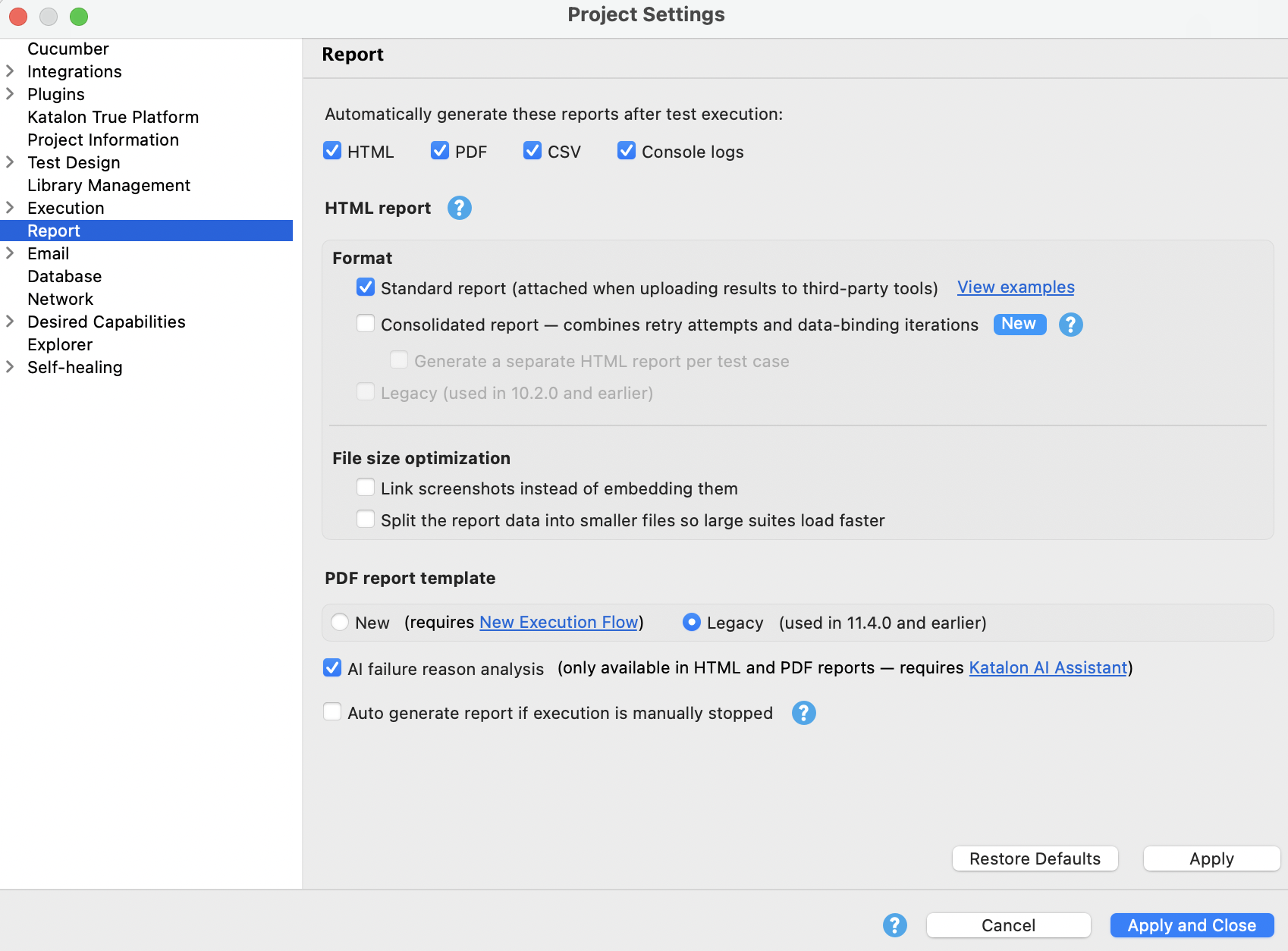
Refreshed PDF reports
PDF reports for test suites and Test Suite Collections have been redesigned with clearer layouts and, more importantly, the detail that used to be available only in HTML reports. The new reports can remember error summaries, retry attempts, test listeners and hooks, multiple comments, and AI-generated failure analysis.
The practical effect is that you can diagnose a failure and share complete execution results without bouncing between a PDF report, an HTML report, and the Log Viewer. Test Suite Collection email reports can also carry the generated PDF as an attachment, so the full picture goes out with the notification rather than waiting for someone to go find it.
|
|
 |
| Previous versions | 11.5.0 |

Katalon AI Assistant chat memory
Katalon AI Assistant can now remember user preferences, project conventions, and other useful context across Agent mode conversations and across Katalon Studio sessions. Memory controls live under the Agent mode Capabilities settings.
If you have been re-explaining your project's structure or your preferred way of working at the start of every new conversation, that repetition goes away. Turn on project memory in the Agent mode Capabilities settings, tell the assistant how you work, and it carries that forward.
Optimized Device View in Smart Mobile Recorder
Smart Mobile Recorder's Device View has been refreshed to give the connected device screen more room while keeping recording controls within reach. Device actions are now organized into collapsible toolbars, Interactive mode is available directly from the side toolbar, and the Screen Objects area uses a unified header with a new Attributes panel.
For anyone inspecting elements on a phone-sized viewport inside a desktop IDE, the extra screen space and the reduced clutter are the whole point: it is easier to see what you are recording against.
Continue recording an existing mobile test case
Smart Mobile Recorder can now load the steps, captured objects, and variables from an existing mobile test case and pick up recording from there. Open a mobile test case, click Record Mobile, and a dialog asks whether you want to continue with the existing steps.
This removes the most tedious part of extending a recorded mobile flow, which was rebuilding the test case and its objects from scratch because you could not resume. One caveat worth respecting: before you continue, make sure the selected device, application, and recording configuration match the setup the existing test case was built against. An incompatible configuration can cause the continued recording to fail.
Project-wide search for MCP clients
Katalon AI Assistant can now search inside the files in your project, not just match their names. In Agent mode, ask where a custom keyword is used, which test cases call it, or where it is defined, and it lists each matching file with the line number and the matching line, marking whether that line declares the item or uses it.
That last detail is what makes the results usable. A declaration and a usage answer different questions, and a result set that labels which is which gives AI agents complete, line-level references across a project instead of partial, file-by-file inspection.
Microsoft Entra ID authentication for MCP servers
Katalon Studio can now connect to external MCP servers that are protected by Microsoft Entra ID authentication. When you add an external MCP, select the option to authenticate the server with Microsoft Entra ID, and once authorization completes the list of connected tools updates accordingly.
For enterprise teams, this closes a real gap: internal MCP services secured with your organization's Microsoft identity are now reachable without falling back to a personal access token or standing up an MCP proxy.
Automatic failure screenshots for Windows desktop tests
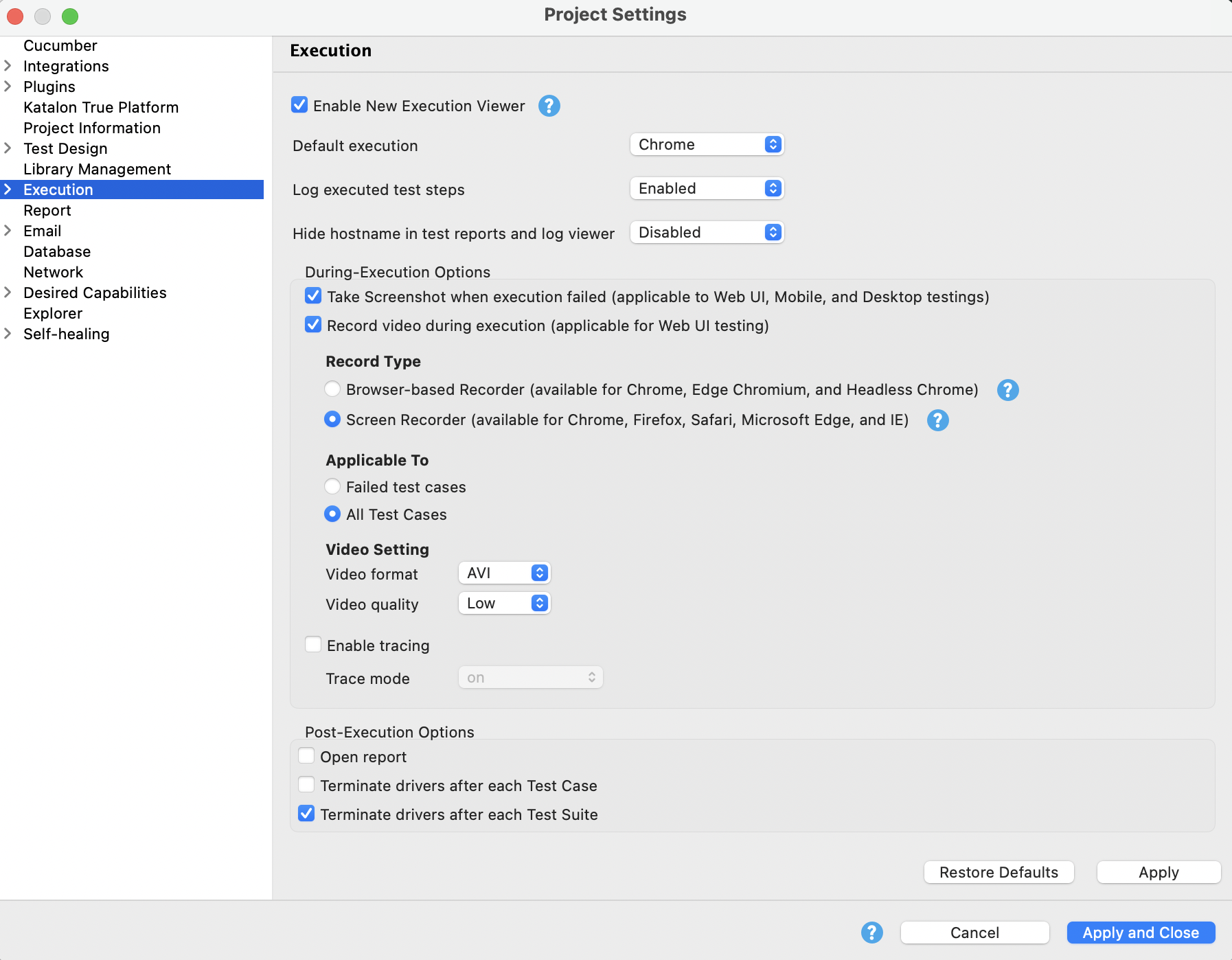
Windows desktop tests can now automatically capture a screenshot when a step fails, using the same project-level control already available for web and mobile tests.
It is a straightforward win: failure evidence shows up in execution results immediately, so you are not reproducing a desktop failure locally just to see what the screen looked like when it broke.
AI keywords for prompts and assertions
Test cases can now use built-in keywords to send a prompt, with an optional attachment, to an AI model, receive the response as text, and run AI-assisted assertions on it. The supported keywords are Ask, Assert Text, and Assert File.
Teams that wanted AI-assisted validation inside a test case have generally had to build and maintain a custom HTTP integration to get it. These keywords remove that plumbing, which also removes the maintenance burden that came with it.
Android App Bundle support
Katalon Studio now accepts Android App Bundle (AAB) files for mobile recording and execution, against both supported local devices and remote Appium servers.
If your Android build pipeline produces AAB files, you can now test that artifact directly. No installing bundletool, no converting each bundle to an APK before you can record against it.
Performance improvements
Most of the performance work in this release landed on the problems that only show up once a project gets big.
Katalon Studio no longer hangs or crashes on Windows from repeated toolbar updates exhausting GDI handles, which is the fix most likely to be felt in a long working session. Katalon Runtime Engine now opens large projects with many custom keywords and BDD step definitions without the extended Antlr4 parsing and indexing delay that appeared in 11.3.0 and 11.4.0, and BDD step-definition computation itself scales better, so feature-file suggestions keep up on larger suites.
The rest is everyday friction: bulk deletion and folder moves complete faster on projects with large numbers of test artifacts, Test Explorer search stays responsive with thousands of test cases and objects, and formatting large web-service responses now works consistently on Windows across both JSON and XML, where affected requests previously could throw an error and stay slow.
Other enhancements
One change here is worth calling out on its own: the MCP executeTest tool can now wait for an execution to finish and return the final result in the same call, which makes agent-driven runs considerably easier to orchestrate.
The remaining enhancements cluster into a few areas:
Reporting and execution visibility. Log Viewer opens the Steps tab by default, exposes complete error details through a context menu, and shows steps automatically for a single test case. Job Progress remembers the panel width you chose across executions and Studio restarts, and the View Result link stays available when an execution is collapsed. New HTML reports use more consistent indentation and alignment across sections.
Mobile recording. Smart Mobile Recorder now flags duplicate captured objects during recording, and labels captured objects that no recorded step references, excluding them when saving to the Object Repository. Fewer orphan objects to clean up later.
UI and settings. The main toolbar and Test Explorer use refreshed icons aligned with the current Katalon Studio visual design. Product announcements and notifications are consolidated into a single in-app notification center. Katalon AI Assistant preferences are reorganized into a flatter structure with clearer labels and related settings grouped together. In-app dialogs can use a full-screen layout when they need the space, and the Connect to Katalon True Platform dialog now renders a sharper image on macOS.
Diagnostics. Excel test-data errors now distinguish between empty, corrupted, unsupported, and oversized files, instead of reporting every failure as an unsupported file.
Changes
Katalon Studio now uses the operating system's native SWT browser components instead of Equo Chromium for embedded browser experiences.
You do not need to migrate project content for this change.
Fixes
11.5.0 also resolves 42 community-reported issues, alongside fixes across the recorders, mobile execution, reporting, licensing, and MCP. A representative sample of what got fixed:
- Web Recorder now creates distinct Test Objects for separate controls on Oracle Visual Builder pages, and captures the intended element when the first interaction happens inside a nested iframe, where it could previously record the iframe folder instead.
- Recorder Plus prevents captured objects from being renamed to an existing object name.
- Mobile executions now report when the local ADB server cannot use port 5037, rather than failing or hanging with no diagnostic.
- Global variables can reference Windows Test Objects without resolving to null.
- Deleting a test case also removes steps that call it, so callers are not left with broken references.
- Test cases can be renamed repeatedly on Windows, including when another test case calls them, and Studio opens and edits projects normally when the operating-system username contains the word test.
- Katalon Runtime Engine recognizes all valid activated offline licenses instead of incorrectly reporting the license quota as exceeded.
- Katalon AI Assistant sends complete MCP tool and parameter descriptions to the language model instead of truncating them at 80 characters, and MCP execution tools return error responses that conform to their declared output schema.
- The MCP executeTest tool can now run Windows desktop test cases.
- Generated HTML reports scroll normally in the browser, and Open AI Analysis Report opens the combined report when retry attempts are consolidated rather than only the last attempt.
The full list can be found in the release notes.
Get Katalon Studio 11.5.0
You can upgrade in-app from most recent versions. If you are on Katalon Studio 10.x, 11.0.0, or 11.0.1, in-app upgrade is not available and you will need to download the app instead.
|
