


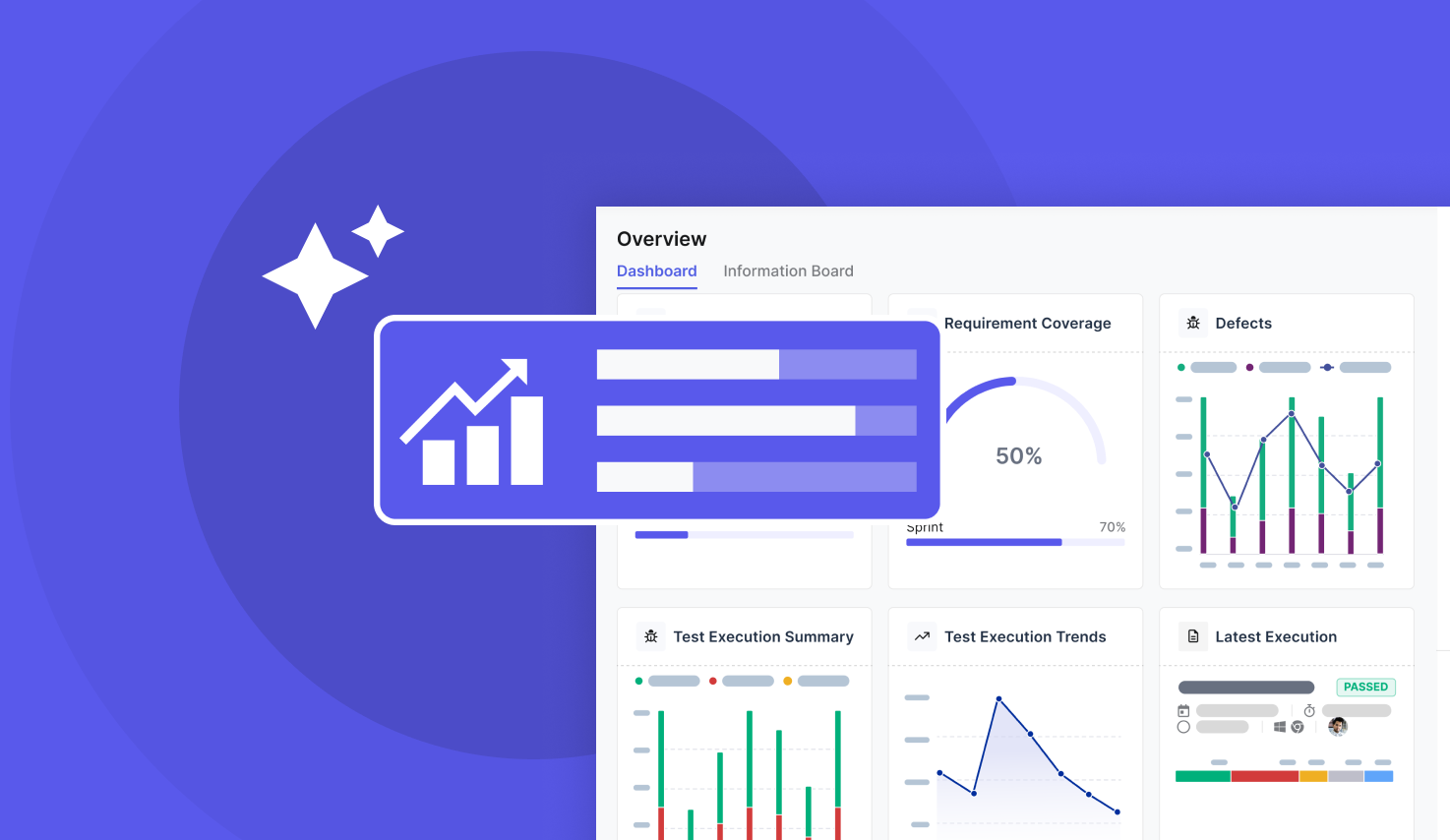
.svg)

A test run is only useful if someone can read the result. When failures sit in CI logs, flaky tests go unnoticed and release calls turn into guesswork. Test reporting tools turn raw results into reports and dashboards the whole team can act on.
This guide compares 18 test reporting tools, from free open source report libraries to full test management platforms, so you can pick the one that fits how your team tests. You will learn:
- What test reporting tools are and what a good test report should show
- What to look for when you compare test reporting software
- How 18 tools compare on type, cost, and best fit
- Which kind of tool suits your team: a report library, a test management platform, or AI-assisted analytics
THE SHORT ANSWER
How to pick a test reporting tool, at a glance:
• Prioritize integration with your existing frameworks and CI/CD pipelines over standalone features.
• Look for dashboards that surface coverage, flaky tests, and defect trends, not just pass/fail counts.
• Make sure the tool supports both manual and automated testing if your team runs a hybrid process.
• Check scalability: a tool that works for one team can become a bottleneck once you add projects or locations.
• Choose an open source report library (Allure Report, ExtentReports, Playwright HTML Reporter) if you only need readable results, or a test management platform (Katalon True Platform, TestRail, Xray, qTest) if you need traceability from requirements to defects.
What are test reporting tools?
Test reporting tools collect, analyze, and present data from manual and automated test executions. They turn raw test results into a test report that developers, testers, and stakeholders can read at a glance. Some are libraries that plug into a test framework and generate an HTML file after each run. Others are platforms that store results over time, link them to requirements and defects, and show trends across releases.
What a good test report shows
Picture a QA team halfway through a sprint. The nightly regression run finished, and the team lead needs to know three things before standup: what failed, whether it failed before, and whether the release is still on track. A good test execution report answers all three without anyone opening a CI log.
- Pass and fail rates for each run, suite, and environment
- Flaky tests that pass and fail on the same code, so they can be fixed or quarantined
- Defect trends that show whether quality is improving from sprint to sprint
- Coverage of requirements and features, so gaps are visible before release
- Failure details such as logs, screenshots, and stack traces for fast triage
For a deeper list of what to track, see our guide to test automation metrics. When everyone works from the same report, developers, testers, and managers stop arguing about the data and start fixing the problems it shows.
How to choose a test reporting tool
The right tool fits your workflow today and scales with your projects. It should give something useful to every role, from the tester triaging a failure to the manager deciding whether to ship.
- Integration with your frameworks and CI/CD pipelines: the tool should read results from the frameworks you already use and run as part of your pipeline.
- Support for manual and automated testing: if your team does both, one place for both results avoids blind spots.
- Dashboards and trends: a single run report tells you what broke today. Trends across runs tell you whether test coverage and stability are getting better.
- Traceability: links between requirements, test cases, and defects matter most for regulated teams and larger releases.
- Scalability and collaboration: check how the tool handles more projects, more users, and teams in different locations.
- Value for price: cost should be clear and reasonable for the features you will actually use.
Test reporting tools compared
| Tool | Type | Open source | Best for |
|---|---|---|---|
| Katalon True Platform | Test management and automation platform | No | Automation and reporting in one place |
| TestRail | Test management platform | No | Structured test planning and audit trails |
| Xray | Jira test management | No | Teams that live in Jira |
| Zephyr | Jira test management | No | Agile teams that want reporting inside Jira |
| qTest by Tricentis | Test management platform | No | Large enterprises with compliance needs |
| PractiTest | Test management platform | No | Distributed teams that need custom reports |
| Testmo | Test management platform | No | Lightweight setup for DevOps teams |
| Test Collab | Test management platform | No | Fast onboarding in the cloud |
| SpiraTest | Test and requirements management | No | Teams standardized on Microsoft tooling |
| Allure TestOps | Test management platform | No | Teams already using Allure Report |
| Allure Report | Report library | Yes | Rich HTML reports across many frameworks |
| ExtentReports | Report library | Yes | Selenium and Appium projects |
| Playwright HTML Reporter | Built-in report | Yes | Playwright test suites |
| Serenity BDD | Report library | Yes | BDD teams that want living documentation |
| JUnit XML reports | Built-in report format | Yes | Java projects and CI dashboards |
| ReportPortal | AI-assisted analytics | Yes | Large regression suites with many failures to triage |
| Functionize | AI testing platform | No | Teams that want AI to triage and fix failures |
| Tricentis Testim | AI testing platform | No | Teams without deep coding experience |
Test management platforms with built-in reporting
These platforms store results over time and connect them to requirements, test cases, and defects. They suit teams that need traceability and trends, not just a report per run. For a wider view of this category, see our roundups of test management tools and test management tools for Jira.
1. Katalon True Platform

Katalon True Platform brings test creation, execution, management, and reporting into one place. Katalon Studio generates HTML, PDF, and CSV reports for every test suite run, and True Platform pulls results from Studio and other frameworks, including Playwright, Pytest, Jest, and Robot Framework, into shared dashboards.
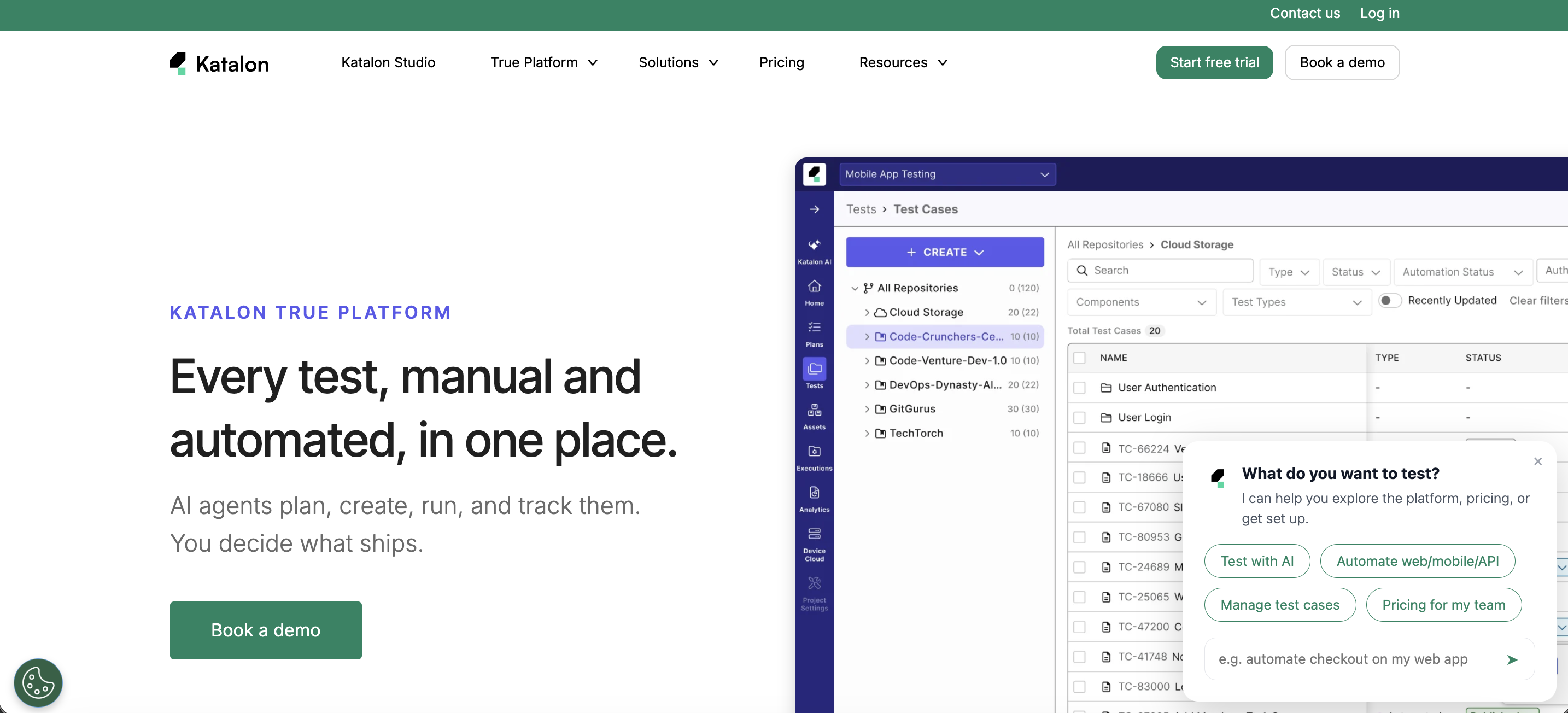
- Analytics & Trends, Release Readiness, and Live Monitor dashboards show test health, release quality, and runs in progress
- Test Runs Analysis, Defect Trends, and Requirement Coverage reports help you dig into failures
- AI Failure Grouping clusters failures by root cause, and AI Briefing turns report data into a summary for stakeholders
- Reports export to PDF, CSV, or Excel, or can be shared by link
- Connects to Jira and your CI/CD pipeline
Best for: teams that want automation and reporting in one place instead of stitching tools together.
Visit Katalon True Platform | G2 Reviews
2. TestRail

TestRail is a centralized test management platform with analytics and detailed reporting. It integrates with Jira, GitHub, GitLab, and CI/CD tools to connect requirements, test cases, and defects in one place. If you are weighing it against other options, see our comparison of TestRail alternatives.
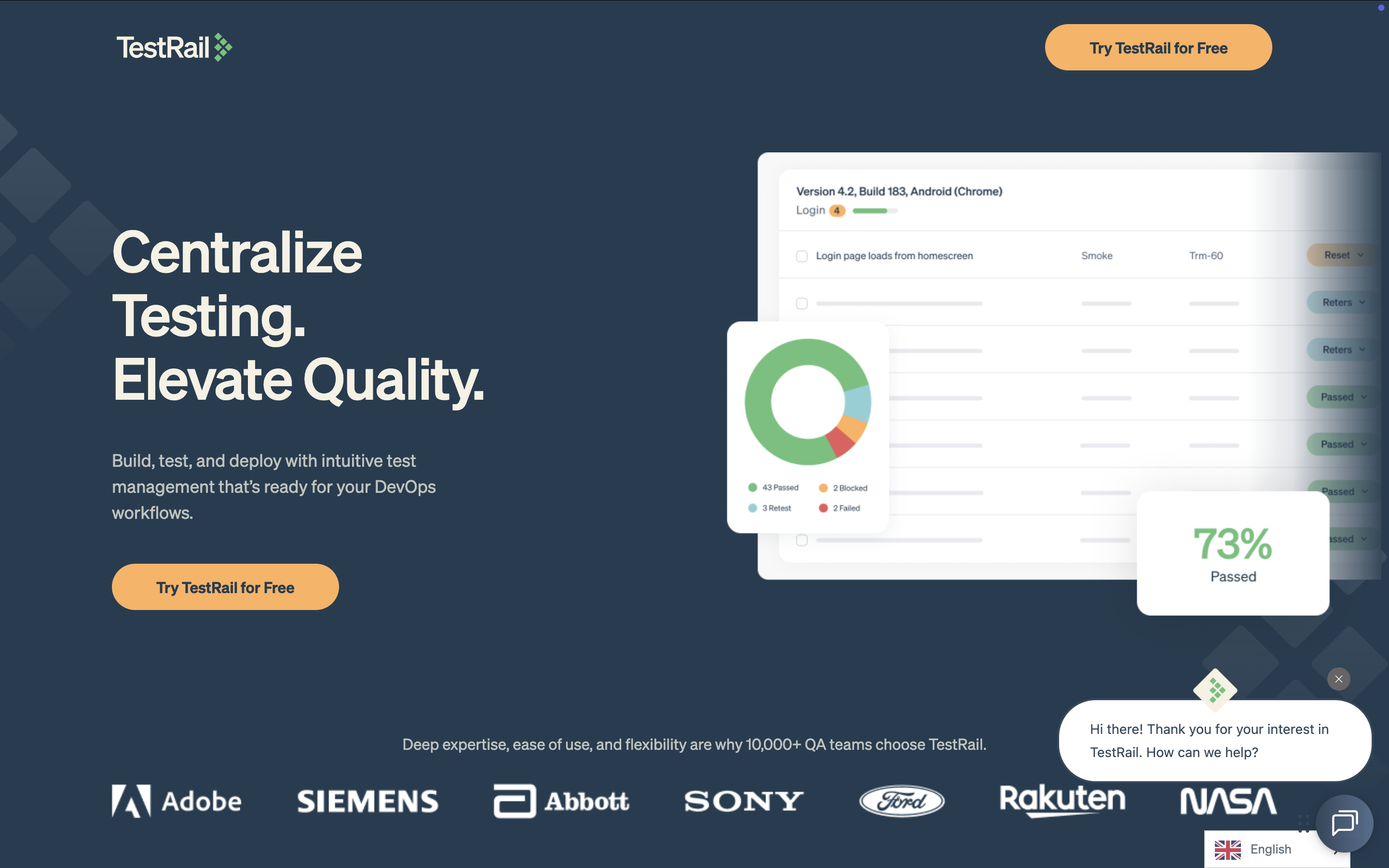
- Provides analytics and reporting dashboards
- Integrates with Jira, GitHub, GitLab, and CI/CD tools
- Links requirements, test cases, and defects for full traceability
- Supports structured test planning and compliance-friendly audit trails
Best for: mid-size to enterprise teams that want structured test planning and audit-friendly records.
3. Xray

Xray is a Jira-native test management tool that offers reporting dashboards, coverage mapping, and full traceability. It supports manual, automated, and BDD-style testing directly within Jira.
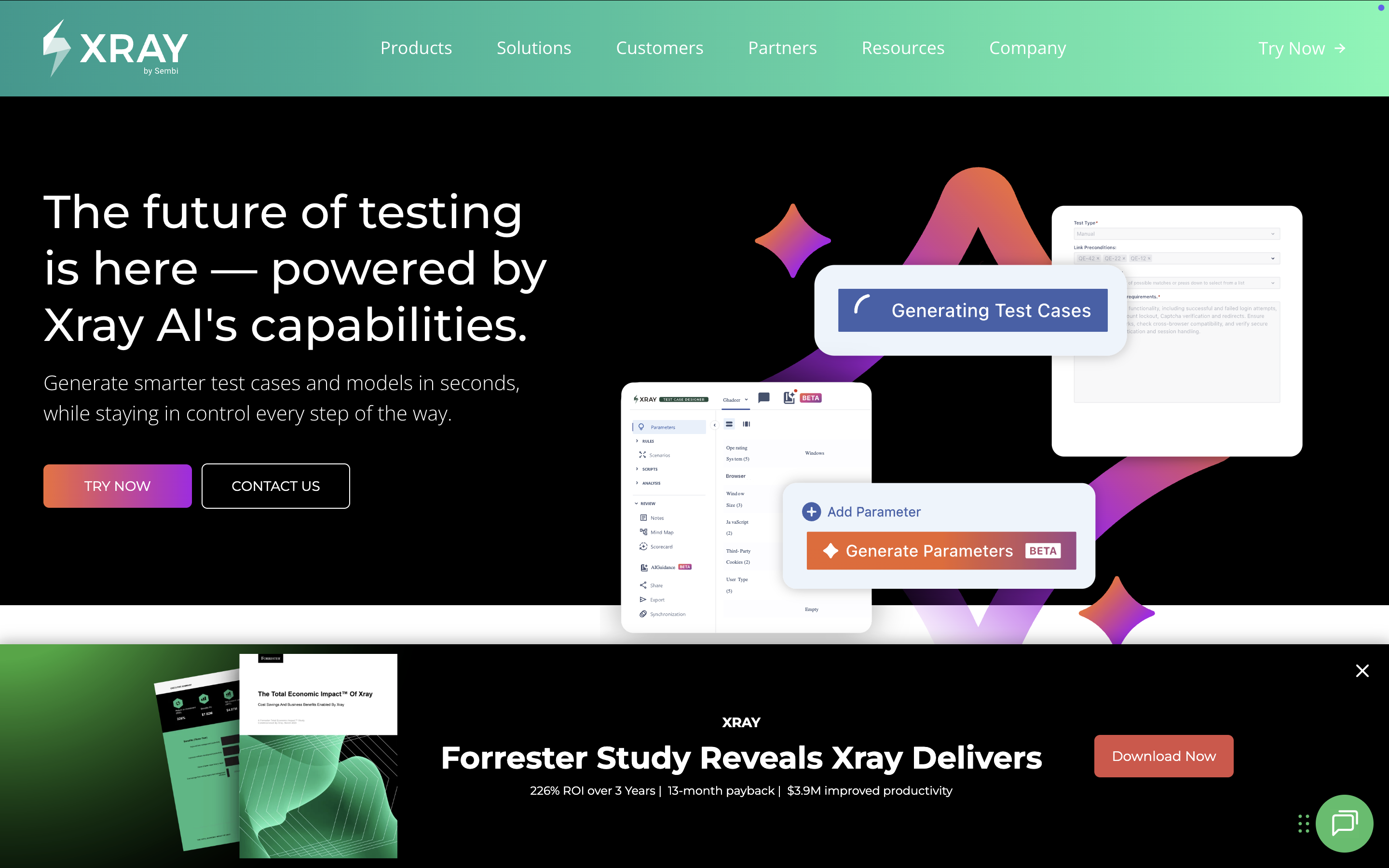
- Provides dashboards for reporting and coverage tracking
- Supports manual testing, automated testing, and BDD workflows
- Links Jira issues and requirements to tests for traceability
Best for: agile and DevOps teams that already run everything in Jira.
4. Zephyr

Zephyr is a test management and reporting solution from SmartBear built for Jira users. It shows test cycles and execution progress with dashboards and traceability matrices, and supports both manual and automated testing.
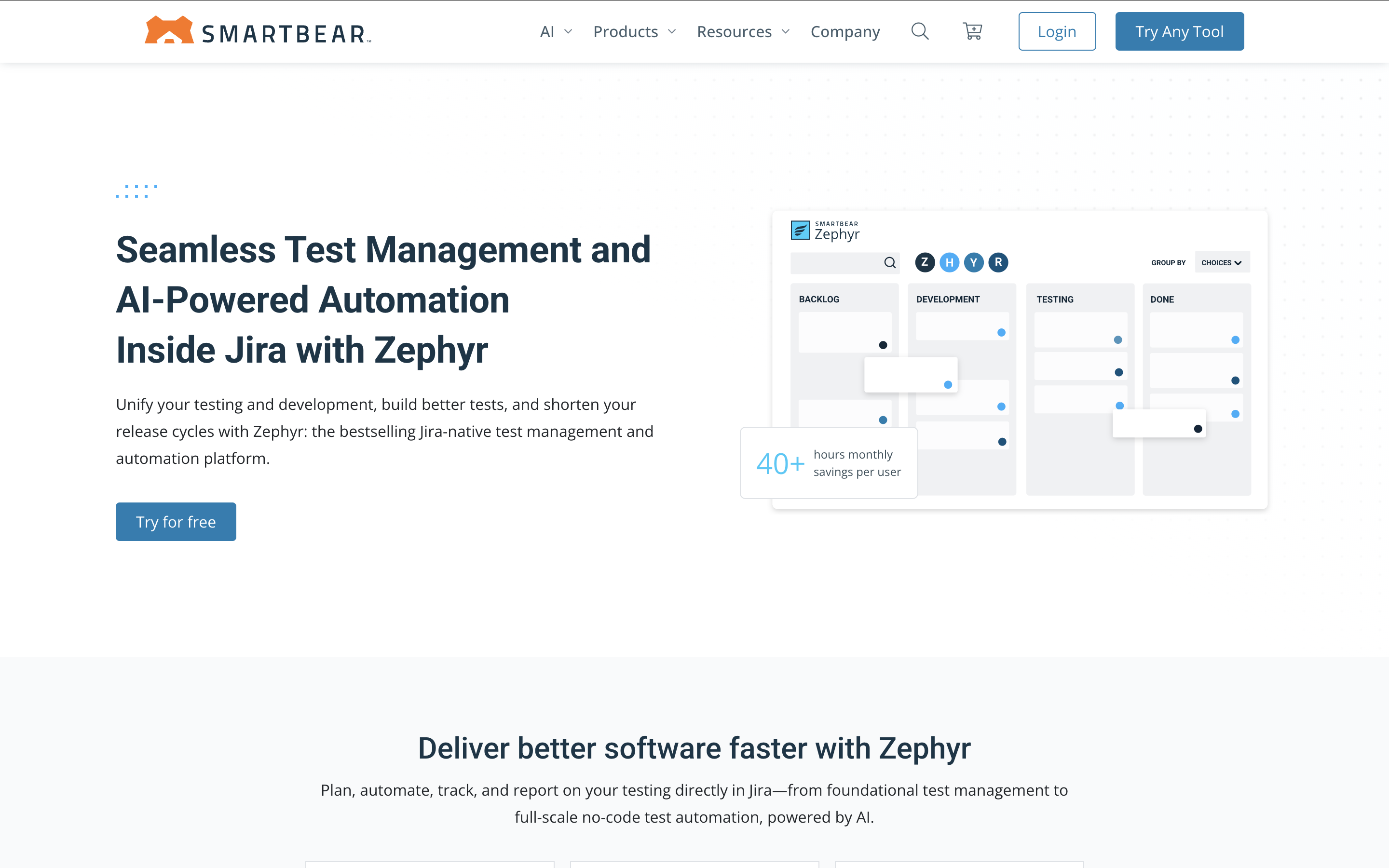
- Offers dashboards and analytics for test execution
- Supports manual and automated testing in one place
- Provides traceability matrices to link requirements and defects
Best for: agile teams that want test reporting inside Jira.
5. qTest by Tricentis

qTest is an enterprise test management platform with reporting, analytics, and automation integrations. It supports agile and DevOps workflows with dashboards, versioning, and CI/CD support.
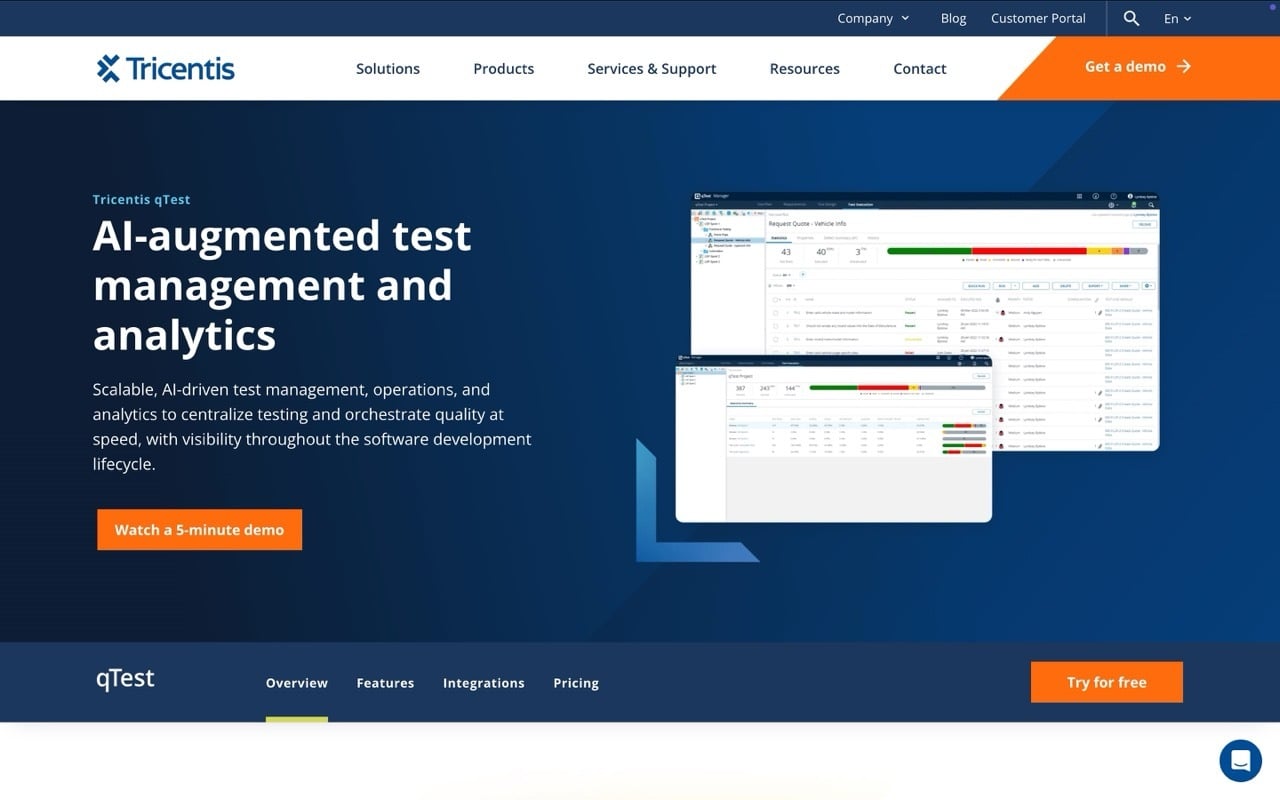
- Provides dashboards with detailed analytics
- Integrates with automation tools and CI/CD pipelines
- Supports versioning and traceability for compliance
Best for: large enterprises managing complex test portfolios with compliance requirements.
6. PractiTest

PractiTest is an end-to-end test management platform with dashboards, traceability, and customizable reports. It integrates with Jira, CI/CD tools, and popular automation frameworks.
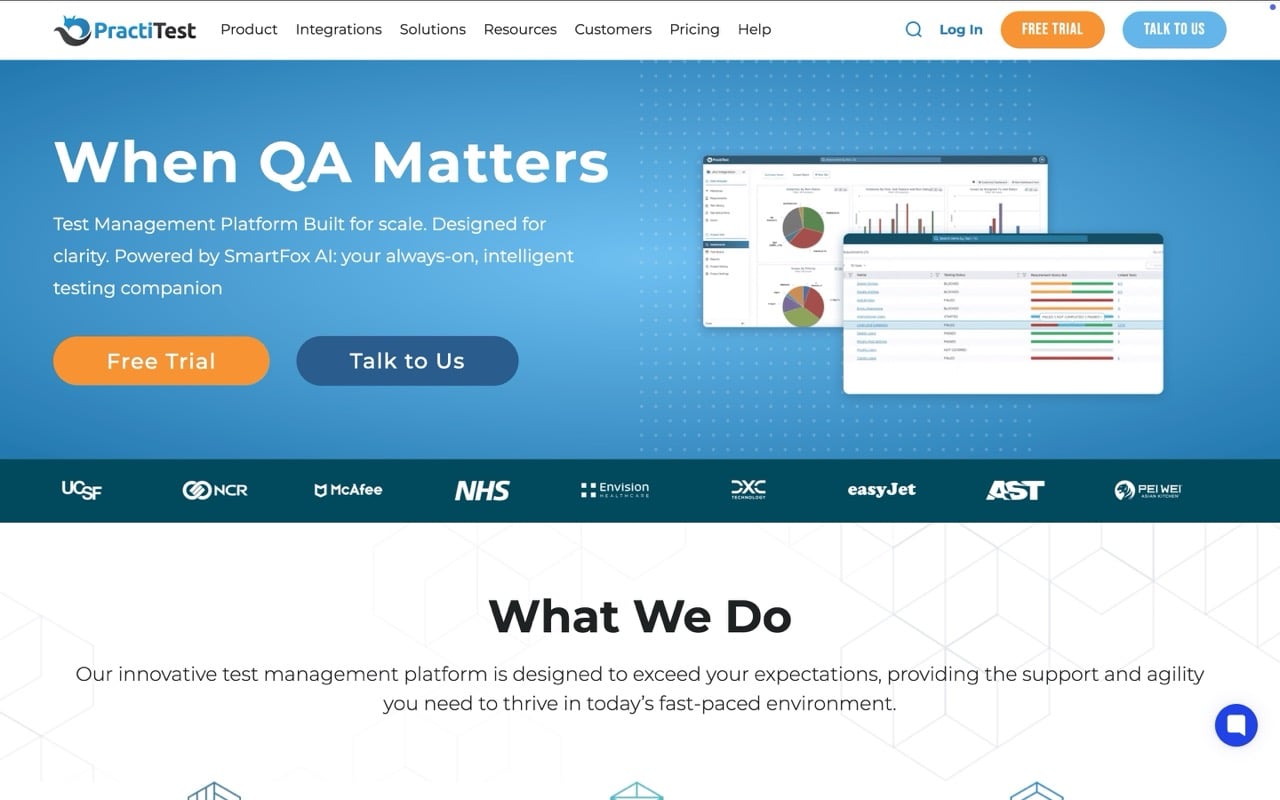
- Provides dashboards and customizable reports
- Integrates with Jira, CI/CD tools, and automation frameworks
- Supports traceability across requirements, tests, and defects
Best for: distributed teams that need flexible reporting for manual and automated tests.
7. Testmo

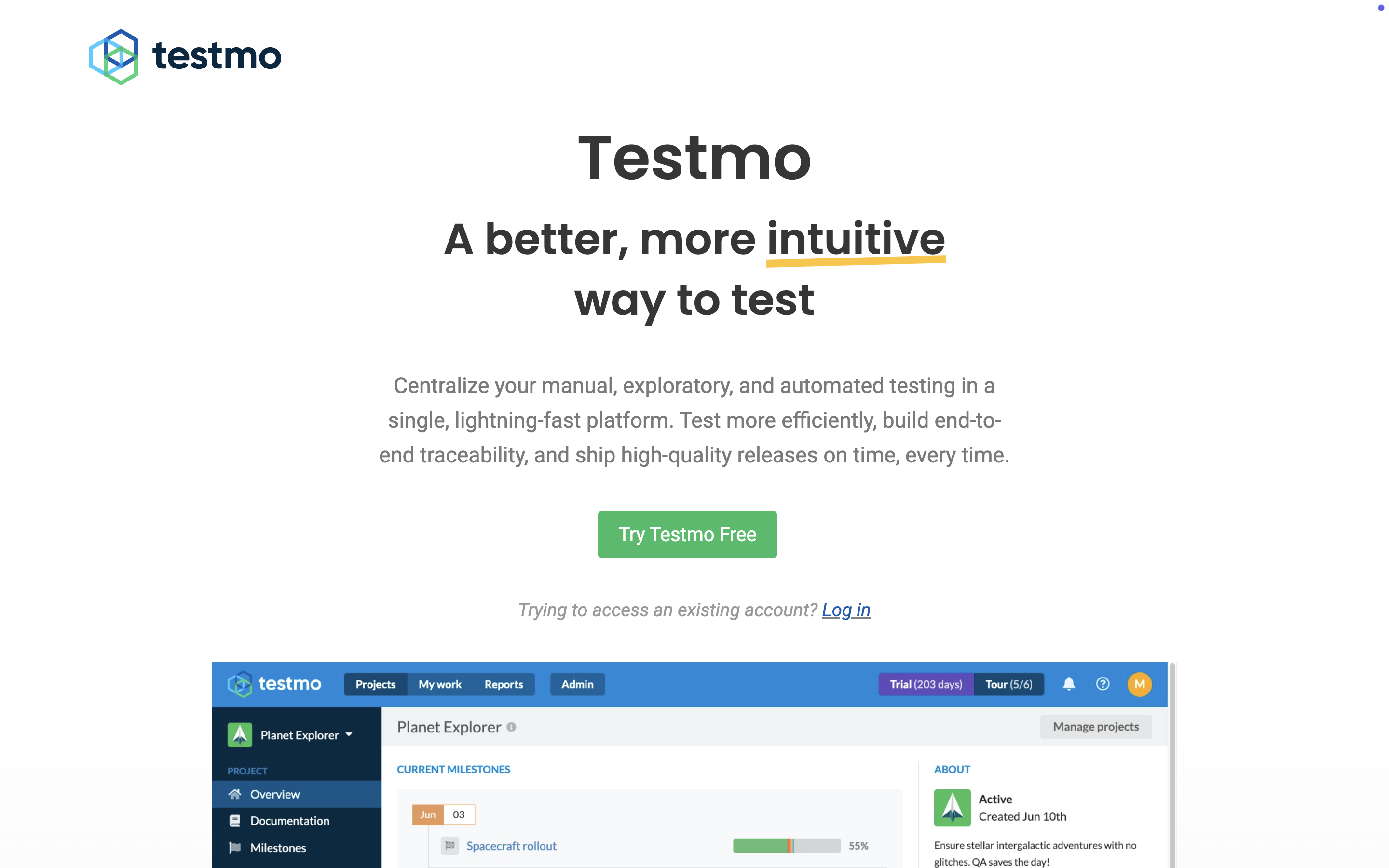
Testmo is a unified test management and reporting platform for DevOps workflows. It brings test cases, automation results, and exploratory testing together, with CI/CD integrations, an API, and reporting dashboards.
- Supports CI/CD and API integrations
- Provides dashboards for reporting across manual and automated runs
- Works with multiple automation frameworks
Best for: growing teams that want a lightweight setup.
8. Test Collab

Test Collab is a cloud-based test case management tool with built-in reporting and CI/CD integration. It supports collaboration, scheduling, and test assignment.
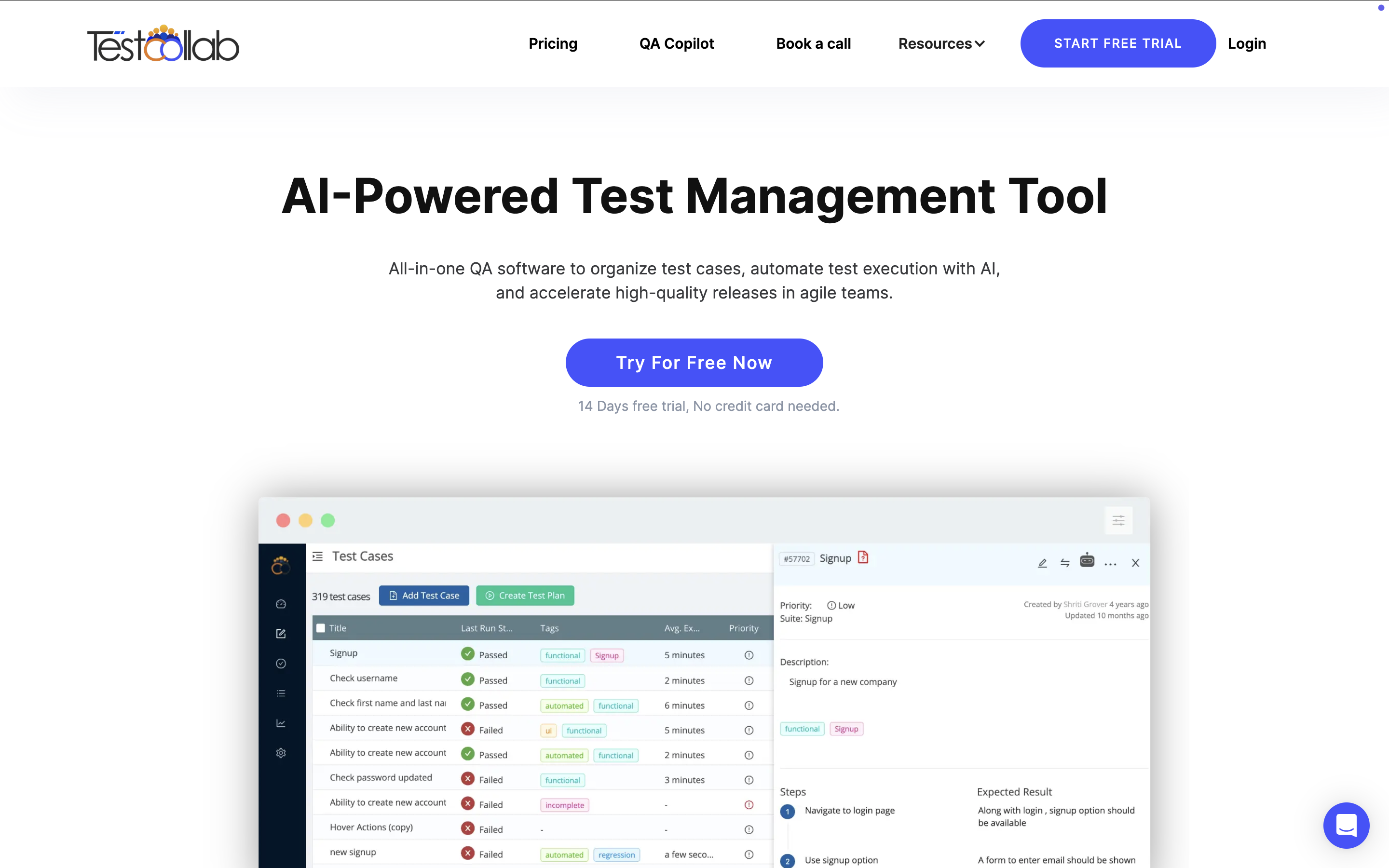
- Provides built-in reporting dashboards
- Integrates with CI/CD pipelines
- Supports team collaboration and test scheduling
Best for: teams that want cloud hosting and fast onboarding without extra infrastructure.
9. SpiraTest

SpiraTest is a quality assurance, test, and requirements management platform from Inflectra that tracks requirements, test cases, releases, defects, and issues in one place. It includes plugins for automation tools like UFT, TestComplete, Ranorex, and Selenium.
- Available as a cloud deployment or a Windows desktop deployment
- Integrates with Microsoft Azure DevOps and GitHub
- Reports across requirements, tests, releases, and defects
Best for: teams standardized on Microsoft tooling.
Visit SpiraTest Website | G2 Reviews
10. Allure TestOps

Allure TestOps is a test management platform from Qameta Software that combines automated and manual testing in one place. It is built on the open source Allure Report engine covered below.
- Collects test results from the build server while a build job runs
- Lets teams start, stop, and rerun build jobs from within Allure TestOps
- Imports test results directly from IntelliJ IDEA
Best for: teams already using Allure Report that need test management on top.
Open source test reporting libraries
These libraries plug into your test framework and generate a report after each run. They are free and quick to set up, and they work well if you already manage tests elsewhere and just need clean, shareable results.
11. Allure Report

Allure Report is an open source framework that generates HTML reports from automated test runs. It supports JUnit, TestNG, Pytest, and many other frameworks, and it runs in CI/CD pipelines. Testers can attach screenshots, logs, and metadata to each test.
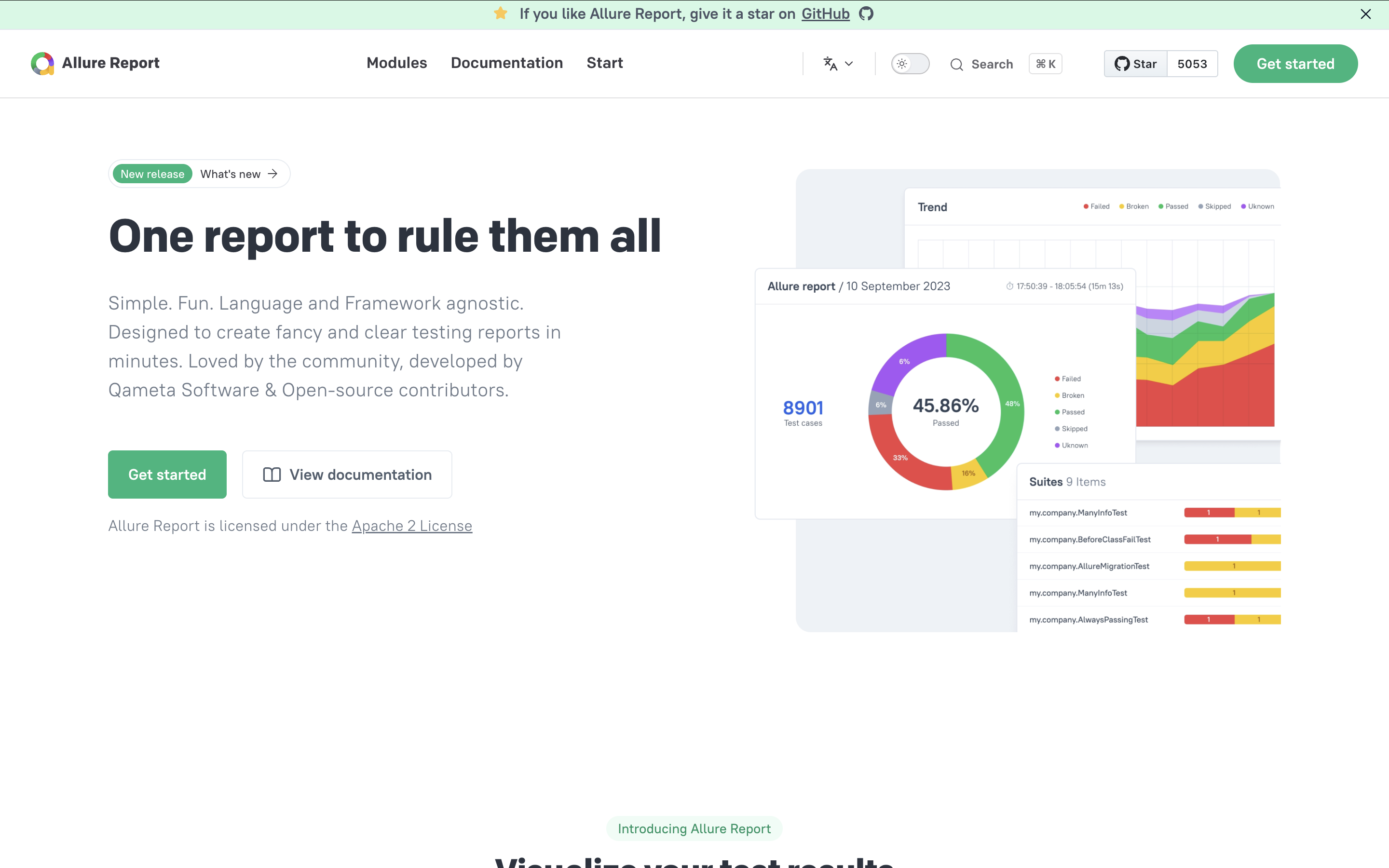
- Creates interactive HTML reports for automated tests
- Supports multiple testing frameworks and languages
- Runs in CI/CD pipelines
- Attaches screenshots, logs, and metadata to reports
Best for: teams that want rich, free reports across several frameworks.
12. ExtentReports

ExtentReports is a reporting library for Selenium, Appium, and other test automation frameworks. Testers can add detailed logs, screenshots, and custom tags, and export reports in formats such as HTML and PDF.
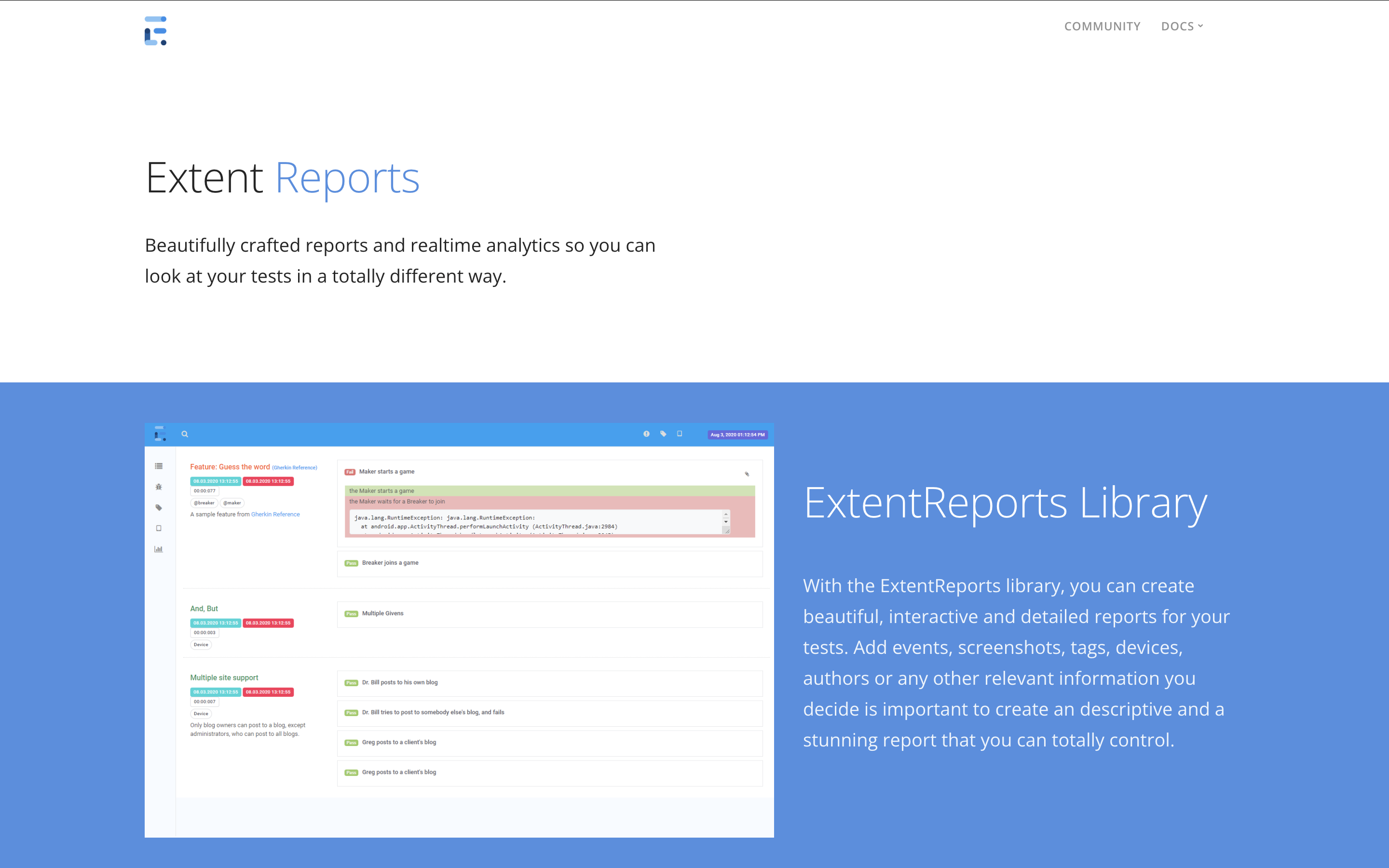
- Generates customizable HTML and PDF reports
- Supports screenshots, logs, and custom tags
- Works with Selenium, Appium, and other frameworks
Best for: Selenium and Appium projects that need reports stakeholders can read.
13. Playwright HTML Reporter
Playwright Test ships with several built-in reporters, including list, dot, JSON, JUnit, and HTML. The HTML reporter produces a self-contained report you can open locally or publish from CI, with each test's steps, errors, and attachments such as screenshots, videos, and traces.
- Built in, with no extra library to install
- Filter results by status and project
- Opens screenshots, videos, and traces for failed tests
- Runs alongside other reporters, such as JUnit for CI dashboards
Best for: teams already running Playwright who want readable reports without adding a tool.
Visit Playwright Reporters Docs
14. Serenity BDD Reports

Serenity BDD is a reporting framework for behavior-driven development (BDD) projects. It produces narrative-style living documentation that combines test results and documentation in one place, and it works with Cucumber and JBehave.
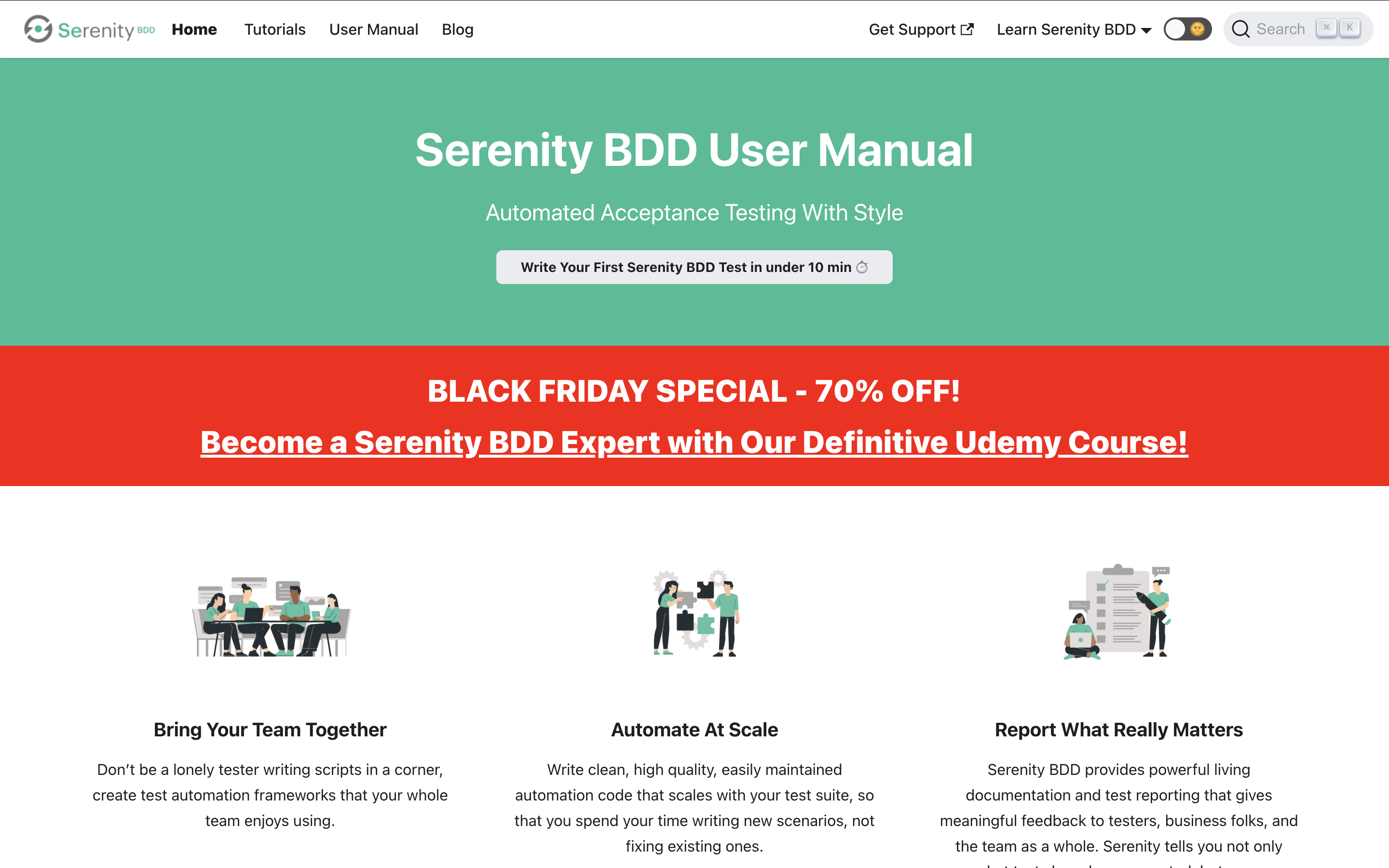
- Creates narrative-style reports for BDD projects
- Works with Cucumber and JBehave
- Generates living documentation with scenario details
Best for: BDD teams that want tests and documentation in one place.
15. JUnit XML reports

JUnit XML is the most widely supported test result format. Build tools and CI servers such as Jenkins, GitLab, and Azure DevOps read it to show pass and fail results, and many other frameworks can output it too.
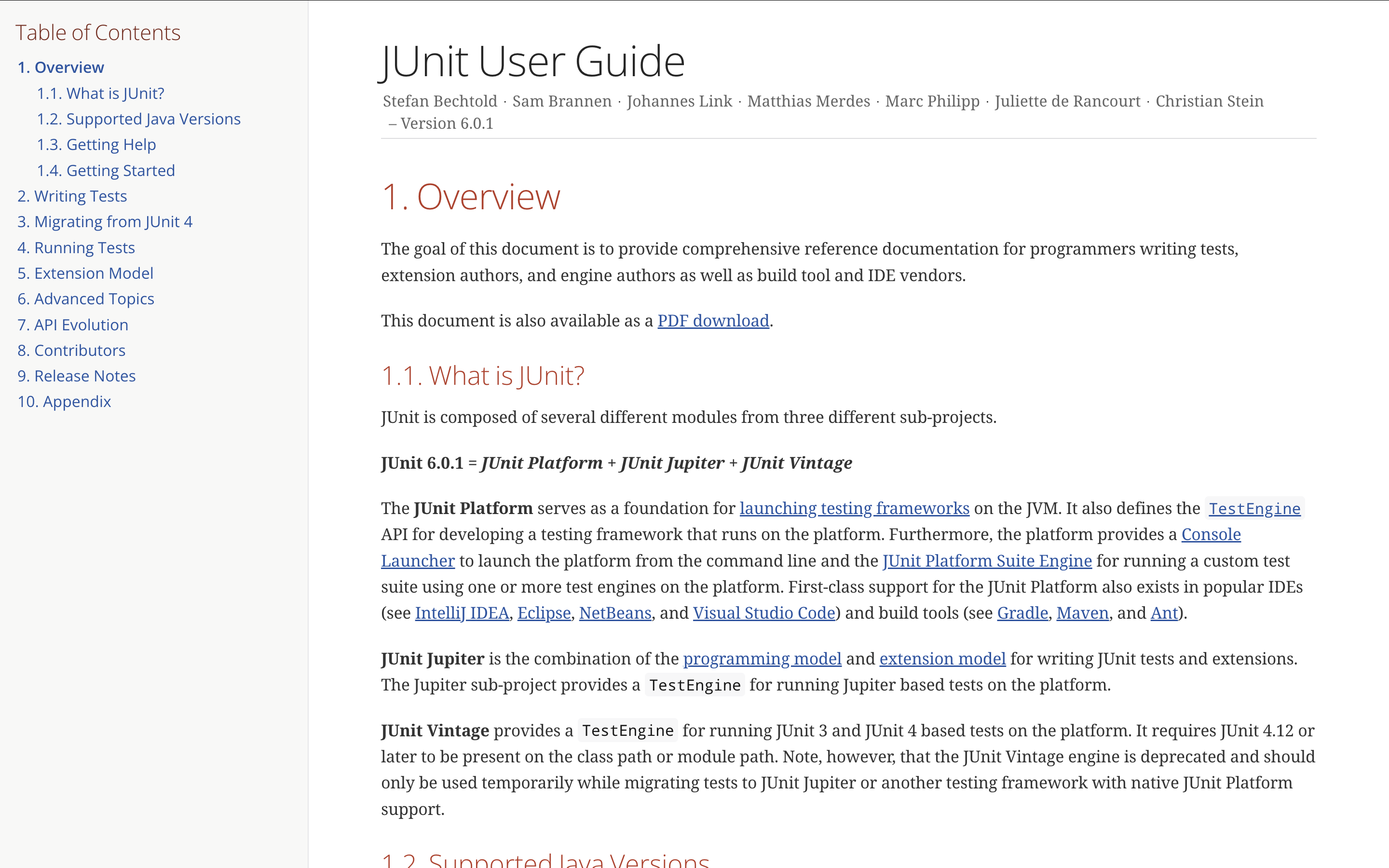
- Produces XML results that most CI tools can read
- Can be turned into HTML reports with build tool plugins
- No extra setup for Java projects
Best for: Java projects and teams that want results in their CI dashboard.
AI-assisted test analytics
These tools use machine learning to sort failures, spot unstable tests, and cut down manual triage. They are worth a look if flaky tests and failure analysis are slowing your team down.
16. ReportPortal

ReportPortal is an open source test automation dashboard that aggregates results and analyzes them in real time. Its machine learning classifies failures automatically and helps teams find flaky tests.
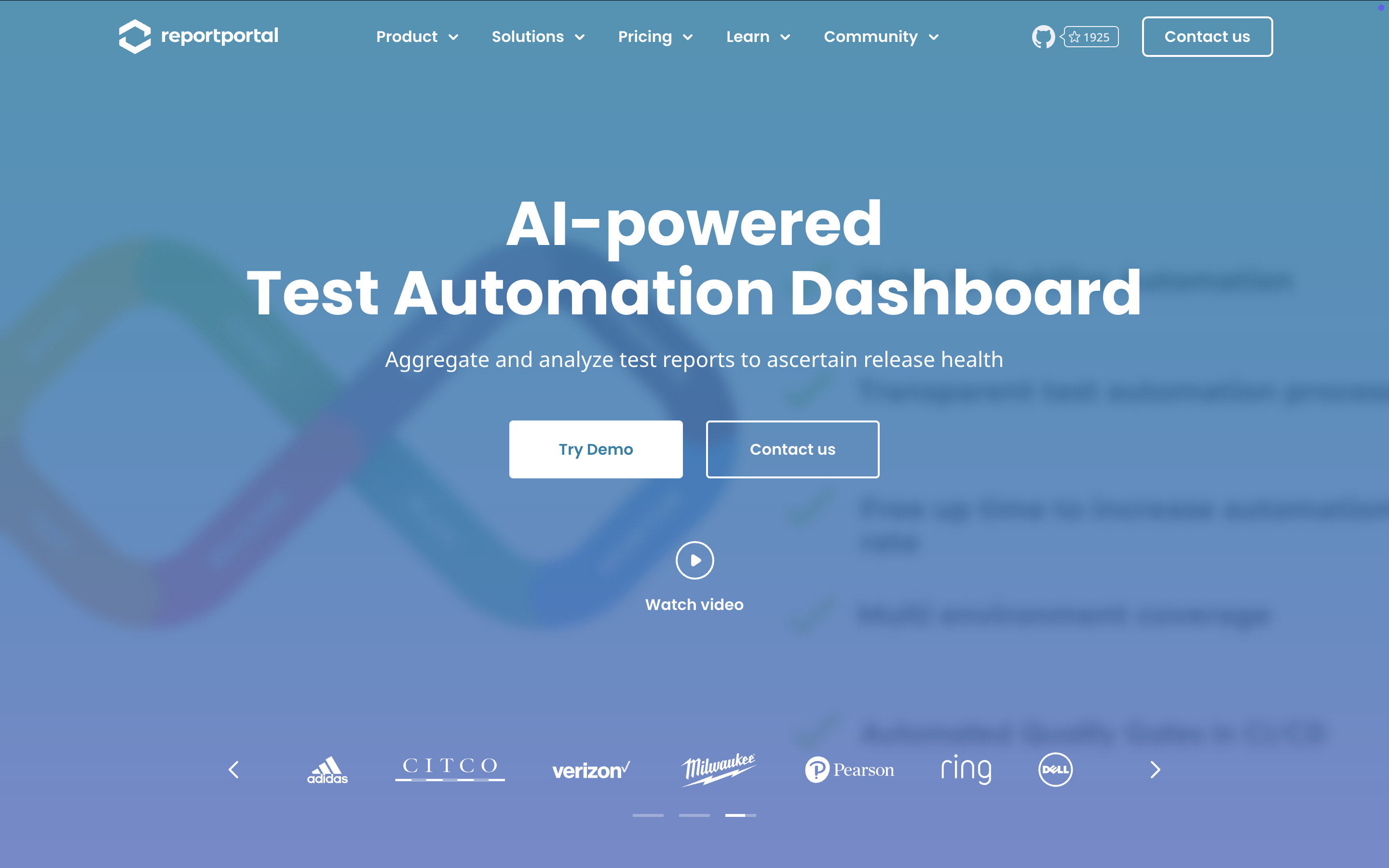
- Aggregates results from many frameworks in one dashboard
- Classifies failures automatically with machine learning
- Integrates with defect tracking and CI/CD tools
Best for: teams running large regression suites with many failures to triage.
17. Functionize

Functionize is an AI testing platform that builds self-healing tests. On the reporting side, it detects failures, suggests fixes, and tracks test health in central dashboards.
- SmartFix detects test failures and suggests fixes to reduce manual triage
- Live Debug lets testers inspect a running test with breakpoints without stopping the suite
- Central dashboards track requirements coverage and test health
Best for: teams that want AI to help triage and fix failing tests.
Visit Functionize Website | G2 Reviews
18. Tricentis Testim

Tricentis Testim is a web-based, AI test automation platform for creating and maintaining functional tests. Its reporting groups failed runs by cause, which makes failure patterns easier to spot.
- Classifies failed runs with reason codes
- AI stabilizers reduce flaky tests
- Runs on demand, on a schedule, or in CI/CD pipelines
Best for: teams without deep coding experience.
Visit Tricentis Testim Website | G2 Reviews
Which test reporting tool should you choose?
Match the tool to how your team actually works.
- You need readable results from one framework: start with an open source library like Allure Report, ExtentReports, Playwright HTML Reporter, or JUnit XML reports.
- You need traceability and trends across releases: choose a test management platform like TestRail, Xray, Zephyr, qTest, PractiTest, or Testmo.
- Flaky tests and manual triage are slowing you down: look at AI-assisted analytics like ReportPortal, Functionize, or Tricentis Testim.
Katalon True Platform covers all three in one place: automation with Katalon Studio, dashboards and trends across runs, and AI Failure Grouping for faster triage, so testing and DevOps teams get full visibility without stitching tools together.

|
