


.jpg)
.svg)

AI testing tools promise to cut the time your team spends writing and maintaining automated tests, but the label gets applied loosely. Some tools generate test cases from a plain-language description. Others use machine learning only to keep existing scripts from breaking when the UI shifts. A few do both, plus root cause analysis and release-readiness reporting, on one platform.
This guide compares seven AI testing tools worth evaluating in 2026, with a comparison table up front, a named limitation for every tool including ours, and a decision framework at the end so you can match a tool to what you're actually trying to solve.
THE SHORT ANSWER
AI testing tools, at a glance:
• They use machine learning to generate, execute, and maintain automated tests with far less manual scripting than traditional automation.
• 7 tools compared here span end-to-end platforms, enterprise model-based automation, visual regression specialists, and low-code web and API testers.
• Katalon leads with an AI Assistant built into test generation, execution, and quality reporting on one platform, priced from $70 per seat, per month.
• Pick a tool based on what you're actually solving, platform breadth, visual regression, enterprise scale, or fast low-code setup, not just the "best" label.
The table and entries below go into what each tool is actually built for, so you can match the decision to your team's situation rather than a ranking alone.
AI testing tools compared at a glance
Before the full write-ups, here's how the seven stack up side by side. "Starting price" reflects only what each vendor has published; where nothing is public, that's noted rather than guessed.
| Tool | Best for | Starting price | Key AI strength | One real limitation |
|---|---|---|---|---|
| Katalon | Teams that want AI test generation, execution, and quality insights on one platform | From $70/seat/month | Katalon AI Assistant built into the same platform used to build and run tests | Advanced AI capabilities concentrate in the higher-tier plans |
| Tricentis Tosca | Large enterprises standardizing automation across SAP, mainframe, and other complex systems | Not published, quote-based | Model-based automation that stays stable across UI changes without re-scripting | Steep setup and licensing complexity for small teams |
| Applitools | Teams layering visual regression on an existing automation framework | Not published, contact vendor | Visual AI that flags rendering and layout regressions pixel-diffing would miss | Not a full test management or execution platform on its own |
| Functionize | Teams running large web suites who want ML-driven test maintenance | Not published, contact vendor | ML-based element detection that adapts scripts as the app changes | Smaller user community and integration library than category leaders |
| Mabl | Web and API teams wanting low-code AI test creation inside CI/CD | Not published, contact vendor | Auto-healing tests plus visual and API testing in one low-code workflow | Native mobile app testing support is limited |
| AccelQ | QA teams wanting codeless test design across web, mobile, and API | Not published, contact vendor | Codeless, model-based test design meant to cut script maintenance | Smaller market presence and integration library than larger platforms |
| Testim | Teams wanting fast, AI-stabilized UI test authoring for web apps | Not published, contact vendor | AI-based locators that adapt automatically when UI elements change | Built primarily for web UI testing, less suited to broader platform needs |
How we chose
We evaluated tools against six criteria: breadth of AI capability across the testing lifecycle (generation, execution, maintenance, analysis), how mature the self-healing or test-maintenance mechanism actually is, pricing transparency, coverage across web, mobile, API, and enterprise systems, third-party validation through G2 review volume and rating, and how much automation engineering expertise a team needs before they can get value from the tool.
Katalon publishes this list, and we build one of the products on it. We've named a real limitation for every entry here, including our own, and linked each tool to its independent G2 review page so you can weigh our take against verified user feedback rather than take our word for it.
What are AI-based testing tools?
AI-based testing tools apply machine learning to tasks that used to require a person to write or maintain a script by hand: generating test cases from a requirement or a plain-language description, keeping tests running when a button moves or an element's ID changes, and flagging which failures are worth a human's attention first. The line between "has some AI features" and "AI-native" varies a lot across this list, which is exactly why the comparison table above and the pros and cons below matter more than any single label.
If you're weighing AI tools against the wider field, including open-source frameworks such as Selenium, Playwright, and Appium, see our comparison of the best automation testing tools for 2026.
The role of AI in test automation
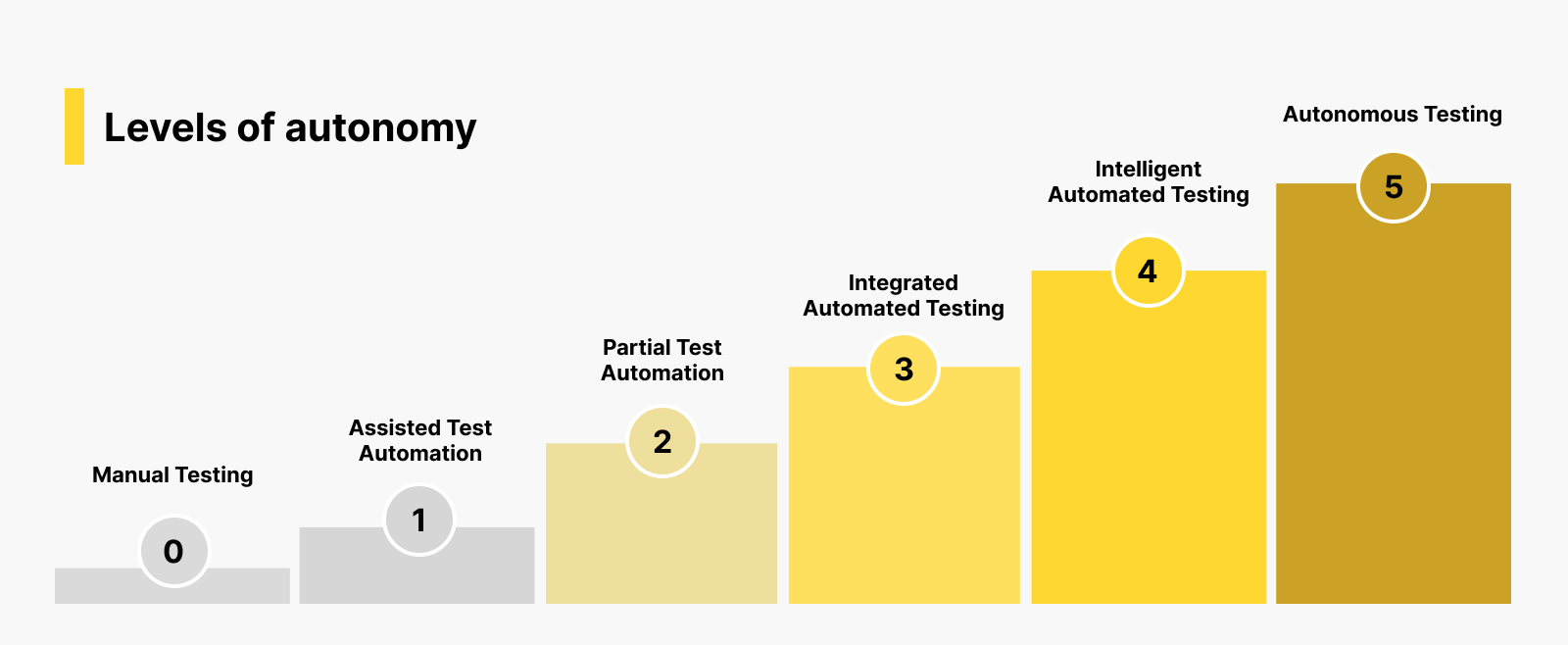
According to Katalon's 2025 State of Software Quality Report, 61% of QA teams are now adopting AI-driven testing to automate repetitive tasks and free up time for more strategic work, a figure drawn from a survey of 1,500 QA professionals worldwide. That adoption is showing up less as a single "AI button" and more as AI woven into specific stages: generating the first draft of a test case from a requirement, deciding which locator strategy will survive a UI refactor, and triaging failures so a person only looks at the ones that are actually new bugs.
Key features of AI testing tools

Test script generation
Tools like Katalon's AI Assistant, specifically its Test Generation Agent, can turn a requirement, a Jira ticket, or an uploaded document into a starting set of test cases, cutting the blank-page problem that eats a disproportionate share of a QA team's time.
Test data generation
AI can synthesize realistic test data, edge cases, and boundary values instead of a tester hand-crafting every input combination, which matters most for data-heavy applications where coverage gaps hide in the values nobody thought to try.
Intelligent test execution
Rather than running every test on every build, AI-prioritized execution can flag which tests are most likely to catch a regression given what actually changed in the code, which shortens feedback loops on large suites.
Smarter test maintenance
Self-healing locators are the most visible AI feature in this category: when an element's ID or position changes, the tool adjusts the test instead of failing it outright, which is the single biggest driver of lower long-term maintenance cost across every tool in this list.
Root cause analysis
When a test does fail, AI can help classify why: a genuine application bug, a stale locator, or an environment issue, so teams spend triage time on the failures that matter instead of manually re-running everything to find out.
Benefits of AI testing tools
The case for AI testing tools comes down to a few compounding effects: less time spent writing tests from scratch, fewer maintenance hours lost to brittle scripts breaking on routine UI changes, faster feedback because prioritized execution surfaces the tests that matter first, and more consistent coverage because generation and data synthesis catch cases a manual process tends to skip under deadline pressure. None of that replaces test strategy or judgment; it changes where a QA team spends its time.
Top 7 AI testing tools
1. Katalon

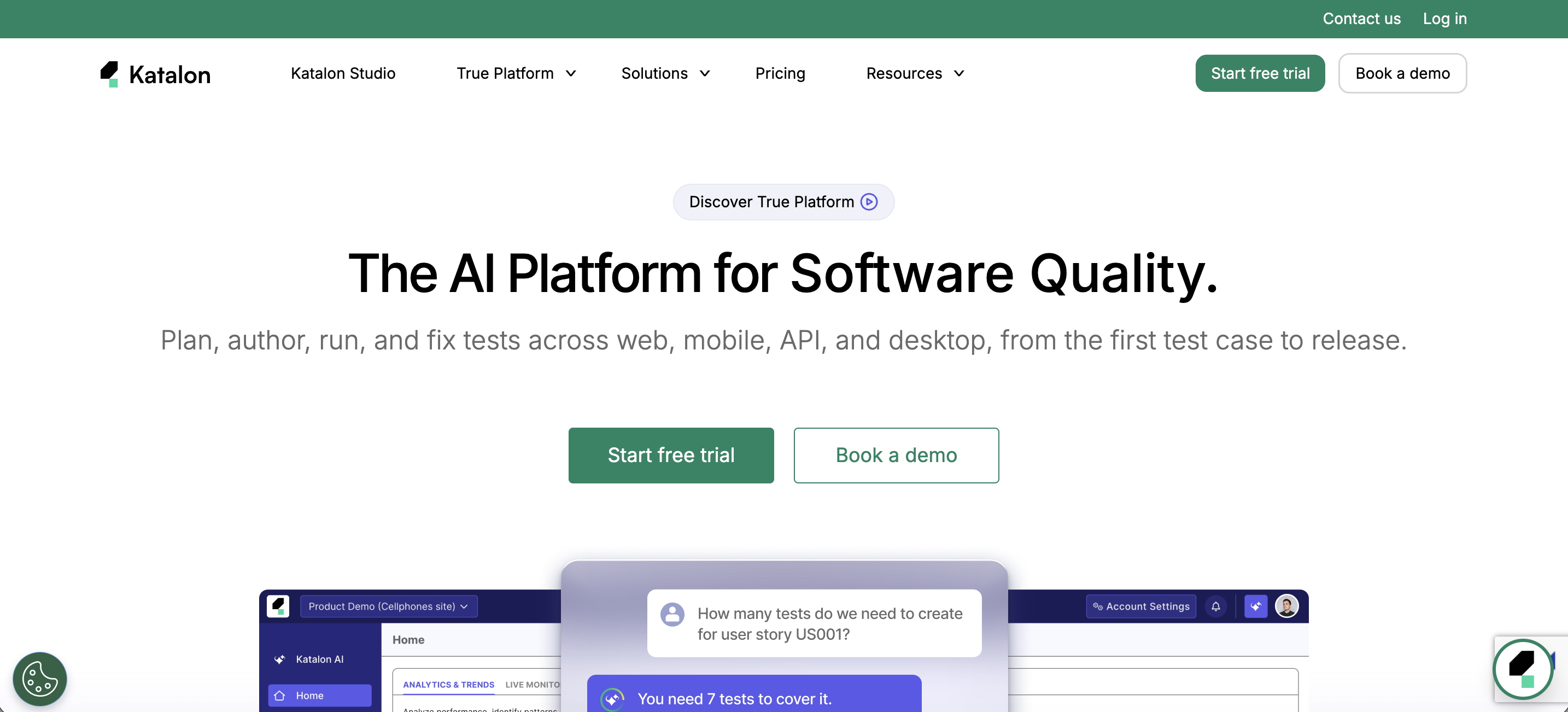
Katalon is a unified quality platform that puts AI into the same workflow used to build, run, and analyze tests, rather than bolting it onto a separate tool. Katalon AI Assistant covers test generation through its Test Generation Agent, autonomous execution on real browsers with no scripting required, and root cause classification, and True Production Insights adds release-readiness reporting on top of the same test data.
Best for: teams that want AI test generation, execution, and quality insights without stitching together separate point tools.
Pricing: Katalon Studio Enterprise starts at $180/seat/month ($150/mo billed annually); True Platform starts at $70/seat/month ($59/mo annually); True Automation starts at $200/seat/month ($167/mo annually); Enterprise is custom-quoted. A 30-day free trial is available with no credit card required.
Third-party rating: see verified user reviews on G2.
Pros:
- AI test generation, execution, and analysis live in one platform instead of three separate tools
- No-code authoring alongside full scripting support, so both manual testers and automation engineers can work in it
- Release-readiness reporting (True Production Insights) ties test results directly to a go/no-go decision, which most entries on this list don't offer at all
Cons:
- The most advanced AI capabilities sit in the True Automation and Enterprise tiers, so smaller teams on lower plans get a lighter version of what's described above
- Cost adds up faster than open-source-based alternatives once a team scales past a small seat count
2. Tricentis Tosca

Tricentis Tosca is a model-based test automation platform built for large enterprises running complex, often legacy-heavy application landscapes, including SAP and mainframe systems that most testing tools don't cover well. Its AI-assisted, model-based approach is designed to keep tests stable as the underlying application changes, without requiring a rewrite of the automation itself.
Best for: large enterprises standardizing test automation across SAP, mainframe, and other complex enterprise systems.
Pricing: not publicly listed; Tricentis quotes Tosca on a contact-sales basis.
Third-party rating: see verified user reviews on G2.
Pros:
- Strong coverage of enterprise systems (SAP, mainframe) that most AI testing tools don't reach
- Model-based design reduces script rewrites when the application changes
- Established enterprise support and services organization behind large rollouts
Cons:
- Steep learning curve and setup investment, better suited to enterprise-scale rollouts than a small team getting started quickly
- Pricing isn't public, so cost comparison requires going through a sales process
3. Applitools

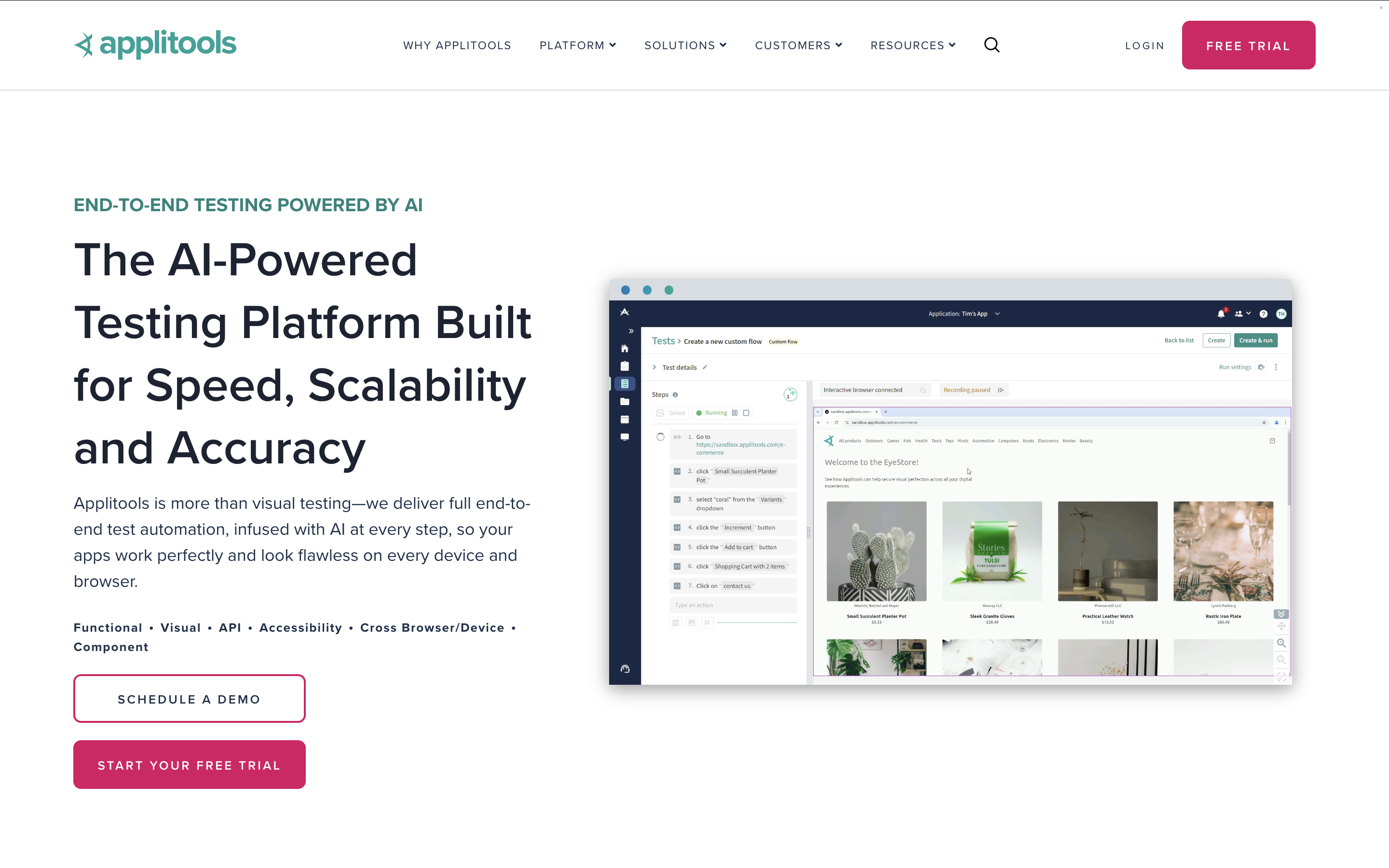
Applitools specializes in Visual AI: it compares full-page renders across builds, browsers, and screen sizes to catch layout, rendering, and visual regressions that a pixel-by-pixel diff or a purely functional test would miss entirely.
Best for: teams that already have a functional test framework and need visual regression testing layered on top of it.
Pricing: not publicly listed at the time of writing; contact Applitools for a quote.
Third-party rating: see verified user reviews on G2.
Pros:
- Visual AI catches rendering and layout bugs that functional tests structurally can't see
- Integrates with most major automation frameworks rather than requiring a full platform switch
- Strong cross-browser and cross-device visual coverage
Cons:
- Not a full test management or execution platform, it needs to sit alongside an existing framework
- Cost scales with visual checkpoint volume, which can get expensive at high test volumes
4. Functionize

Functionize uses machine learning to build and maintain tests for large web applications, aiming its self-healing element detection specifically at the maintenance burden that grows fastest once a suite gets into the thousands of test cases.
Best for: teams running large, existing web test suites who want ML-driven maintenance rather than a rewrite.
Pricing: not publicly listed; contact Functionize for a quote.
Third-party rating: see verified user reviews on G2.
Pros:
- ML-based element detection meaningfully reduces breakage from routine UI changes
- Built specifically for large-scale web test suites
- Test creation doesn't require heavy scripting expertise
Cons:
- Smaller user community and fewer public integrations than the category's larger platforms
- Advanced ML configuration options carry a learning curve of their own
5. Mabl

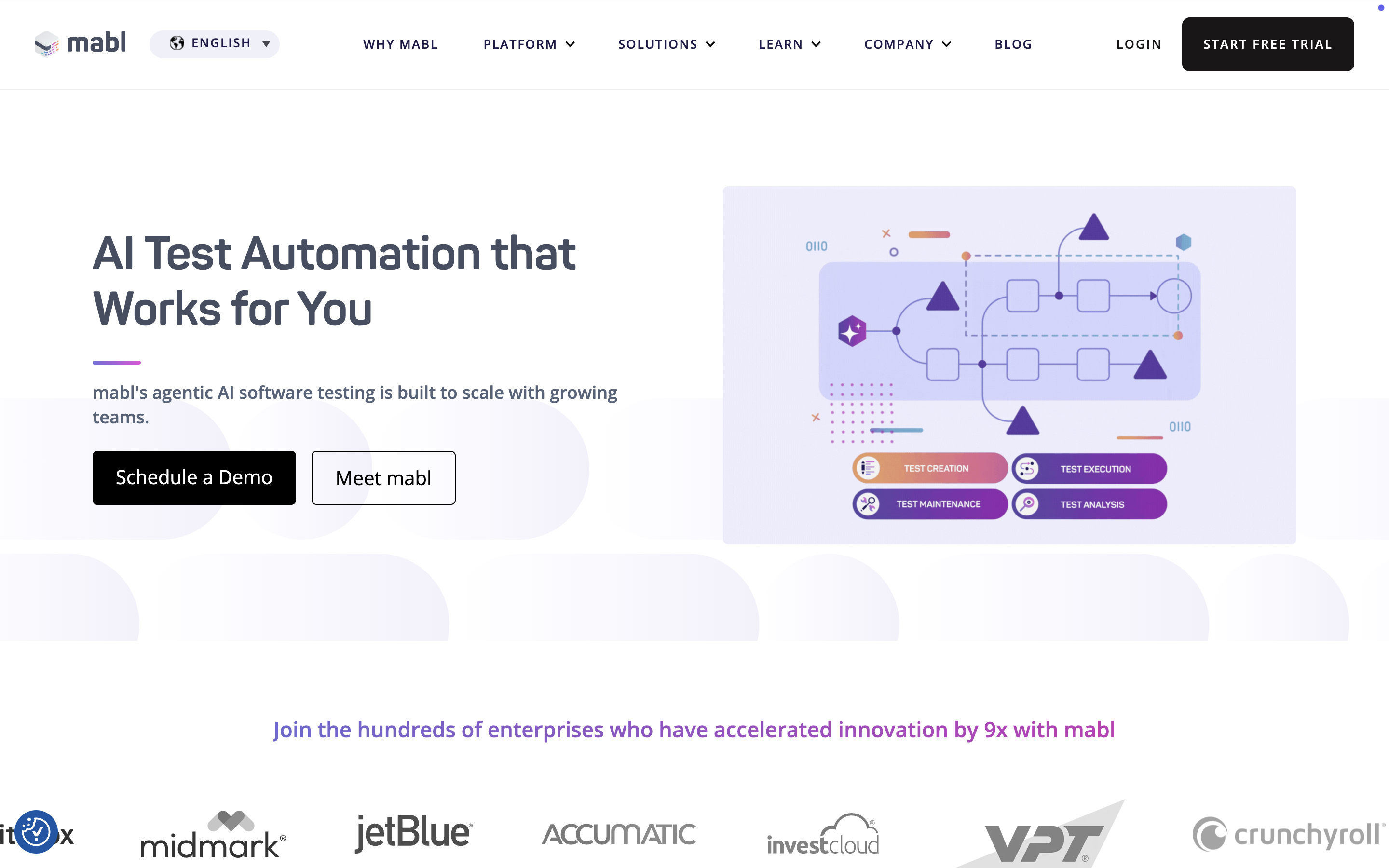
Mabl is a low-code platform built around auto-healing tests, with visual and API testing folded into the same workflow and native hooks into CI/CD pipelines so tests run as part of the deployment process rather than as a separate step.
Best for: web and API teams that want low-code AI test creation built directly into CI/CD.
Pricing: not publicly listed; contact Mabl for a quote.
Third-party rating: see verified user reviews on G2.
Pros:
- Auto-healing plus visual and API testing in a single low-code workflow
- Native CI/CD integration makes it easy to run tests as part of deployment
- Low-code authoring lowers the bar for non-automation-engineer testers
Cons:
- Native mobile app testing support is limited compared with dedicated mobile tools
- Pricing isn't published, which makes upfront budget comparisons harder
6. AccelQ

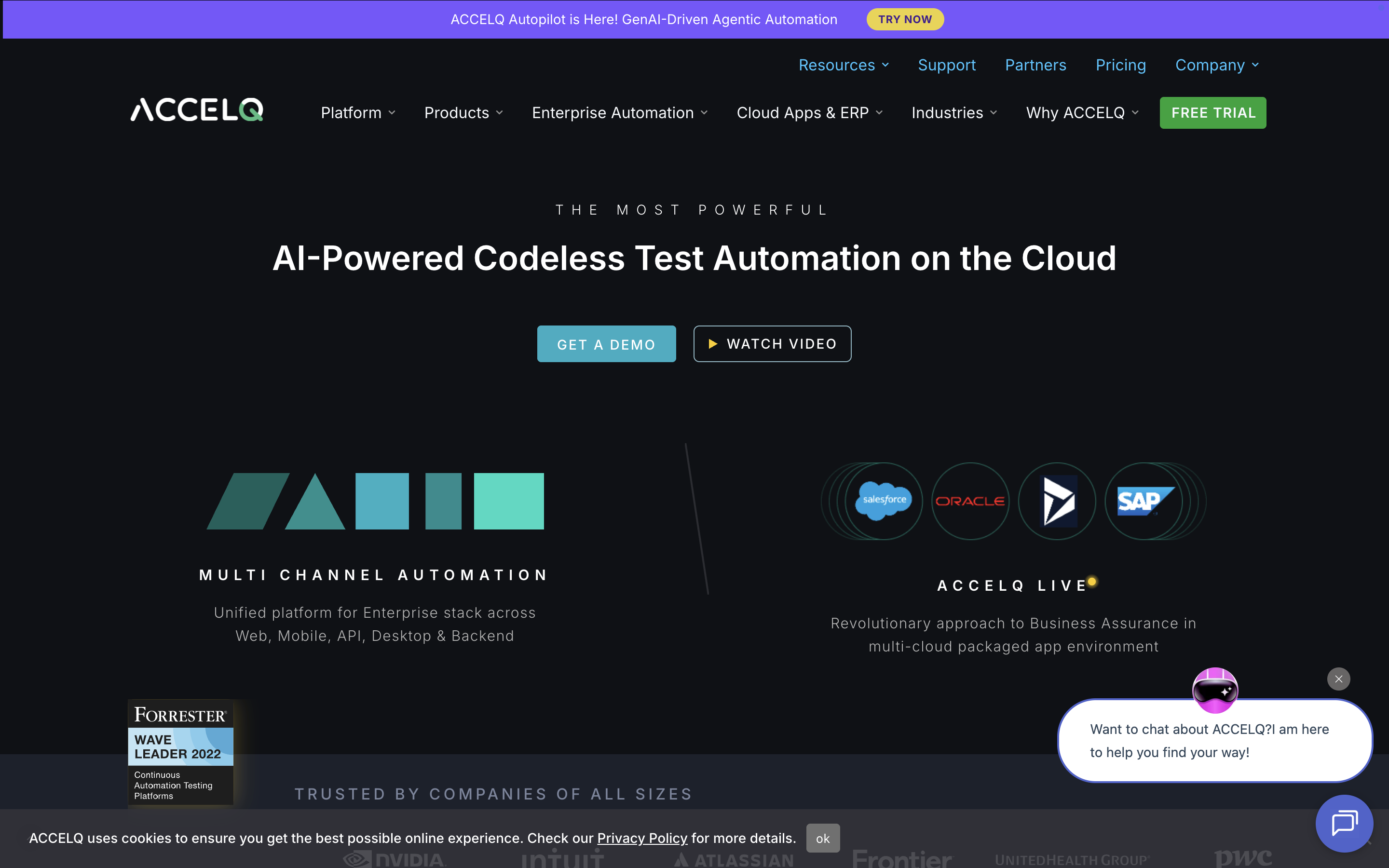
AccelQ offers codeless, model-based test design across web, mobile, and API in a single suite, aiming to reduce the amount of ongoing script maintenance a team has to do as the application under test evolves.
Best for: QA teams that want codeless test design spanning web, mobile, and API without separate tools for each.
Pricing: not publicly listed; contact AccelQ for a quote.
Third-party rating: see verified user reviews on G2.
Pros:
- One suite covers web, mobile, and API without switching tools
- Codeless, model-based design lowers the automation-engineering bar to get started
- Built-in test management alongside execution
Cons:
- Smaller market presence and integration library than the category's larger platforms
- UI can feel less modern than some newer entrants on this list
7. Testim

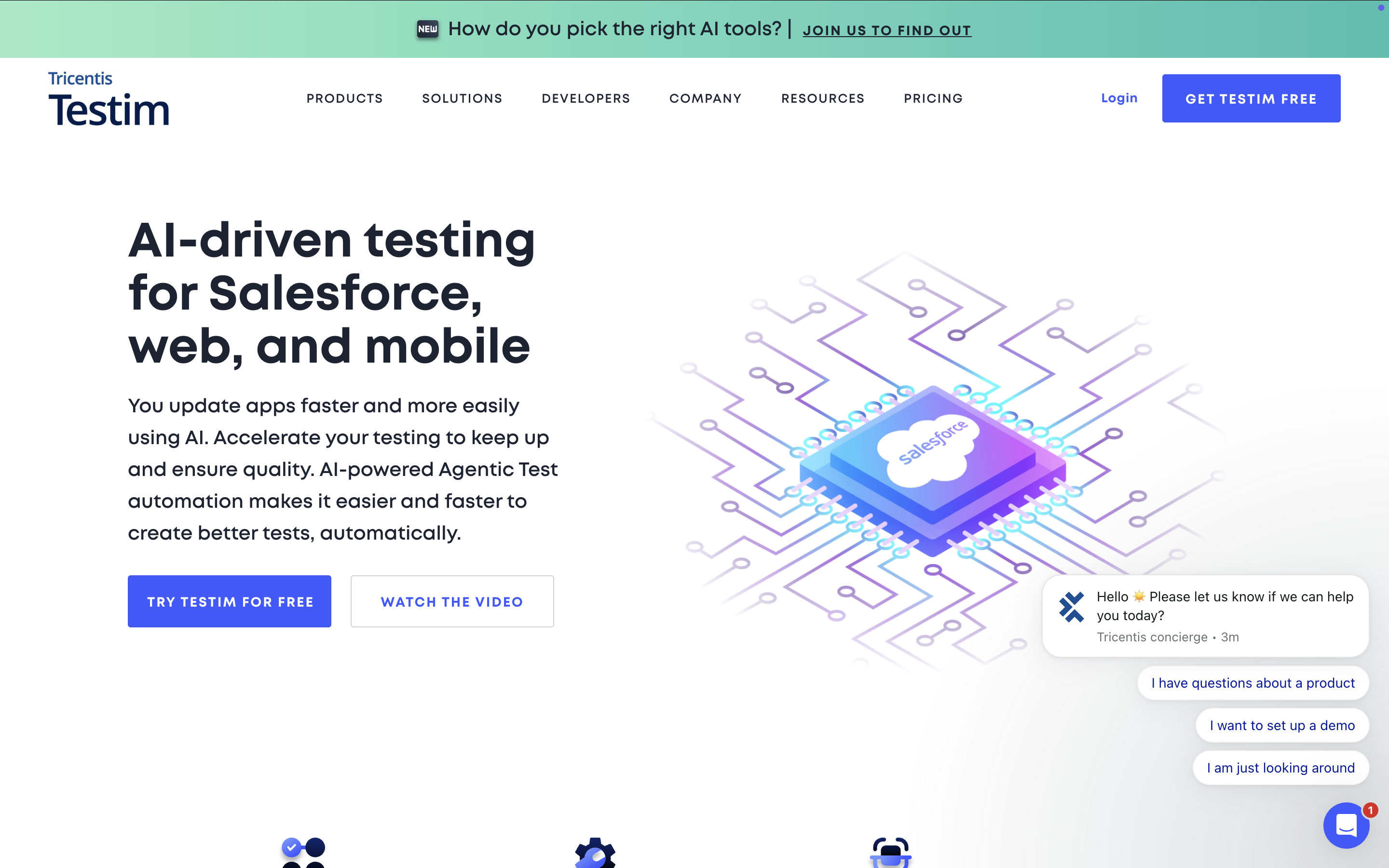
Testim, now part of Tricentis, uses AI-based locators that adapt automatically when an element's attributes change, aiming to get web UI test suites running quickly with less initial setup than a full enterprise platform.
Best for: teams wanting fast, AI-stabilized UI test authoring for web applications.
Pricing: not publicly listed; contact Testim (Tricentis) for a quote.
Third-party rating: see verified user reviews on G2.
Pros:
- AI-based locators reduce breakage from routine element changes
- Faster initial setup than a full enterprise platform
- Now backed by Tricentis's broader enterprise testing portfolio
Cons:
- Built primarily for web UI testing, less suited to broader platform or heavy API needs
- Product direction is still settling post-acquisition, worth confirming current roadmap before a long-term commitment
How to choose the right AI testing tool for your team
The right pick usually comes down to whatever is actually missing from your current setup.
Katalon fits teams that want AI test generation, execution, and release-readiness insights on one platform instead of stitching several tools together.
Enterprises standardizing automation across SAP, mainframe, or other complex systems tend to land on Tricentis Tosca instead. When visual regression is the real gap and a functional test framework is already in place, Applitools is built specifically for that job. Teams maintaining a large, existing web suite who need ML-driven maintenance more than a rewrite should take a look at Functionize, while anyone wanting low-code test creation built directly into their CI/CD pipeline is usually better served by Mabl. AccelQ makes the most sense when you need one suite spanning web, mobile, and API with a codeless designer, and Testim is the faster route if the priority is getting a web UI suite live quickly with minimal setup.
None of these are mutually exclusive with a broader quality strategy. Most teams start with the tool that closes their biggest current gap, then reassess as their test suite and application coverage grow.
|
