


.svg)

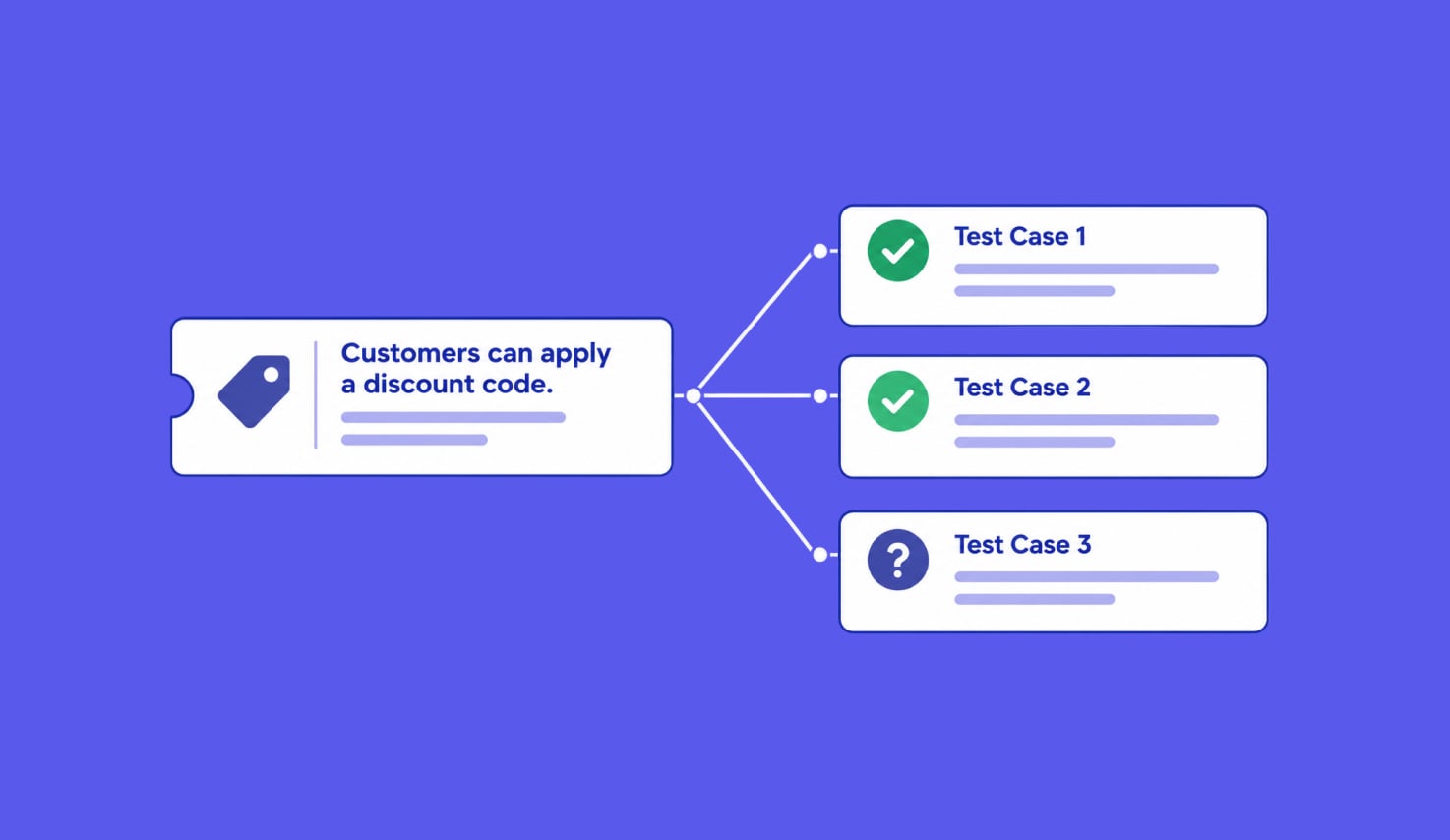
“Customers can apply a discount code” looks ready for testing. Give that sentence to an AI model and it can produce cases for valid, invalid, expired, and reused codes in seconds. The trouble starts when someone asks what a valid code should do. Which basket is eligible? Does the discount change the displayed total before or after tax? Should the saved order carry the same amount?
Those are product decisions. More generated cases will not answer them. We built Katalon AI test case generation around a narrower job: find the requirement and relevant project context, propose distinct behaviors to test, and leave each proposed case open for a tester to edit or discard. Katalon True Platform's generation workflow makes the drafts and their steps reviewable before saving them.
This is testing with generative AI, in the ISTQB's terminology. A useful draft lets a person run the test and judge its result.
Finding the Requirement
A requirement may be a record synced from Jira or Azure DevOps into Plans, an issue in a connected tracker such as Jira, Azure DevOps, or GitHub, or a document in Confluence, Google Drive, or Figma. These sources carry different amounts of context and different traceability.
Our September 2026 agent implementation is written to look for the synced Katalon requirement first when a tracker issue is named. If it finds one, the generated case can be saved against that requirement. For an external document, it fetches the content through the available connection and uses it as generation context. That document alone does not create a Plans requirement link.
The distinction prevents a common mistake: assuming that a URL in a prompt gave the agent the full specification. A synced requirement carries its summary, description, and any custom fields the admin chose to sync, which is where acceptance criteria arrive. If that field is not mapped, or the ticket is read directly from Jira or GitHub, acceptance criteria may be absent. Connected external apps provide another way to supply their content when configured. A tester still needs to confirm that the relevant rule reached the draft.
Both paths can inform a test. The synced path also gives the team a requirement record to inspect when the product rule changes. Saving and linking are separate operations in the current implementation, so a reviewer should confirm that the link appears after save. A saved case with a missing link still needs its traceability fixed.
Turning Ambiguity Into a Checkable Result
The expected result is the part of a test that says what must be true after an action. Testing theory calls the source used to decide that result a test oracle. “Apply a discount code” describes an action. “The displayed total follows the approved discount and tax rule, and the order record shows the same amount” describes a check. The team still needs to supply that rule and an eligible example basket.
For the discount ticket, I would want the requirement owner to answer which codes and baskets qualify, what happens to the total, and which result the user sees when a code is rejected. A requirement-analysis step can raise the question before generation, and the Plans requirement workbench shows those clarification questions.
Generation itself proceeds on the best available reading. It is instructed not to invent rules or values the source never implies, but that guard cannot supply a rule the source lacks, so a missing rule has to be caught in analysis or in review. A tester can add the application URL, test data, and context before generating cases. Those details turn a plausible sentence into something an executor can check.
ELI5: Expected Results as an Answer Key
Imagine asking a child to mark a quiz without an answer key. They can see whether every question was answered, but they cannot tell which answers are right. The action in a test is the question. The expected result is the answer key. AI can help write the quiz and point to missing answers. The team that owns the product decides what counts as correct.
The same problem reaches test execution. If a case says only “check that checkout works,” a human tester has to guess what to inspect, and an AI runner has to guess too. A precise expected result gives both readers a condition they can compare with what happened.
Checking the Project Before Adding Cases
The existing test library gives the requirement its project context. A new case titled “successful purchase” may duplicate a detailed checkout case already in the project. It may also disagree with an older case because a rule changed. The generation agent is instructed to search nearby requirements and existing cases, then read the steps of relevant cases before proposing a new batch. A title alone cannot show whether an earlier case covers the same condition or asserts a conflicting outcome.
The AI knowledge base lets the assistant use a project's cases, suites, folders, requirements, and uploaded documents once ingestion completes. It is in limited availability and not yet on for most projects. This is context engineering in practical terms: give the agent the team's actual testing vocabulary and rules instead of asking it to invent them from a ticket title. Search is limited to the project the user can access.
Search prepares the draft. The knowledge-base documentation says it does not yet help prevent duplicate cases. The generation agent looks for close matches and narrows the batch to uncovered gaps, but it does not guarantee a batch free of overlap. The reviewer should compare each new case with the existing library and remove overlap before saving it.
Separating Test Ideas From Test Steps
We ask the agent to propose a scenario first: one behavior, the condition under which it occurs, and a visible outcome. Step generation then expands the scenario into actions and expected results. Katalon's generation guide exposes these as separate reviewable parts: a person can inspect the case, generate or regenerate its steps, edit a step, and save or discard the draft.
That split matters because a long sequence of steps can hide a weak test idea. For the discount example, “apply code, pay, and verify order” combines several potential failures. A reviewer can keep the scenario focused on applying the code and checking the total, then put payment and order persistence in cases with their own expected results if the requirement calls for them. If tax behavior is still undecided, that case remains a question for the requirement owner.
I ran into the cost of broad steps while testing Katalon True Platform with my own AI agent. Early cases bundled setup, navigation, action, and judgment into one step. When a step failed, the verdict did not identify which expectation failed. Splitting the cases into one action and one checkable expected result per step made the run easier to inspect. I still check generated steps for that granularity before running them.
Reviewing the Draft Before It Becomes a Test
A draft should tell the reviewer where its rule came from, what test data it needs, and what observable result would make it pass. The reviewer should also ask whether the proposed edge case reflects an approved business rule. “Expired code is rejected” is a reasonable test idea only if expiry exists in this product and the rejection behavior is defined. A model's familiarity with other checkout systems is not evidence of this one's behavior.
The generation interface lets a tester edit, regenerate, save, or discard each draft. Its documentation warns that AI-generated content can contain errors. For cases generated from a synced Plans requirement, check the saved case and its requirement link. Then check the step text before using it in a manual run or Run with AI. A case with an unsupported expected result gives either executor a bad answer key.

|
