


.svg)

We all know Wordpress, the world-renowned no-code/low-code CMS that democratized web development. It allows even non-developers to customize websites without the need to learn HTML, CSS, or Javascript. Today, Wordpress is powering 800+ million websites worldwide.
Software testing is not an exception to the movement towards no-code practices.
Codeless test automation tool is the Wordpress of software testing. It democratizes testing for QA teams at any levels while handling the growing complexity of the software itself.
What is Codeless Automation Testing Tool?
Codeless automation testing tool allow testers to create, execute, and maintain automated tests without the need to write code. Instead they provide them with record-and-playback, drag-and-drop interfaces, or AI-powered features to help testers achieve their QA goals.
From Codeless to Low-code to Full-code Testing Tool
Let's debunk a myth of codeless testing tools:
- Myth: Codeless testing tools only provide no-code features with little customization.
- Reality: Most so-called "codeless" testing tools actually support a full spectrum of automation approaches, from no-code to low-code to full-code.
In other words, there are rarely true "codeless" testing tools; there are only testing tools that offer a hybrid of no-code, low-code, and full-code features.
- No-Code Testing: Uses record-and-playback or drag-and-drop functionality to enable testers to create automation without writing code.
- Low-Code Testing: Incorporates keyword-driven testing, where testers can customize parameters and logic with minimal scripting.
- Full-Code Testing: Gives full flexibility to write and execute automation scripts in a programming language of choice.
Top 7 Codeless Testing Tools With Best Features
Here are 7 best codeless testing tools with a diversity of features that can accommodate your testing needs:
1. Katalon

Katalon accompanies your QA team throughout the entire software testing life cycle.
With Katalon, you can write tests in 3 modes (no-code, low-code, full-code), manage tests in a centralized dashboard, schedule test runs, execute tests across environments, and generate detailed reports.
And all of that can be done for web testing, API testing, and mobile application testing. In other words, Katalon is a centralized platform for all of your testing activities.
Let's take a look at Katalon in action:
Feature highlights:
- Suitable for any testing needs, from individual testers, QA teams, to large enterprises
- Codeless test automation with record-and-playback. Low-code test automation with keyword library. Scripting mode supported for full-code testing with Groovy
- Smart Wait feature to handle Selenium timing issues automatically
- Built-in Cucumber Runner for BDD testing
- CI/CD pipeline execution with Jenkins, Git, and Docker
- SDLC and Agile-friendly with Jira integration for instant feedback loops
- Katalon TestOps for AI-powered test analytics and reporting
- Run tests across local machine, cloud, on-premise environments with TestCloud
- AI-powered regression testing with TrueTest
Visit Katalon Website | Pricing | G2 Reviews
Price: Free and flexible paid plans
or
2. Testim

Testim is a robust end-to-end testing platform that leverages AI-driven automation to speed up functional test creation and execution. It's designed for developers and testers looking for a low-maintenance, stable automation solution.
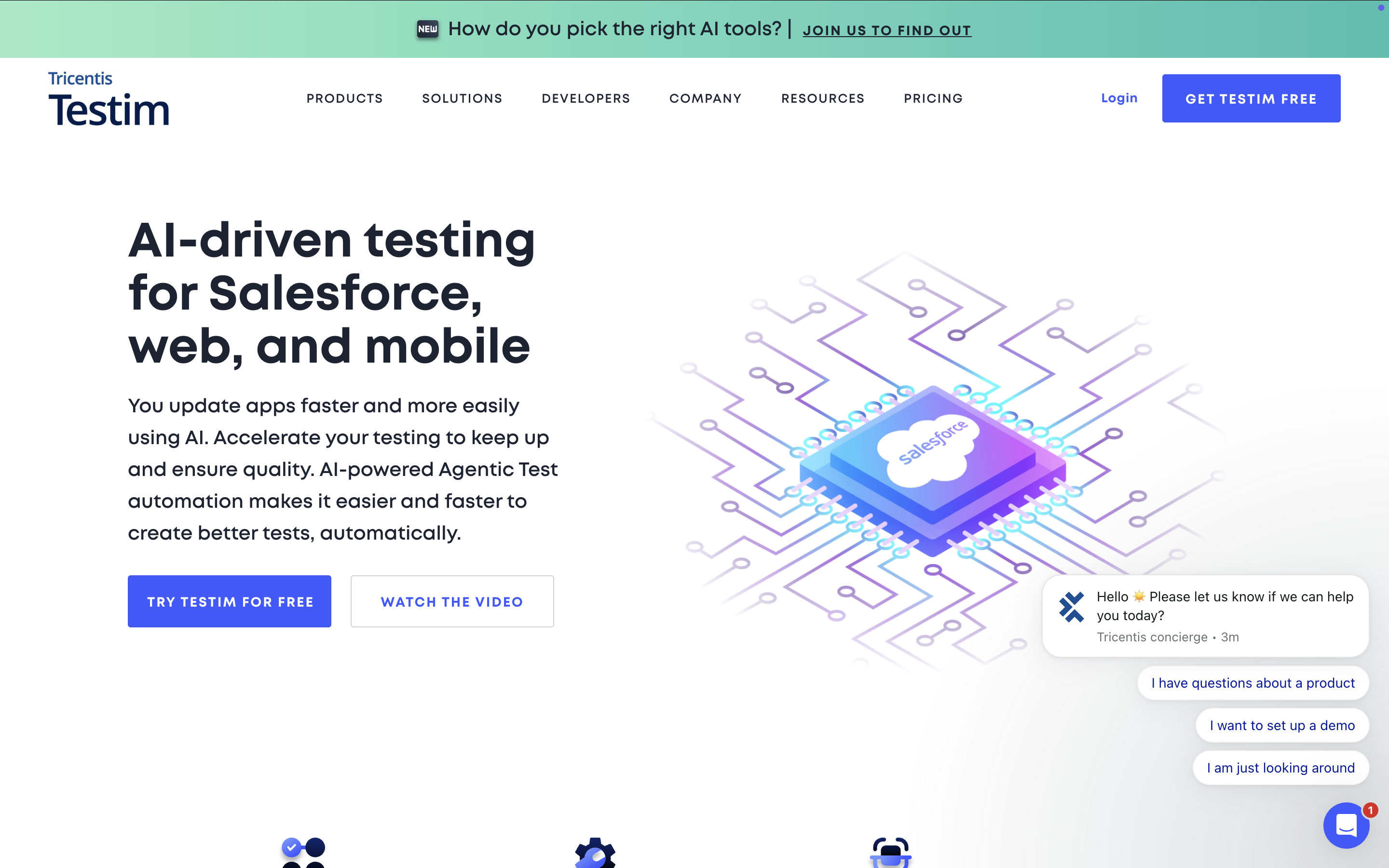
Feature Highlights:
- Test authoring with record-and-playback
- AI-based stabilizers to eliminate flaky tests and reduce test maintenance
- Flexible test execution: run tests on-demand, on a schedule, or integrated into CI/CD pipelines
- Automated failure classification with reason codes for better debugging
- Web-based platform designed for both technical and non-technical users
Visit Testim Website | G2 Reviews
3. Leapwork

Leapwork makes UI test automation truly codeless with an intuitive flowchart-based interface, allowing testers to build test cases through a smart recorder. This tool is ideal for teams who prefer visual automation over scripting.
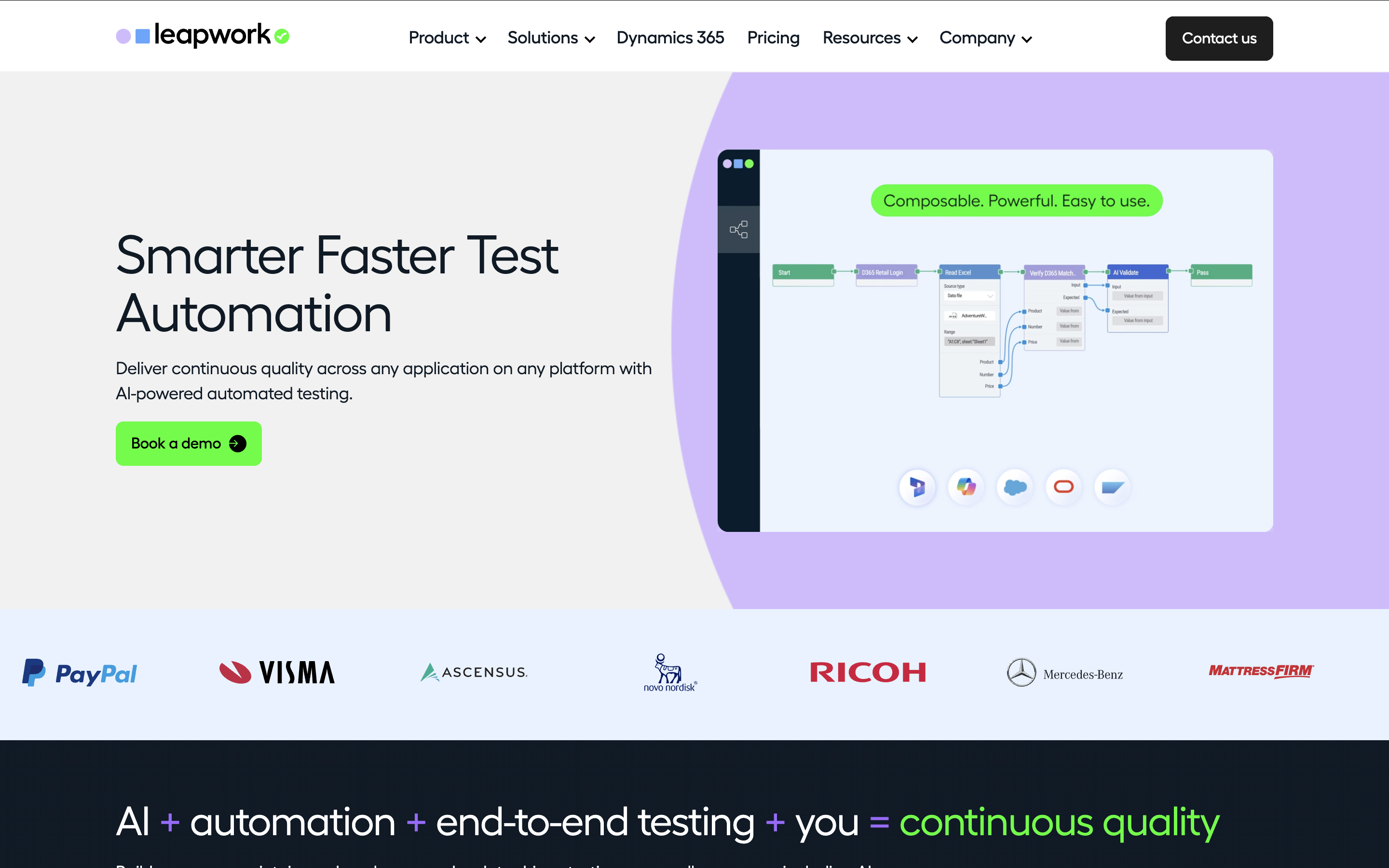
Feature Highlights:
- Smart recorder that captures and defines UI elements with a click
- Reusable sub-flows reduce test maintenance efforts
- Scalable execution on cloud, local, or remote environments, with no physical devices needed
- Comprehensive failure diagnosis with video recordings, data insights, and logs
Visit Leapwork Website | G2 Reviews
4. Perfecto

Perfecto is a cloud-based testing platform designed for scalable, cross-platform testing. It provides real-user simulation and parallel execution, making it an excellent fit for DevOps and continuous testing.
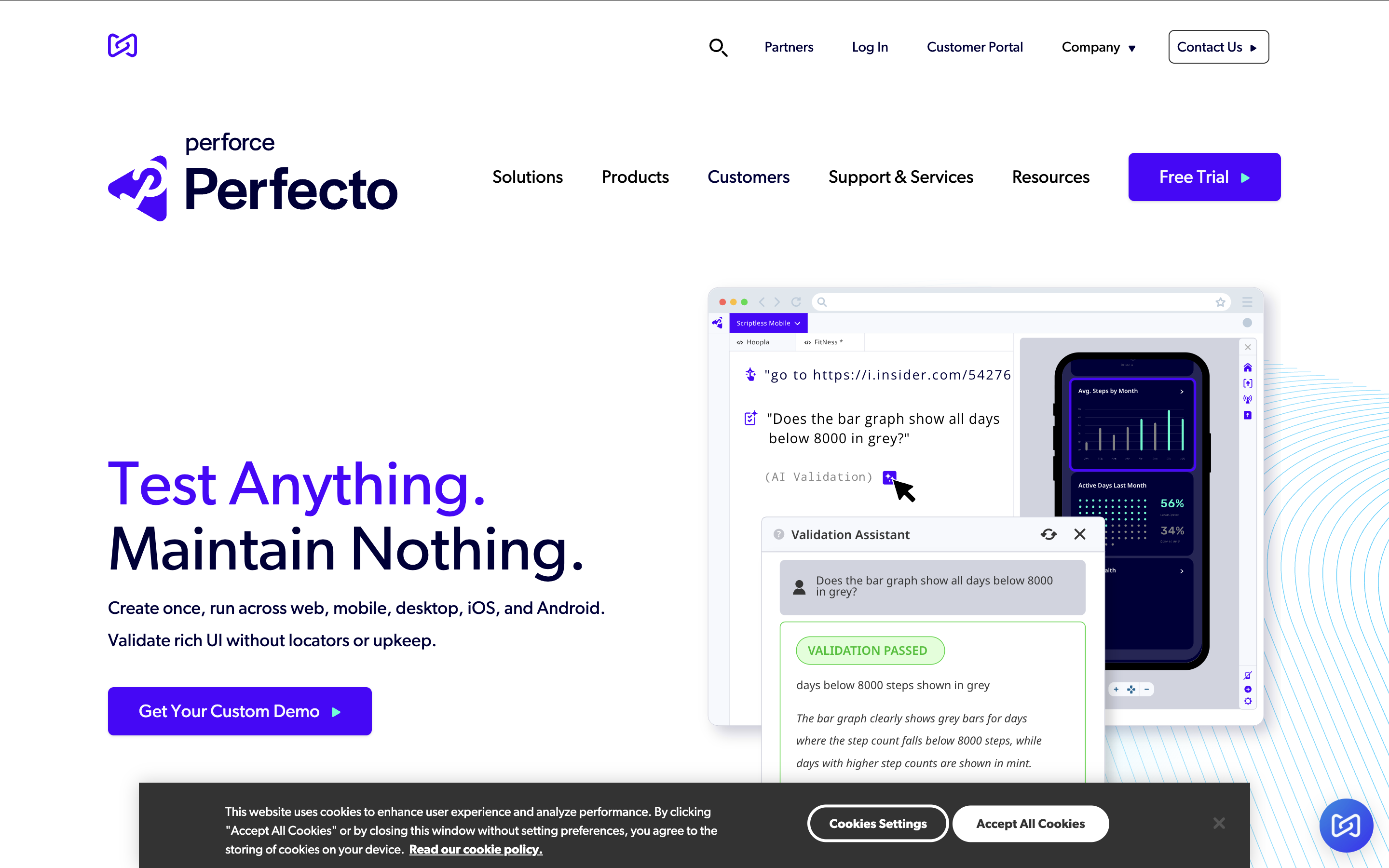
Feature Highlights:
- Scriptless test creation for web applications
- Real-user simulation with network conditions and device behavior analysis
- Parallel and cross-platform test execution to speed up test runs
- Advanced test analytics with AI-powered noise filtering
- Seamless integrations with popular CI/CD tools and frameworks
Visit Perfecto Website | G2 Reviews
Price: From $125/month
5. Ranorex Studio

Ranorex Studio is a powerful automation framework that combines codeless UI testing with a full IDE for scripting flexibility. It's designed to cater to both beginners and experienced testers.
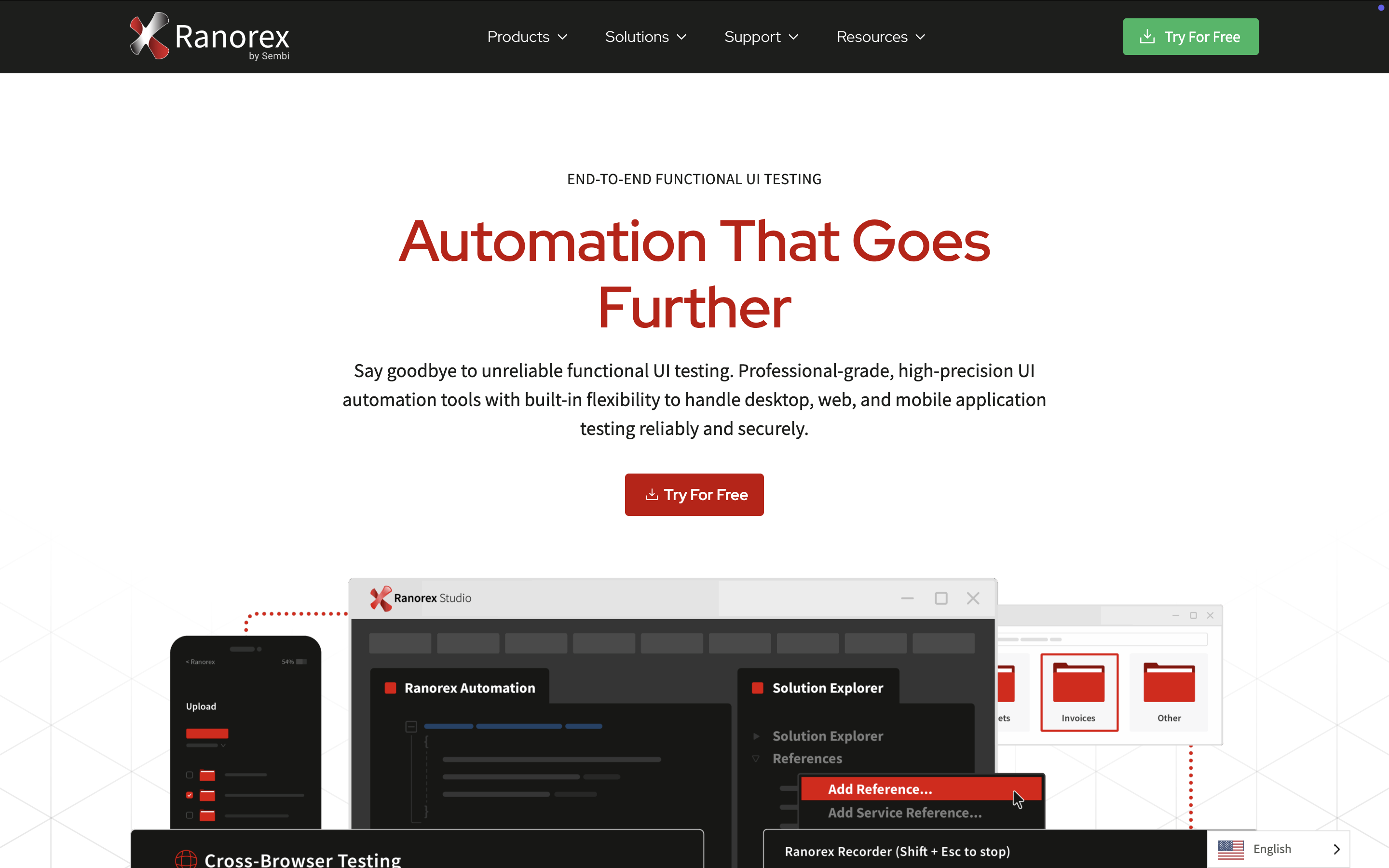
Feature Highlights:
- Dual-mode automation with record and playback for beginners and scripting for advanced users
- Broad technology support for web, mobile, and desktop applications
- Ranorex Spy and RanoreXPath for precise object recognition
- Parallel and distributed testing with Selenium Grid integration
- Supports VB.Net and C# for script-based automation
Visit Ranorex Studio Website | G2 Reviews
6. TestSigma

TestSigma simplifies software testing by allowing users to write test cases in plain English. It supports multiple AUTs and is backed by AI-powered test maintenance, making automation more accessible.
Feature Highlights:
- No-code test creation with natural language input
- AI-driven self-healing tests that auto-adapt to UI changes
- Detailed debugging tools: screenshots, video logs, and customizable reports
- Cloud-based execution for running tests at scale
- Built-in CI/CD integrations to streamline development workflows
Visit Testsigma Website | G2 Reviews
Price: Free plan available, with paid plans starting from $349/month
7. BugBug

BugBug is a fast and lightweight codeless automation tool focused on web applications. It prioritizes ease of use and efficiency, making it a great option for small teams or startups.
Feature Highlights:
- Simple record-and-playback approach for fast test creation
- Automatic selector verification and correction for stable test execution
- Reusable components and custom variables for easy test updates
- Cloud execution and local testing for flexibility in running tests
- Active waiting and wait conditions to minimize flaky tests
Visit BugBug Website | G2 Reviews
Price: Free or from $99/month for Cloud Testing Plan
Why Choose a Codeless Testing Tool?

Why choose no-code over full-code? Let's analyze one of the best automation testing framework, Selenium, to see why.
Selenium has long been on top of the list of automation frameworks for businesses and testers who have just started their journey with test automation. It is a widely adopted open-source test automation platform with comprehensive integration capabilities and flexibility, supported by a strong community base.
However, Selenium requires a steep learning curve and advanced programming expertise from its users in order to leverage test automation to the fullest.
That means it takes both programming skills and effort from the QA team to make Selenium the primary test automation framework for their project.
QA teams switch to no-code testing tools for the benefits over Selenium:
- A friendly GUI
- Ready-made tutorials
- Out-of-the-box features that simplify the test authoring and coding process
- Advanced features that help testers also do test planning, management, or reporting
- A strong community driven by automation experts
Teams are able to get started with automated testing in no time with codeless testing practices. These tools require little to no programming skill from the team, with a set of features made to simplify the entire test process, from the very first test case creation to test execution, and finally to maintaining the whole project.
Benefits of Codeless Test Automation
- Better test coverage
Most codeless testing tools cover a wide range of application types, including web, desktop, or virtual applications. An increased test coverage means that the QA team gets more bandwidth to apply test automation on more platforms simultaneously in a much shorter time. - Shorter time to market
With codeless testing, QA professionals can focus more on the value and outcome of testing rather than having to waste time revising and performing repetitive test practices. Additionally, most codeless testing tools offer host integration capabilities that meet organization needs for scalability while continuing to keep test generation and maintenance simple. - Increased test reusability
Most codeless testing tools are capable of reusing test steps across the project. Testers do not have to manually integrate new changes or update their test cases as it is now done automatically. Codeless tools mostly prioritize reusability and make maintenance more simple by leveraging machine learning and AI technologies for managing, healing, and maintaining application objects and elements in test suites. - Empower Agile methodology
As codeless testing practices require little to no programming skills, it allows team members with diverse functions and knowledge to take part in the test process. Plus, most codeless testing tools also provide accessibility for all team members with different skill sets and responsibilities. Thus, ensuring the project stays transparent and keeping a collaborative workflow for the team.

|
