


.svg)

Depending on your projects and your QA team's nature, your choice of automation testing tool must be compatible with many different aspects, such as project scope and requirements, in addition to its reputation. The best tool available does not guarantee the best testing outcome. It must be the right one.
Here's a structured approach to help you find that tool, and the criteria to evaluate it against once you've narrowed the field.
THE SHORT ANSWER
There's no single "best" automation testing tool, only the right fit for your project:
• Tools fall into three types: open-source, commercial, and custom frameworks, each with different cost and flexibility trade-offs.
• Automation is worth adopting when you have repetitive test cases, frequent regression cycles, or a stable UI, not by default for every project.
• Evaluate candidates against six criteria: team skills, budget, required features, script maintenance, integration capabilities, and support.
• Katalon Studio, Selenium, SoapUI, and JMeter are used below as concrete examples of how the criteria play out in practice.
Already comfortable with the criteria and want the full field of options? Jump to our ranked comparison of automation testing tools.
The Significance of Test Automation
There's a lot of controversy about whether manual testing has fallen behind as automation testing has risen in popularity. Regardless of contrary opinions, the importance of test automation today is undeniable.
The software market now demands "Quality at Speed" from industry players: higher-quality products reaching end users in a shorter time span than before. This demand fueled test automation's growth and turned it into a differentiator, allowing QA teams to execute faster, more accurate test cases.
Test types that require repetitive actions, like regression testing, are what need automation the most. Frequent software changes significantly escalate the time and human resources needed to run tests manually, so automating them is usually the smarter, more efficient choice.
Choose the Right Automation Tool, Not the Best One

Test automation doesn't work the same way for every project. While many QA teams have benefited from it, other companies have wasted time, effort, and budget implementing tools that didn't fit their needs.
Automation testing success primarily comes down to identifying the right tool for your specific needs and demands. That identification process takes time and effort up front, but it's what lets your team automate efficiently in the long run.
Types of Automation Testing Tools
All available test automation tools fall into three general types.
- Open-source automation tools
Free platforms that give users access to their source code, which can be fully adopted or modified to suit testing needs. Open-source tools are the top choice for testers with a programming background, thanks to free access and the ability to customize advanced test cases. - Commercial automation tools
Built for commercial use and usually distributed via subscription plans. Compared with open-source software, these tools tend to have more premium features and dedicated customer support covering the whole testing process for companies or enterprises. - Custom frameworks
For niche projects where no single open-source or commercial tool fits, mainly due to differences in testing processes or environments. Teams build custom software themselves. This is the most complex of the three options and typically requires technical experts to build and maintain.
How to Select the Right Automation Tool for Your Project?

Get to know your needs and testing demands first
Before starting the tool selection process, it's worth asking whether test automation is even the right direction for your team right now. Not every QA team needs automation to accelerate its testing process; manual testing still plays an essential role for specific needs and project requirements.
So when is test automation necessary?
- When there are many repetitive test cases to run
- When regression tests happen frequently
- When the team needs to simulate a large number of users for performance testing
- When the UI is reasonably stable
- When critical functionality can't rely on manual testing alone
These are among the clearest signals that automation is worth the investment. QA practitioners need a solid understanding of their own project to recognize them accurately.
Criteria for Automation Testing Tool Evaluation
- Does your team have the skills to use the tool well?
Automation testing is more technical than manual testing. With many tools, especially open-source ones, testers need sufficient programming knowledge to write and execute test scripts. This technical barrier is often the biggest obstacle to adopting automation for teams with a limited engineering background.
Tools that require no coding to execute tests have become a popular way around this bottleneck; see our roundup of codeless automation testing tools for current options. - What's your team's budget?
Test automation isn't cheap in many cases, but it delivers a positive ROI over time as long as the budget is calculated thoroughly. Your budget will largely determine whether an open-source or commercial tool is the better fit; we walk through both categories below. - What features do you actually need?
Requirements vary by team, but a few factors are worth checking for any candidate tool:- Supported platforms
- Type of application under test
- Programming languages
- CI/CD integration capabilities
- Reporting functionality
- How difficult is script maintenance and reusability?
Script maintenance is one of the biggest hidden costs of test automation. Pre-written scripts are fragile by nature, so the ideal tool should reduce that fragility, for example by eliminating object locator flakiness. Reusable scripts also save the team significant time on similar test cases. - What are the integration capabilities?
The tool needs to integrate into your CI/CD pipeline and other platforms to keep testing continuous. Strong integration also improves test management and team collaboration. - How and where can you get technical support?
For commercial tools, check what level of customer support is included and review their documentation before committing. For open-source software, a large, active community is usually what you'll lean on when something breaks.
Top Suggestions for Test Automation Tools
To ground the criteria above in real tools, here are four that illustrate the three categories, one commercial/freemium platform and three widely used open-source options. For the full, ranked field beyond these four, see our comparison of the best automation testing tools.
1. Katalon

Katalon Studio is an all-in-one automation tool with both free and paid editions. It automates web, API, mobile, and desktop application testing, with built-in analytics and CI/CD integrations, and is built on top of the Selenium framework, inheriting many of its core strengths.
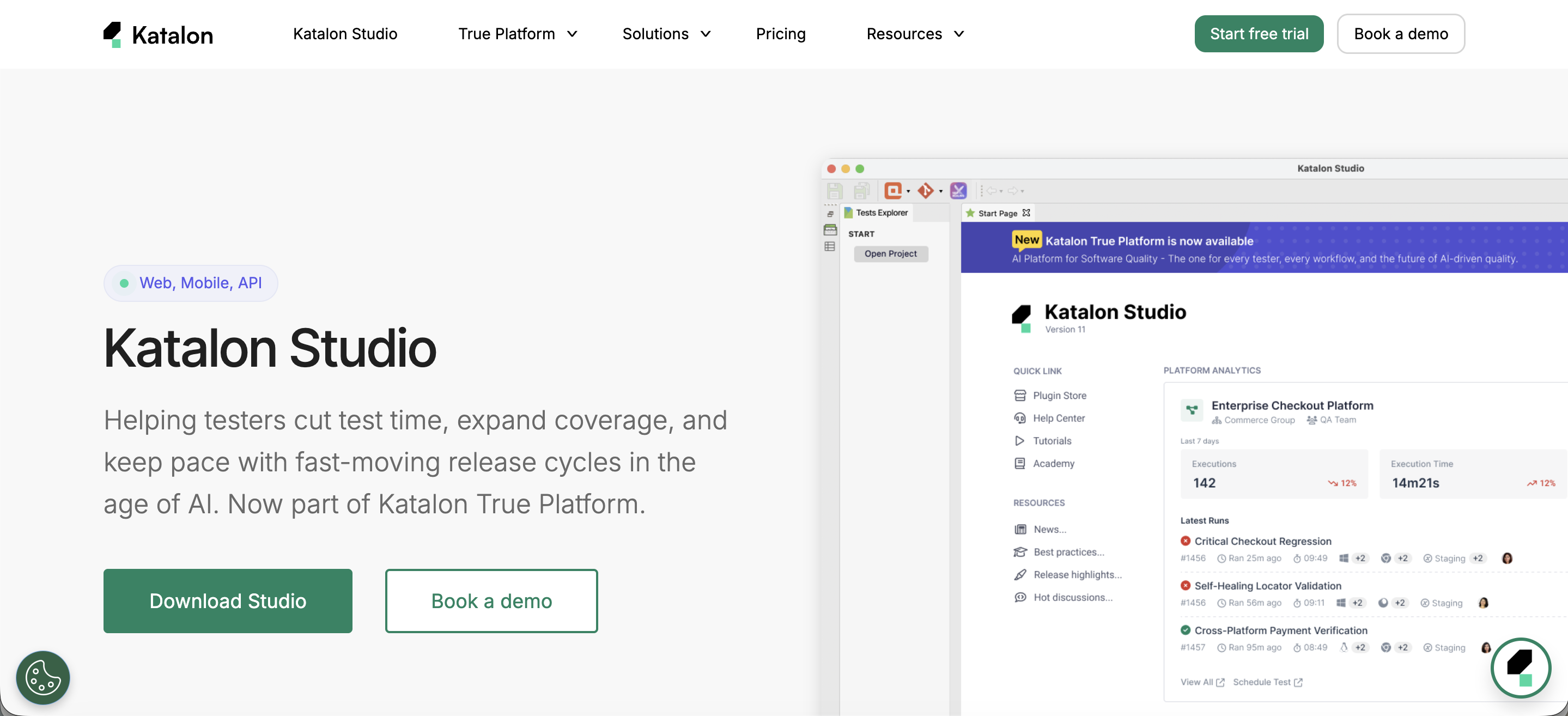
Katalon Studio offers three test authoring modes:
- Record-and-playback, which captures on-screen actions and turns them into automated test scripts reusable across environments. Test objects captured this way are also stored for future authoring.
- Keyword-driven testing, which offers hundreds of keywords you can pick and customize to compose a full script.
- Full scripting, for testers who want maximum flexibility. You can always switch back to the other two modes and combine approaches.
For teams that outgrow a single IDE, Katalon's True Platform and True Automation tiers add centralized test management, reporting, and cloud execution on top of Katalon Studio, useful once you need to coordinate automated and manual testing across a larger team rather than run scripts locally.
Pricing: Katalon Studio Enterprise from $84/seat/month billed annually; True Automation, which bundles Studio with the broader platform, from $167/seat/month billed annually.
Visit Katalon Studio | Pricing | G2 Reviews
2. Selenium

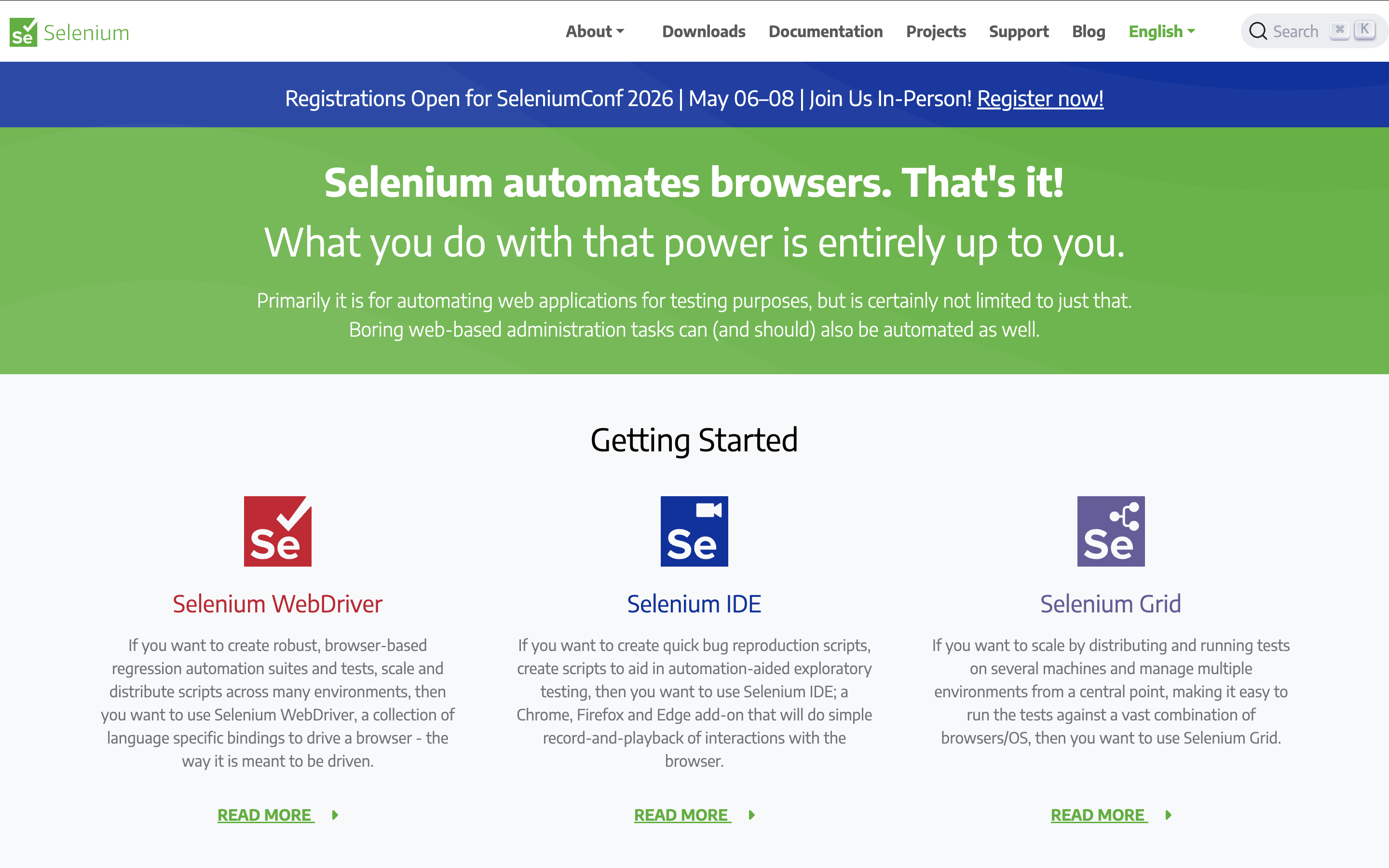
Selenium is an open-source framework for web testing across browsers and platforms. It's widely used and actively developed by the community, so support is easy to find via its official website and forums. Selenium has become the standard framework that many other tools, including Katalon Studio, build on top of.
Visit Selenium Website | G2 Reviews
3. SoapUI

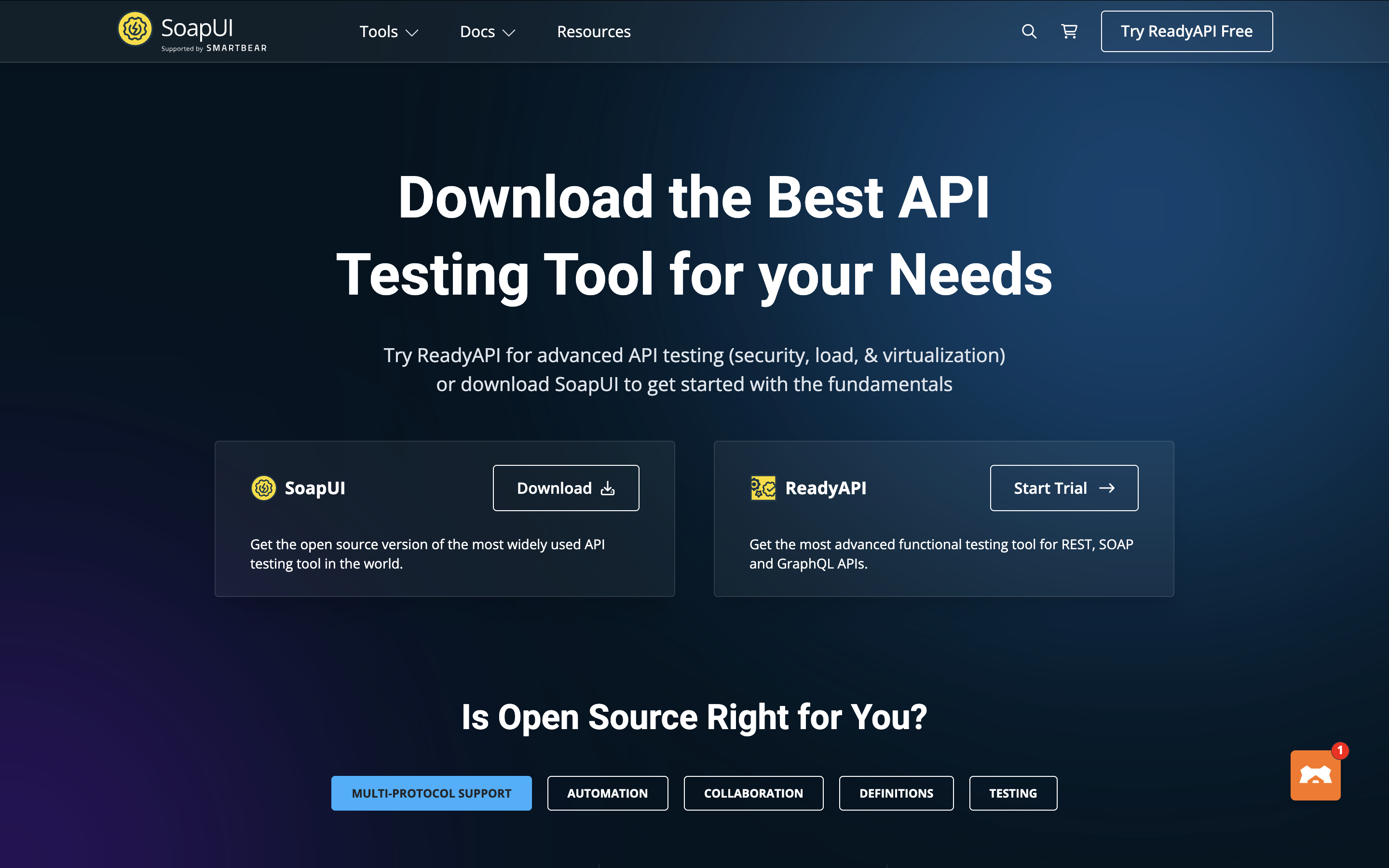
SoapUI is an open-source web service testing application for SOAP and REST services, covering inspection, invoking, development, simulation and mocking, functional testing, load testing, and compliance testing.
Visit SoapUI Website | G2 Reviews
SoapUI itself remains free and open source. Its commercial counterpart, ReadyAPI from SmartBear, adds a paid tier with additional collaboration and reporting features; check SmartBear's pricing page directly for current rates, since they weren't independently verifiable at the time of this update.
4. JMeter

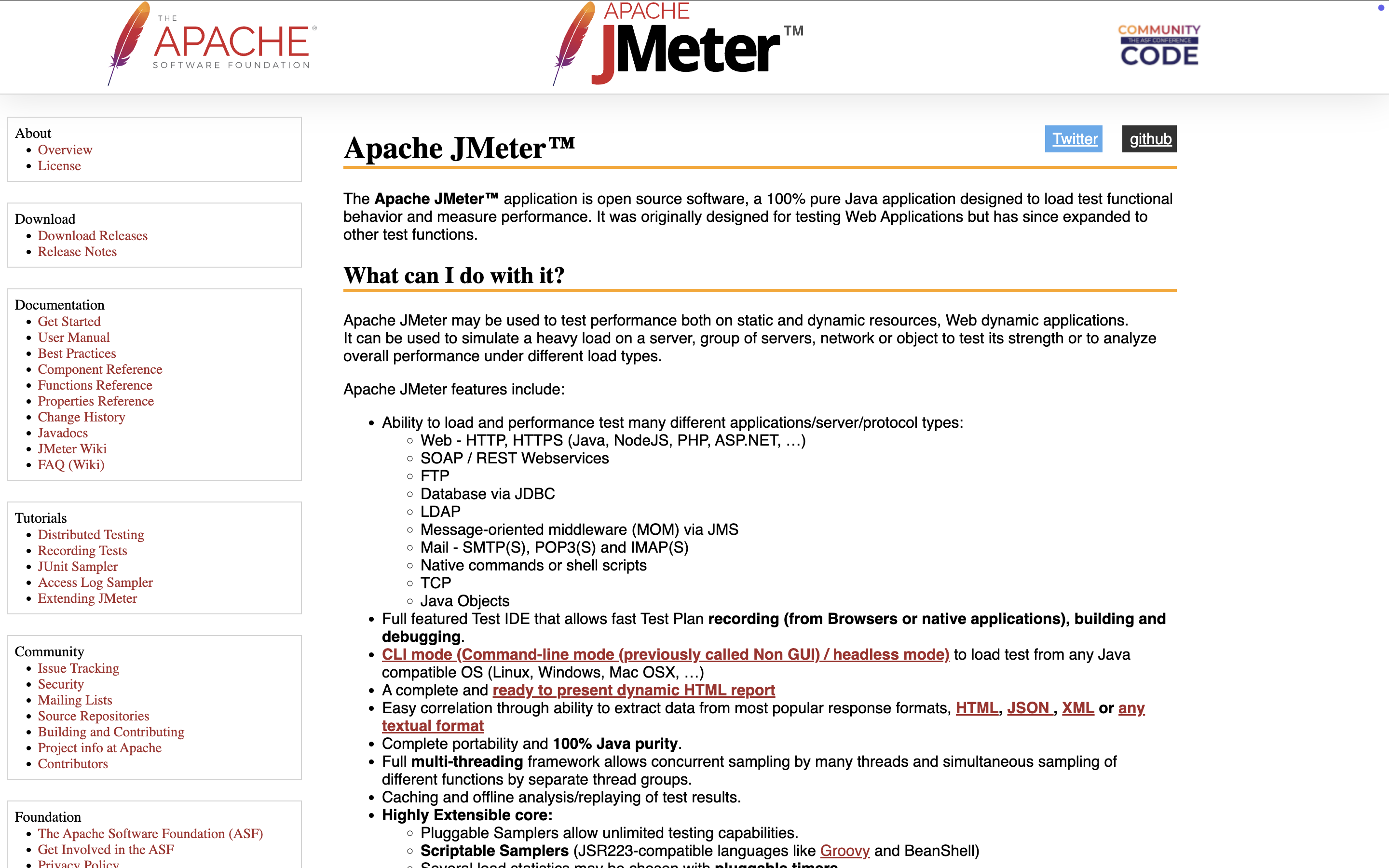
Part of the Apache Software Foundation, JMeter is an open-source Java web testing platform, primarily used for functional and performance tests thanks to its load-simulation capabilities, which make large-scale tests feasible.
Visit JMeter Website | G2 Reviews
Once you've picked a tool, these related guides go deeper on adjacent decisions:
- Best Automation Testing Tools: the full ranked comparison
- How to Design a Test Automation Strategy, for once you've chosen a tool and need a rollout plan
- Best Automated API Testing Tools
- Best Mobile Testing Tools
- Best Software Testing Tools for QA Teams
- Top Automated Functional Testing Tools
Conclusion
Evaluating and selecting an automation tool is challenging but worthwhile. Once you find the right fit for your project, not just the most popular option, you'll get the most out of test automation with the least wasted effort.
|
